 KitCut
LA Tech Week group ride video template
A 45-second invite to an LA Tech Week group ride, run or hike, its heart a replay of your real route on a real map, like a cycling app replays a ride: the dot runs the road, the line grows behind it, distance and climb count up, and the whole route lands as the finish card. Music only.
Make it yours
About the la tech week ride template
This template is a 45-second video that invites people to a group ride, a run or a hike during LA Tech Week (or any tech week, conference or meetup), and shows them the route the way a cycling app replays a ride. It was first made for Pedal & Network, a gravel ride for founders, builders and VCs during LA Tech Week: the day and the time slam in over Santa Monica Pier, then who it is for, then the replay. A dot runs your real route on a paper map of the real place, with its streets, trails and hills; the orange line grows behind it, the distance, elevation and climb count up beside it, the elevation profile fills in, and a stamp marks the top. The whole route then lands as the finish card with its numbers, what to bring is pasted in like a packing list, and the last screen holds the date, the meeting place and a QR code to sign up.
It is an example, not a form. Attach your route as a GPX file, exported from Strava, Komoot, Garmin or any ride app, or simply name the places in your sentence (from the bridge up the hill and back) and the route is found along real roads and trails. Tell Claude the event's name, the day, the time, where you meet and where people sign up; Claude draws the map, measures the distance and the climb from the real terrain, paints the place you start from, makes the QR code and remakes the film. Your GPX is made small in your browser first: only the track goes up, never your heart rate or power.
You can change it any way you like: say what the labels on the map should be, which colours to use, what to bring, or that it is a run or a hike rather than a ride, and Claude follows it. The map holds up to five labels and the kit up to five things to bring; miles and feet in the United States, kilometres and metres elsewhere, and the words in your language, Cyrillic included.
There is no narration: the film is music only, so it plays well with the sound off in a feed or on a screen at your event. It is a wide 16:9 film for your event page, LinkedIn, YouTube or a group chat.
A film from this template uses 45 credits: its 45 seconds. It is ready in about 15 minutes once its turn comes, and you can close the page meanwhile: an email tells you when it is done. Every film gets its own page and link to share, and you can publish it to your YouTube channel from there.
Questions
Do I need a GPX file?
No. A GPX gives the exact route you ride, but naming the places in order is enough: Claude finds the route along real roads and trails between them. If a place is hard to find, give its address or its coordinates.
What happens to my GPX?
Your browser keeps only the track (up to 900 points, with their height and time) and sends that. Heart rate, power, cadence and anything else in the file never leave your computer. If your recording starts at home, say where the event starts and ends, and the film shows only that part.
Where do the map and the numbers come from?
The map is drawn for your film from OpenStreetMap's streets and trails over real terrain, and credits OpenStreetMap on screen. The distance and the climb are measured along your route; across bridges and through tunnels the height is drawn level, so a bridge never counts as a climb.
How long does it take and what does it cost?
About 15 minutes once its turn comes, and 45 credits, one for each second of film. You can close the page: an email tells you when it is ready.
Can I change it?
Yes. Say what to change, such as the map's labels, the colours, the kit or the words on the last screen, and Claude changes it. The film keeps the template's 45 seconds; for a film of another length, type an idea on the home page instead.
More templates
See all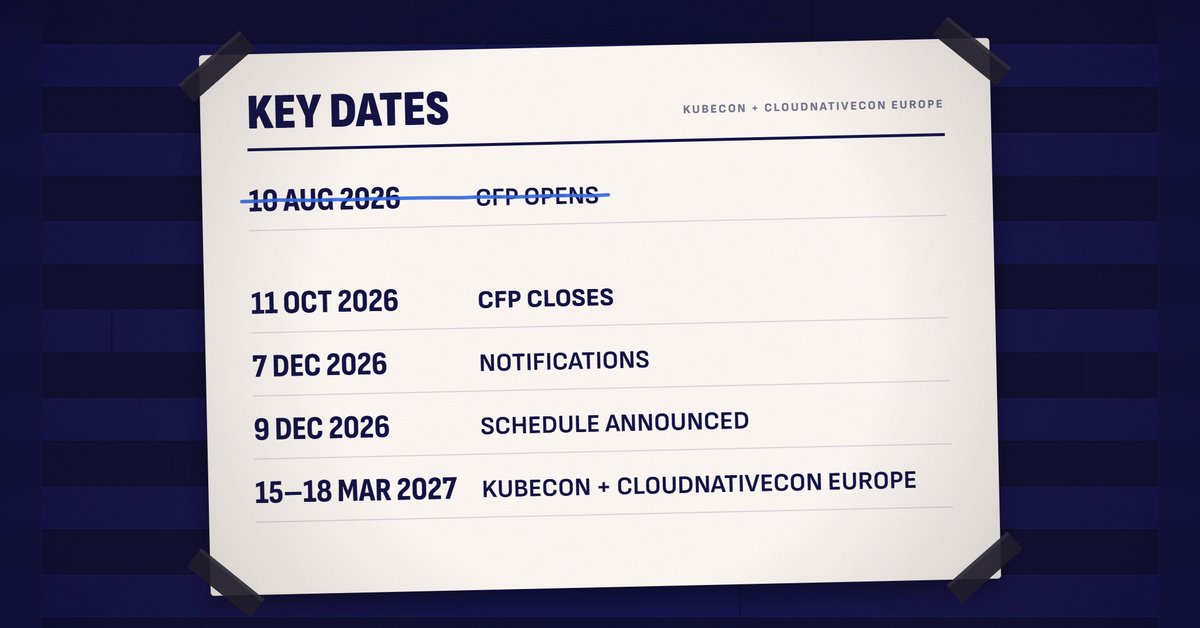 1:30
1:30
Call for speakers
 KitCut·New
 1:30
1:30
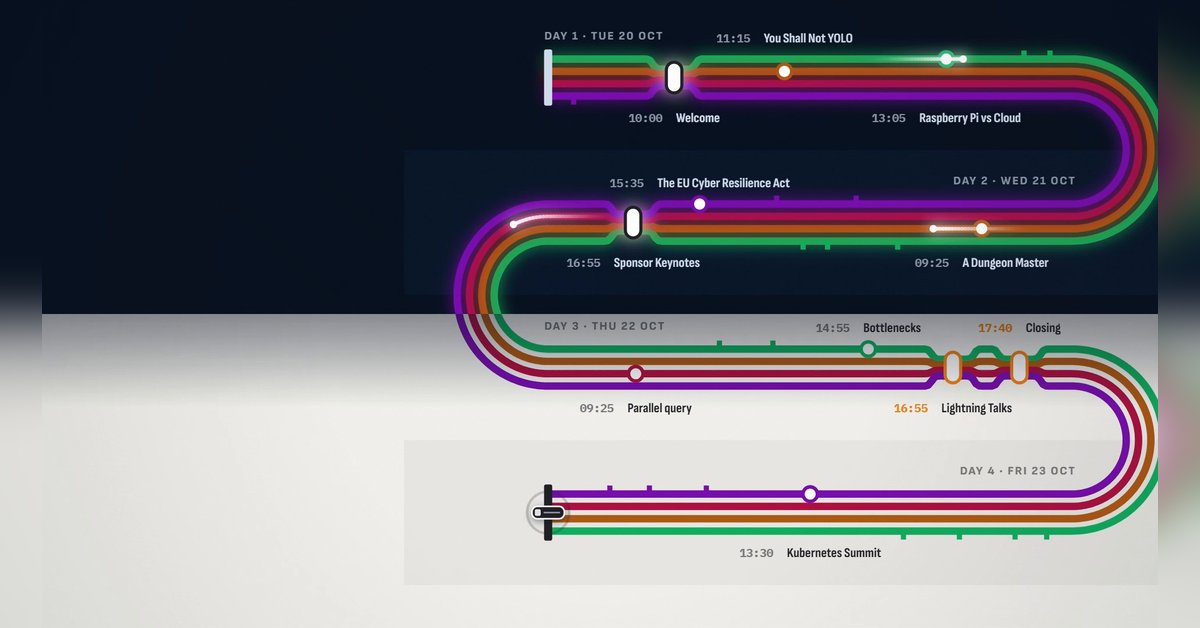
Conference agenda map
KitCut·New
 1:28
1:28
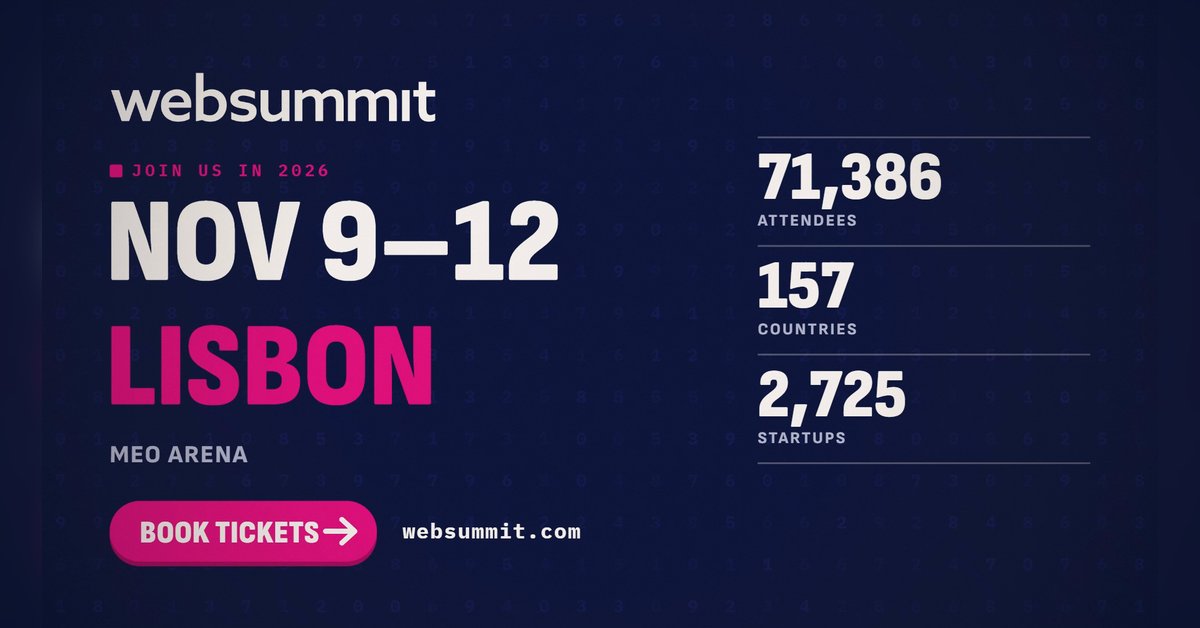
The conference in numbers
KitCut·New
 0:26
0:26
Conference speaker promo
KitCut·13 films made
Nothing here fits?Type an idea instead. Claude makes any film from one sentence.
Make a film from an idea
Any length up to your plan’s · hand-drawn, painted or collage
Event promo video templates · Product launch video templates · Podcast promo video templates