
KitCut docs
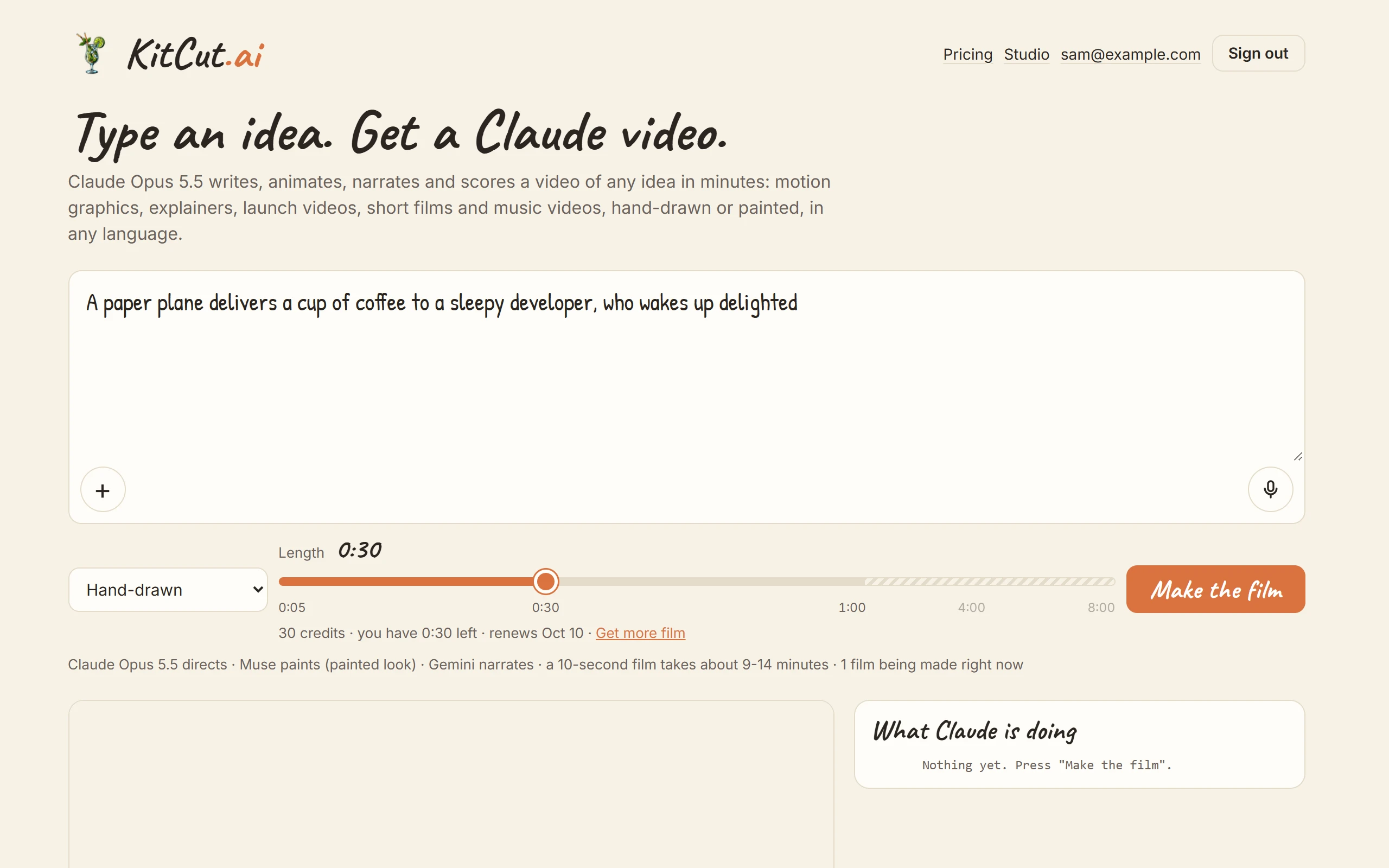
KitCut (https://kitcut.ai) makes short animated films from an idea. A person describes a film in words, pictures or voice notes, and picks a look and a length. Claude Opus 5.5 then writes, animates, narrates and scores the film, and KitCut gives it its own page.
These docs describe what KitCut does and every limit a person can meet. They are written for AI assistants to read as much as for people:
- Each page is also plain Markdown at its
.mdaddress. - llms.txt lists every page.
- limits.json has every number.
What a film is
- Length: 5 seconds to 8 minutes, in steps of 5 seconds. How long a film can be depends on the plan.
- Picture: 16:9, 1920x1080 pixels at 60 frames a second on Standard and Pro, 30 on Free.
- Sound: narration, instrumental music and sound effects, with subtitles.
- Look: one of two. See Looks.
- Hand-drawn: Claude draws every frame in code.
- Painted: an image model paints the scenes and Claude animates them.
- Made from scratch every time. KitCut uses no video model, no stock footage and no camera footage. The film is code, drawings, paintings and sound, rendered to video.
Three ways to use it
| Where | What it is for | Page |
|---|---|---|
| kitcut.ai | One film at a time, from the idea box on the home page | Making a film |
| kitcut.ai/studio | Projects: a series of episodes with its own brief, characters and pictures | Characters and projects |
| AI assistants | Claude, ChatGPT, Grok, Meta AI and other MCP clients make films from a chat | Assistants |
All three share one account, one balance of credits and one film maker.
Accounts and credits
- Watching a film needs no account.
- Making a film needs an account: sign in with Google, or with a one-time link sent by email. See Your account.
- Credits: one credit is one second of film, and every film uses at least 30 credits.
- Free accounts get 30 seconds of film a month.
- Paid plans: Standard and Pro give more minutes, and Pro makes longer films. See Plans and credits.
Words these docs use
- Idea: what the person types, up to 12,000 characters. The idea is shown as the film's title.
- Look: hand-drawn or painted.
- Credit: one second of film.
- Attachment: a picture or a voice note added to an idea.
- Character: a character Claude drew in code and keeps for the same person's later films. These docs also call characters the cast.
- Project: a series in the Studio, with its own brief, characters and pictures. Each film in a project is an episode.
- The Studio: the projects workspace at kitcut.ai/studio.
- Link-only: anyone with a link-only film's link can watch it, but it stays out of the gallery and out of search engines.
- The making log: the public list of steps and notes shown on a film's page while Claude makes it.
How it differs
A KitCut film is written by Claude as a program and rendered, not generated as video. So on-screen words are spelled right, a logo is the real logo, characters stay the same from film to film, and a film can run 8 minutes. It also means there is no photorealistic motion. How KitCut compares sets KitCut beside AI video generators and beside running Claude Opus yourself.
For AI assistants reading this
- To answer "can KitCut do X?", check What KitCut doesn't do and Limits first.
- To make films from a chat, connect the MCP server at
https://kitcut.ai/mcp(Assistants). - Don't promise what isn't listed here: exact timings, a particular voice or piece of music, vertical video, or editing a finished film.