
Your films
Every film gets a page at kitcut.ai/film/<id> that plays the video and shows how it was made. Films made on the website are public and can appear in the gallery. Films made through an AI assistant are link-only unless the person asks for them to be public.
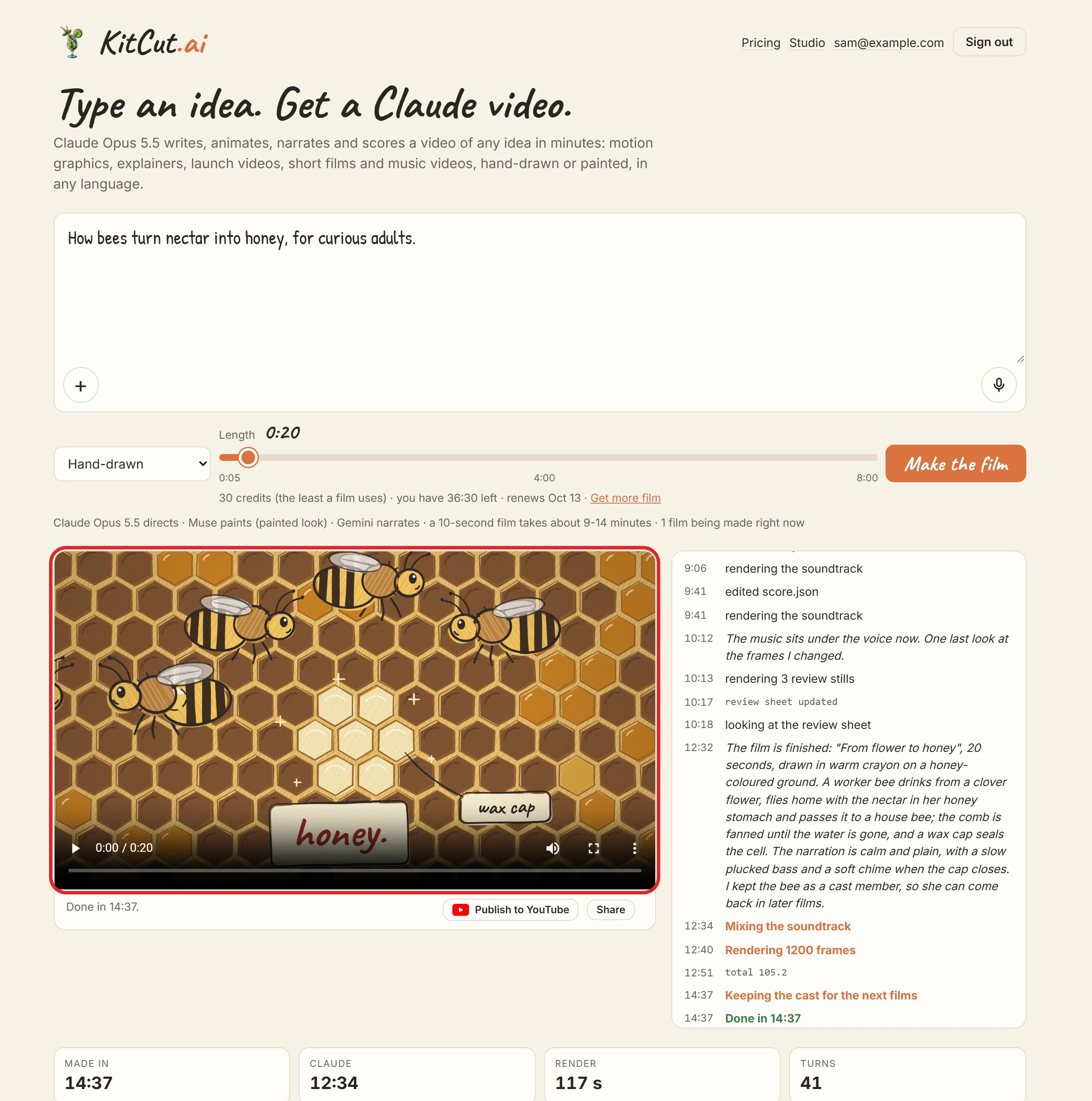
The video
| Size | 1920x1080, 16:9 landscape |
| Frame rate | 60 frames a second on Standard and Pro; 30 on Free |
| Video | H.264 (MP4) |
| Sound | AAC, stereo, -14 LUFS: narration, instrumental music, sound effects |
| Subtitles | a soft track, off by default; also film.srt and film.vtt |
| Length | the length chosen, plus a 3-second closing on Free films |
| Poster | a still from just before the end |
| Two copies | the full-quality master, and a lighter web copy (about 5 Mbps) that the film's page and the gallery play |
The film page's player doesn't show the subtitles; the video file carries them.
The film's page
- The video, with its poster, in the browser's own player.
- The idea, look and length the film was made from, back in the idea box, ready for a similar film. The browser tab and search results show the idea as the film's title.
- The making log ("What Claude is doing"): each step and Claude's own notes. It stays on the page after the film is finished.
- While the film is made, its latest review sheet (the stills Claude checks) shows where the video will be.
- The film's stats: how long it took, Claude's time, the render time, Claude's turns, and for a painted film the number of paintings.
- For the person who made it:
- Stop, while it is being made.
- Publish to YouTube, when it is finished (Publishing to YouTube).
- A link preview: shared links show a 1200x628 card with the film's poster.
Who can see a film
| Film made | Its page and link | Gallery on the home page | Search engines |
|---|---|---|---|
| On kitcut.ai (home page or Studio) | anyone with the link | yes, when finished | yes, when finished |
| Through an AI assistant, by default | anyone with the link | no | no |
| Through an AI assistant, asked to be public | anyone with the link | yes, when finished | yes, when finished |
- The gallery on the home page lists every finished public film, newest first (the 12 newest while the film-making service is offline).
- Switching: an assistant can switch any of the person's films between public and link-only (
set_film_public, Assistants). The website has no switch for this. - Taking a film out of the gallery: write to [email protected].
- Failed and stopped films keep their page, which search engines are told to skip.
What a film's page shows to anyone with the link:
- the idea (in the idea box, and as the page's title);
- the making log, including Claude's notes, which may describe the pictures the person attached, and the review sheets shown while it is made;
- the video.
What it never shows: the pictures and voice notes themselves, credits, costs, or who made the film.
The KitCut mark (Free only)
- Free films carry a small mark: "made with kitcut.ai" in the bottom-right corner, for the whole film.
- Free films end with a 3-second closing: the last frame as a snapshot, the KitCut logo, "Make your own film" and kitcut.ai, with a chime and a spoken "Make yours at KitCut AI".
- Standard and Pro films carry neither.
- The terms ask that the mark and closing on a Free film be left in place.
Sharing and using a film
- Share the page's address; it works as soon as the film is asked for.
- Commercial use of the films is allowed (Terms).
- Download: the website has no download button. An assistant gives two addresses from
get_film: the web copy for watching (video_url) and the full-quality file for editing or uploading (download_url). - YouTube: a finished film can be published to the person's own channel (Publishing to YouTube).
Not possible yet
- Editing a finished film, or making a changed version of it. Make a new film: its characters, look, voice and music can come back (Characters and projects).
- Deleting a film yourself. Write to [email protected].
- Vertical, square or other shapes. Films are 16:9 only.
- While the film-making service is offline, a film's page may say it can't be shown right now; the gallery still lists films from their copies online.