
Characters and projects
KitCut remembers the characters Claude draws, so a later film can bring them back: the same fox, the same look, voice and music. There are two ways to use this.
- An account's own characters come back in the person's next films made on the home page or through an assistant.
- A project in the Studio (kitcut.ai/studio) keeps a separate set for one series, with its own brief and pictures.
Characters that come back
- What is kept:
- After a film is finished, each character Claude drew as a reusable cast member is kept, with a small picture of it.
- A changed character is kept as a new version; the last 5 versions are kept.
- A failed or stopped film keeps nothing.
- What a new film starts with:
- up to 24 characters, the most recently used first;
- the 5 most recent films (their script, narration, music and look), which Claude may read.
- Bringing one back: name it in the idea, e.g. "the same fox as last time" or "Pip and Mo visit the sea". Whether a film continues a series is Claude's decision. A continuation keeps the cast, the look, the voice and the music unless the idea says otherwise.
- Only drawn characters are kept.
- Characters in the painted look are painted fresh each time, so they may look different between films.
- To keep a painted character close, describe it the same way every time.
- Who has characters: signed-in accounts only. Each account's characters are its own; nobody else's films can use them.
- Seeing and forgetting them: through an AI assistant, with
list_charactersandforget_character(Assistants). A forgotten character is left out of new films. The website has no page for the account's own characters; a project's characters are on its Cast tab.
Projects (the Studio)
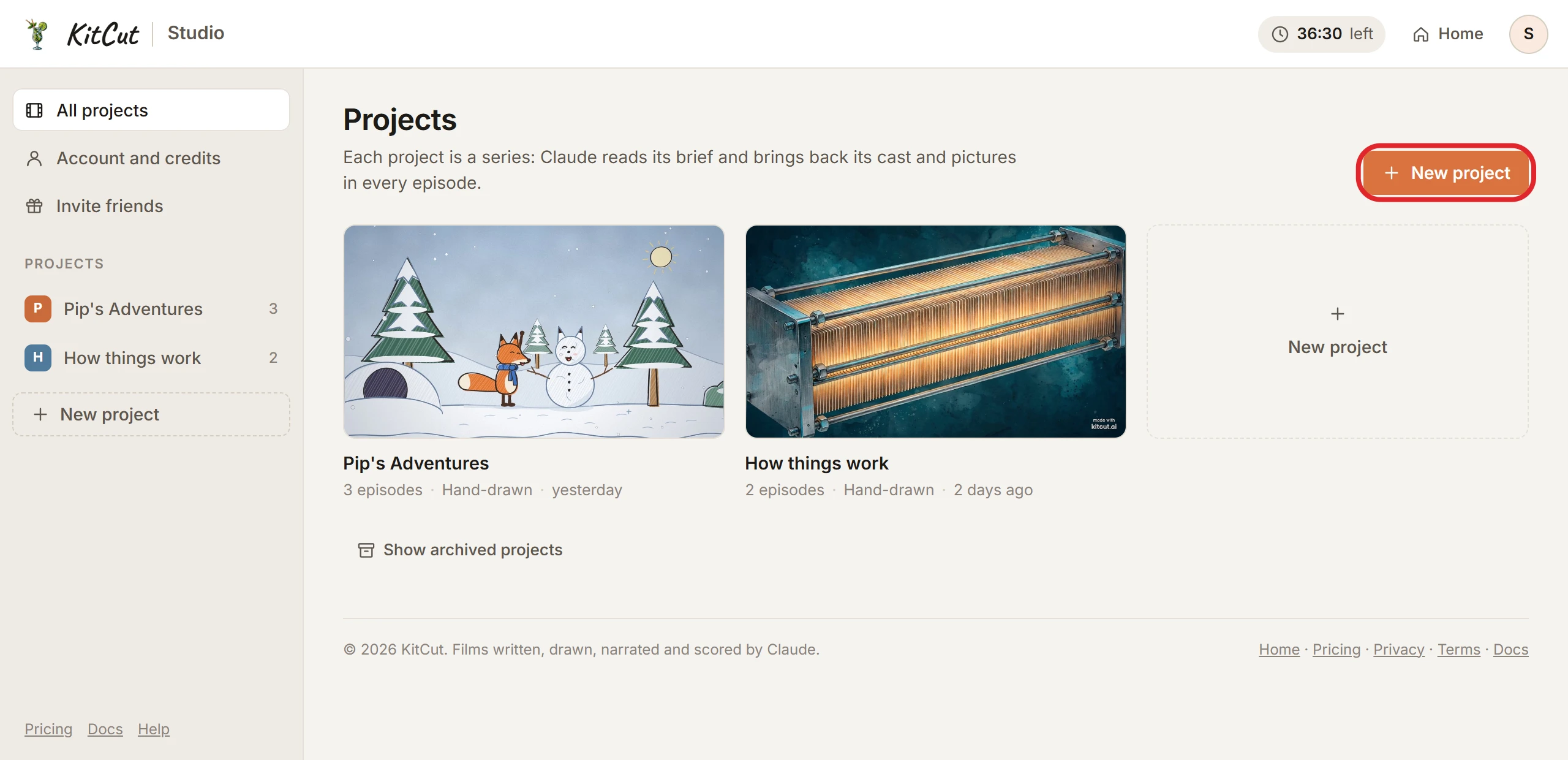
A project is a series. Every film made in it is an episode and uses the project's own characters and pictures, not the account's.
| Setting | Limit |
|---|---|
| Name | up to 80 characters |
| Brief | up to 2,000 characters: the series' premise, audience, tone and rules. Claude reads it for every episode. |
| Look | hand-drawn or painted |
| Default length | from 5 seconds, in steps of 5 seconds, up to the plan's longest film |
| Bring in my characters | on by default. The project starts with the characters from the account's films made outside projects. |
| Projects per account | 20 open, 100 in all (archived ones included) |
| Pictures per project | 6: PNG, JPEG or WebP |
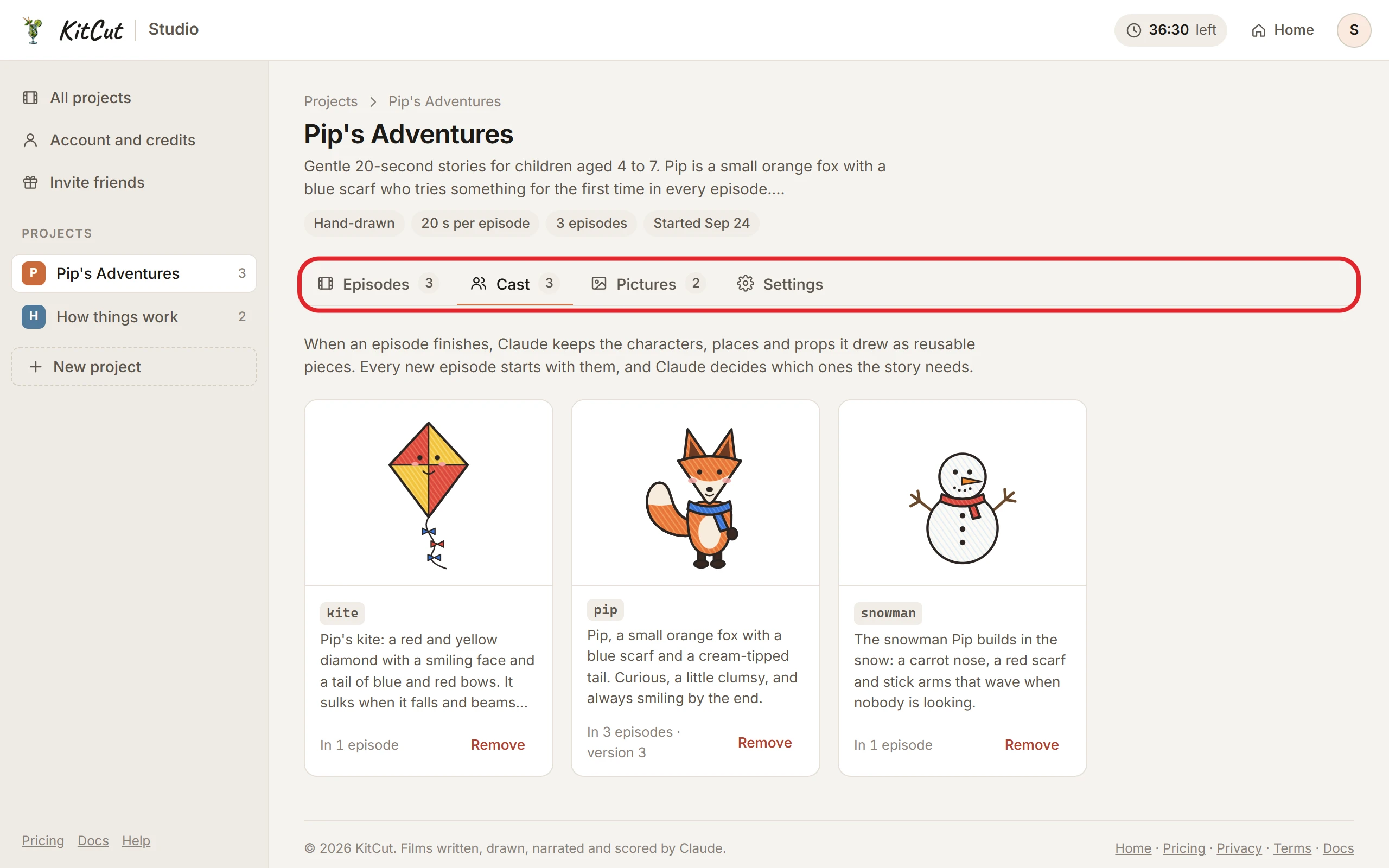
A project's page has four tabs:
- Episodes: make a new episode (an idea, the look and a length, like on the home page) and see the earlier ones.
- Cast: the project's characters, each with its picture, description, how many episodes it appeared in, and its version. A character can be removed.
- Pictures: pictures every episode can use, such as a logo, a product or a character sheet.
- Each picture has a name (lowercase letters, digits and
_). - Claude sees it as
pic_<name>and can show it in any episode. - A picture an episode doesn't use is left out of that episode's render.
- Each picture has a name (lowercase letters, digits and
- Settings: the name, brief, look and default length; archive or restore the project.
How episodes work:
- An episode is an ordinary film: the same credits, lengths, limits and film page. See Making a film.
- One film at a time per account, across all projects and the home page.
- Episodes are public like other films made on the website, and can appear in the gallery. The brief can show in an episode's making log.
- Episodes take no attachments of their own. Use the project's Pictures tab.
Other rules:
- Archive and restore only; projects can't be deleted. Restoring is refused when 20 projects are already open.
- The Cast and Pictures tabs need the film-making service online. Episodes are listed even when it is offline.
- Projects are on every plan, Free included.
- Assistants can't use projects: films made through an assistant use the account's own characters.