
Making a film
A film on kitcut.ai starts in the idea box on the home page. The person types an idea and can add pictures and voice notes. They pick a look and a length, and press Make the film. The film's own page then opens and shows it being made.
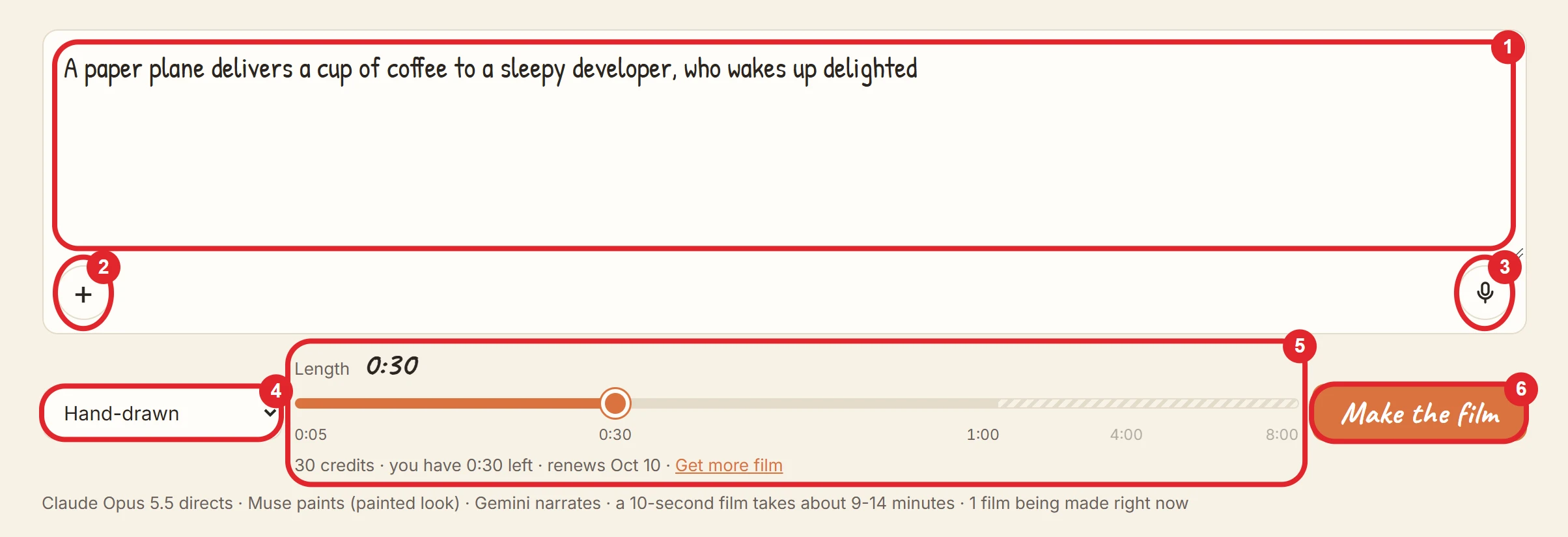
The idea
- Length: 3 to 12,000 characters.
- A counter appears near the limit.
- A longer idea is refused, not cut.
- With a picture or a voice note attached, the text may be empty.
- What to put in it: what the film is about, who is in it, the tone, anything it must say or show, and how to use the pictures.
- The idea is the film's public title. It is shown on the film's page and in the gallery.
- Language: the narration is in the language the idea is written in, or in the one it asks for. The narrator's voice (Gemini) speaks many languages, Ukrainian among them. On-screen words are limited to Latin and Cyrillic alphabets (Looks).
- What the idea can't set: the voice, the music or the style inside a look can't be picked from controls, because Claude chooses them. The idea can still ask for them in words, e.g. "a calm female voice, solo piano, clean line art". See Looks.
Pictures
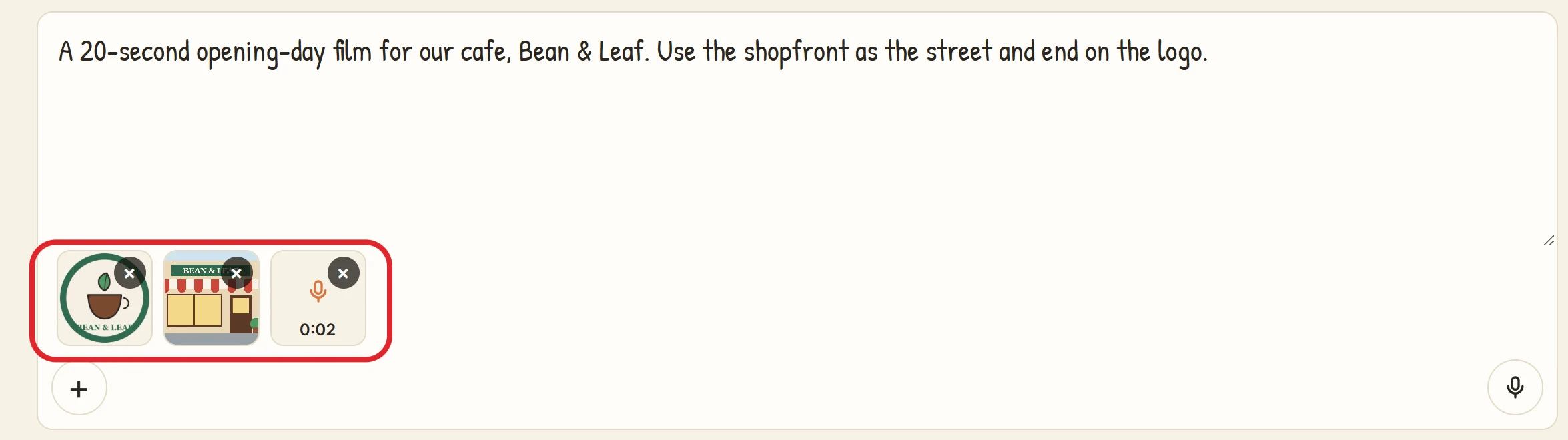
- How many: up to 6 per film.
- Three ways to add them: the + button (on a phone it offers the photo library or the camera), dragging them onto the box, or pasting a screenshot.
- Formats: JPEG, PNG or WebP arrive as they are. The browser converts other pictures it can open (such as HEIC on an iPhone) before upload.
- Shrinking: the browser shrinks every picture to 2048 pixels on its long side before upload, and removes location data. One upload may be up to 4.4 MB.
- What Claude does with them: Claude looks at every picture and decides what it is. The film's making log states in one sentence what Claude took each picture to be.
- Material to show: a logo, a product, a person or a place, shown as a picture in the film.
- A reference to match: a look, a character design, a layout.
- The brief itself: a screenshot of a written brief, a handwritten note, a sketch.
- Saying how: to decide it yourself, say so in the idea, e.g. "put my logo on the last frame".
- Privacy: pictures are never shown on the film's page. Only what Claude puts into the film is shown. A picture the film doesn't use is left out of the final render.
Voice notes
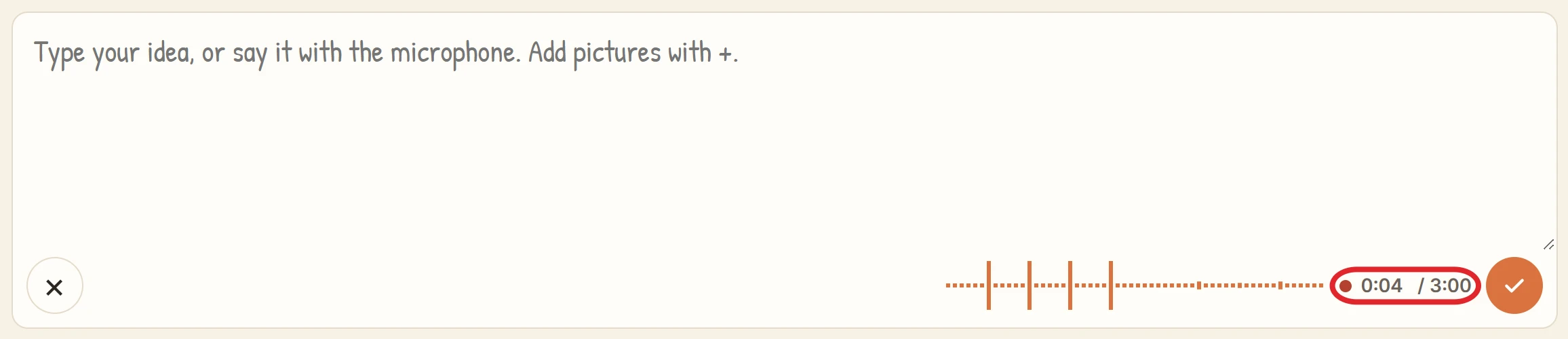
- Recording: press the microphone and speak. ✓ attaches the note; ✕ (or Esc) throws it away.
- Up to 3 notes per film, each up to 3:00.
- A warning shows 15 seconds before the end; at the end the note stops and attaches itself.
- Recordings under 1 second are not kept.
- Turned into text: every note is written out as text, in the language spoken. Hovering over a note's tile shows the words.
- A note in which nothing is said stops the film being made; remove it or record again.
- Claude gets the text of the note, not the recording. The recording is never used in the film's sound.
- The microphone: the browser asks for permission the first time. Some in-app browsers can't record; there the microphone button does not appear.
- Privacy: voice notes are never shown or played on the film's page.
Look and length
- Look: Hand-drawn or Painted (AI scenes). See Looks.
- Length: from 5 seconds, in steps of 5 seconds, up to the plan's longest film. The slider starts at 30 seconds, since a film uses at least 30 credits however short it is.
- The slider's track runs to 8:00; the part past the plan's longest film is shown locked.
- Under the slider: the credits the film will use, the balance, and the renewal date.
- A film uses at least 30 credits, however short it is.
- If the balance is too low, the button says "Not enough credits".
Signing in
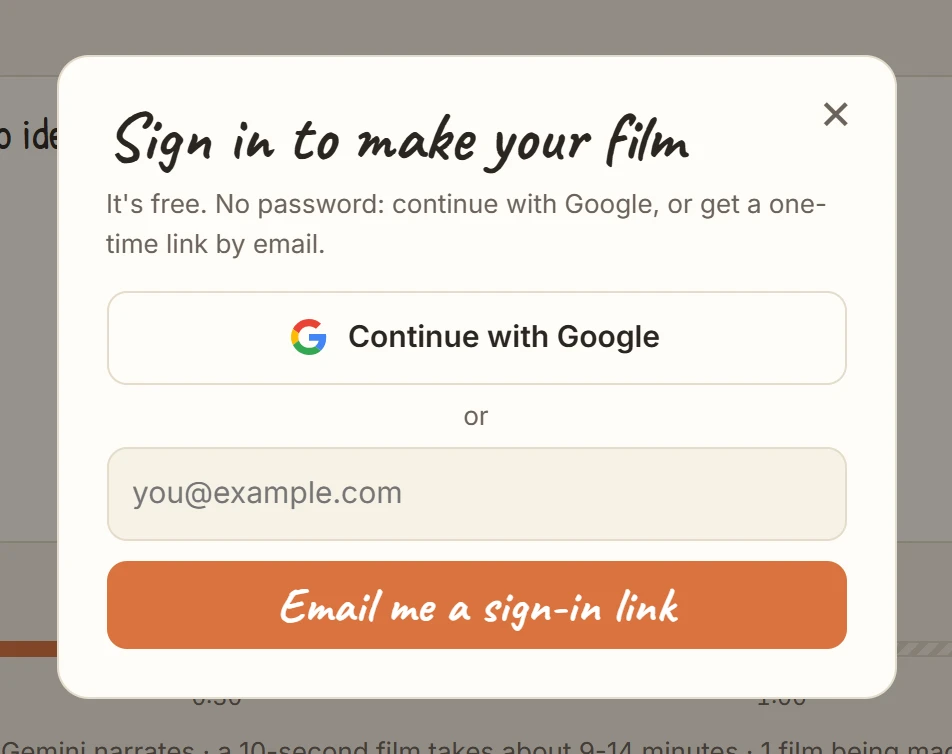
- Anyone can type, attach and record without an account.
- Pressing Make the film while signed out opens the sign-in dialog: Google, or a one-time link by email.
- The idea, look, length, pictures and voice notes are kept in the browser. They come back after signing in, even when the email link opens in a new tab.
- The film starts only when Make the film is pressed again.
After "Make the film"
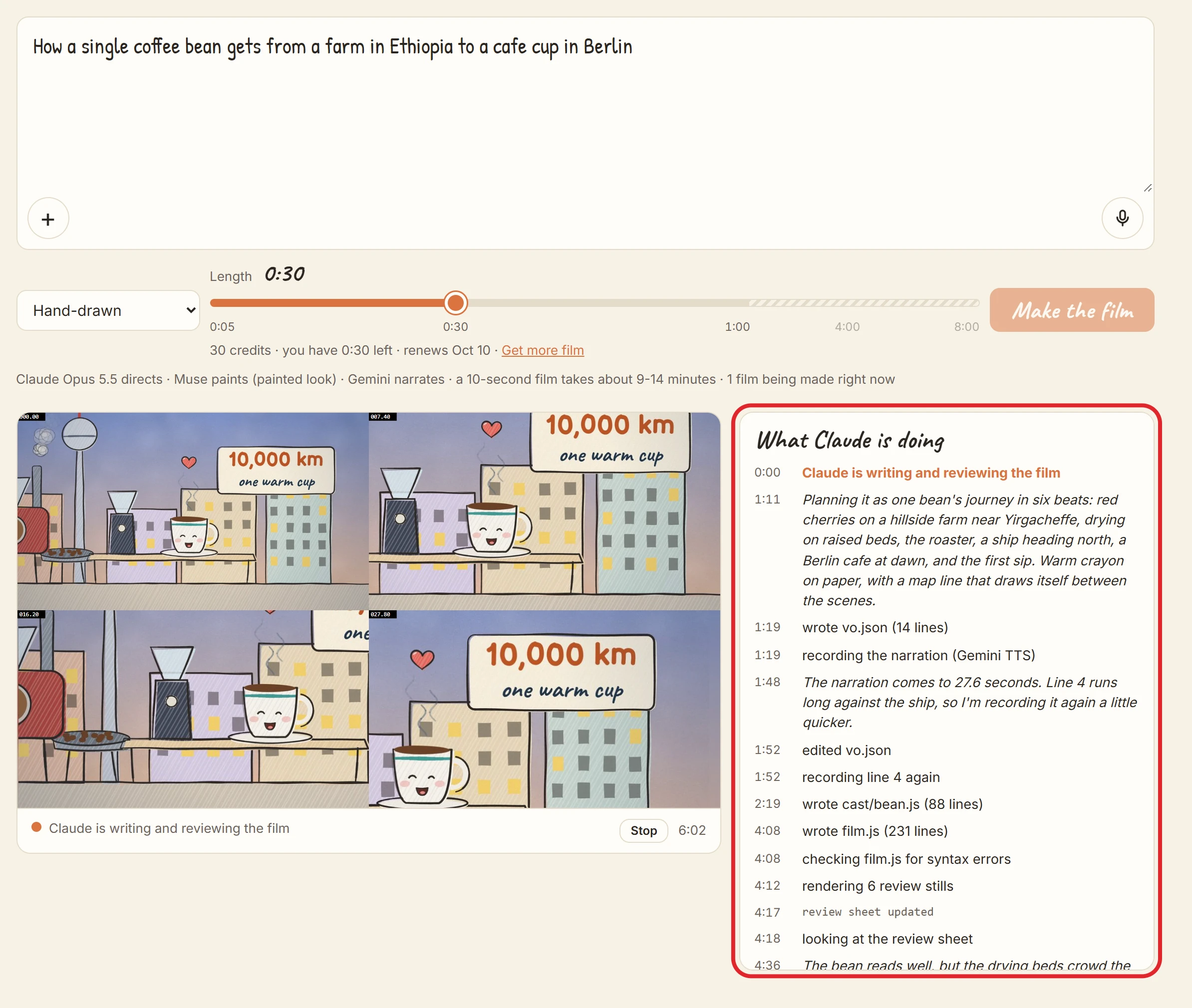
- The credits are held. The film's length (at least 30) is taken from the balance. They are charged only if the film is finished. See Plans and credits.
- The film's page opens at
kitcut.ai/film/<id>. Its address works at once and can be shared. - The page shows the film being made:
- a status line, including its place in the queue;
- the making log, "What Claude is doing": each step and Claude's own notes;
- the latest review sheet, the stills Claude checks, where the video will be.
- When the film is finished, the page plays it. How long that takes: How a film is made.
- Stop: the person who asked for the film can stop it from the browser they started it in. Its credits come back. A stopped film can't be resumed.
Limits on making films
- One film being made at a time per account. A second one is refused until the first is finished.
- 5 films per account per day. Every film asked for counts, including failed ones.
- When too many films are already waiting, a new film is refused with "the queue is full"; try again later.
- When the service has made all the films it can in a day, new films are refused until the next day. No credits are taken.
- While the film-making service is offline, new films can't start, and the home page says so.
Not possible here
- Uploading a video clip to use as footage. Pictures are the only visual material a film takes.
- Choosing a voice, a piece of music or a drawing style from a list. Ask for them in words instead.
- Changing a film after it is made. Make a new one; its characters can come back (Characters and projects).