 KitCut
Call for speakers video template
A 90-second call for speakers told on an empty stage that waits for you: a spotlight on the microphone, your tracks as slides, your formats as stage timers, your perks stamped on a backstage pass, your key dates, the days left and the link to submit. Music only.
Make it yours
About the call for speakers template
This template is a 90-second video that asks people to submit a talk to your conference, meetup or summit. It was first made for the KubeCon + CloudNativeCon Europe 2027 call for proposals, and it is told on an empty stage waiting for its next speaker. A spotlight sweeps the dark and finds the microphone, a marquee sign lights up letter by letter with the call, and a speaker's badge swings in on its lanyard as the name field types YOU. Your tracks follow as slides on the big screen, then all of them at once; your talk formats appear as stage timers that start to run; your perks are stamped next to a backstage pass; your key dates are printed on a run-of-show sheet taped to the floor, with the deadline circled; the days left roll down on the screen; and the stage comes back with the sign asking for the talk, next to the link to submit.
It is an example, not a form. Tell Claude which call it is for in a sentence: the event's name and its call-for-speakers page are enough. Claude reads the page and anything you attach, finds the rest itself, on the web too when it needs to (the dates, the city, the tracks, the formats and their lengths, what speakers get, the deadline, the logo and the colours), and remakes the film with your content. Every frame is drawn again in code, so long track names are fitted, your sign lights your own words, and the count of days left is worked out from your deadline. Nothing is invented: a perk your page does not state is left out, and a film without a sure date shows the deadline instead of a count.
You can change it any way you like. Say which tracks to put first, what the sign should say, which colours to use or what to leave out, and Claude follows it. The film holds up to 15 topics (the first four get a slide of their own), up to five talk formats, up to five perks and up to six key dates, and it works in other languages too, Cyrillic included. Attach your logo and Claude uses it on the screen, the badge and the pass.
There is no narration: the film is music only, on a score written for its own beats, so it plays well with the sound off in a feed. It is a wide 16:9 film for YouTube, LinkedIn, your website or the screen at your current event.
A film from this template uses 90 credits: its 90 seconds. It is ready in about 20 to 30 minutes once its turn comes, and you can close the page meanwhile: the film keeps being made, and an email tells you when it is done. Every film made from the template gets its own page and link to share, and you can publish it to your YouTube channel from there.
Questions
What do I need to give?
The event's name and the link to its call-for-speakers page are enough. Claude reads the page for the tracks, the formats, the perks and the key dates, and finds the logo and colours itself. Attach your own logo, or say what to change, and Claude uses yours.
How does it count the days left?
From the deadline on your call's page to the day the film is made: in days up to 99, in weeks beyond that, and 'last day' on the day itself. When Claude cannot be sure of the date, the film shows the deadline date instead of a count.
What if my call has no perks or only a few tracks?
The film shows only what your page states. With fewer than three perks, the stamps add reasons every speaker has, such as sharing what you built and meeting your community. Three to fifteen topics fit, and one to five formats; nothing moves the music, so the film keeps its timing whatever you have.
How long does it take and what does it cost?
About 20 to 30 minutes once its turn comes, and 90 credits, one for each second of film. You can close the page: the film keeps being made, and an email tells you when it is ready.
Can I change it?
Yes. A template is an example: say what to change, such as other words on the sign, other colours, the order of the tracks or something to leave out, and Claude changes it. The film keeps the template's 90 seconds; for a film of another length, type an idea on the home page instead.
More templates
See all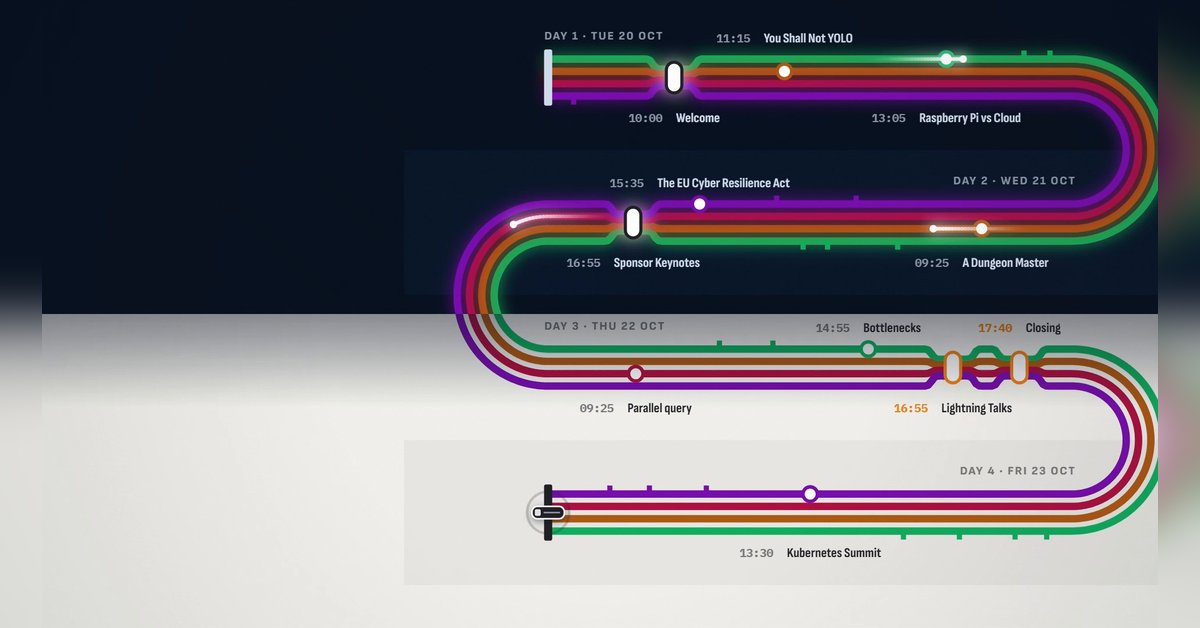 1:30
1:30
The programme
 KitCut·New
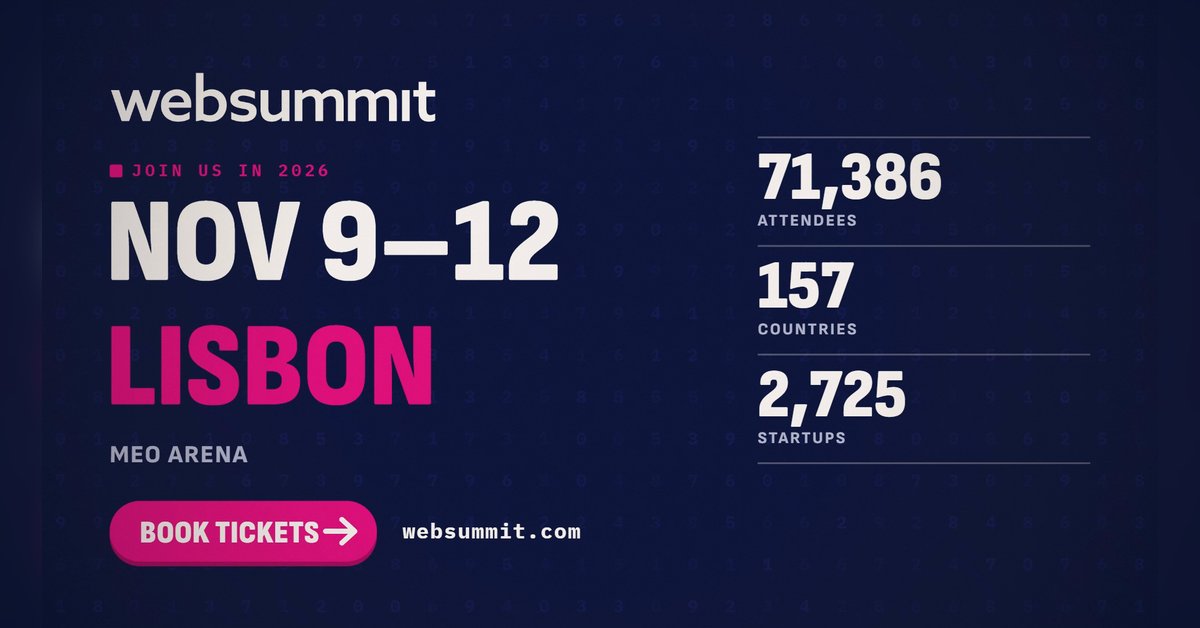 1:28
1:28
The conference in numbers
KitCut·New
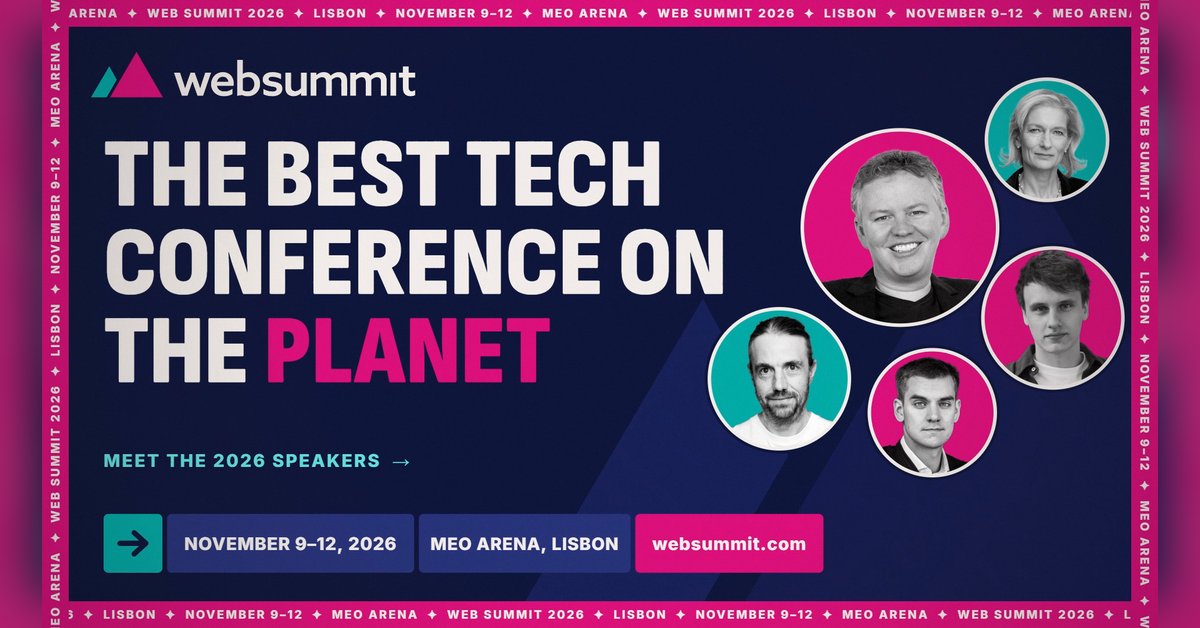 0:26
0:26
Conference speaker promo
KitCut·13 films made
Nothing here fits?Type an idea instead. Claude makes any film from one sentence.
Make a film from an idea
Any length up to your plan’s · hand-drawn, painted or collage
Event promo video templates · Product launch video templates · Podcast promo video templates