 KitCut
Open house invitation video template
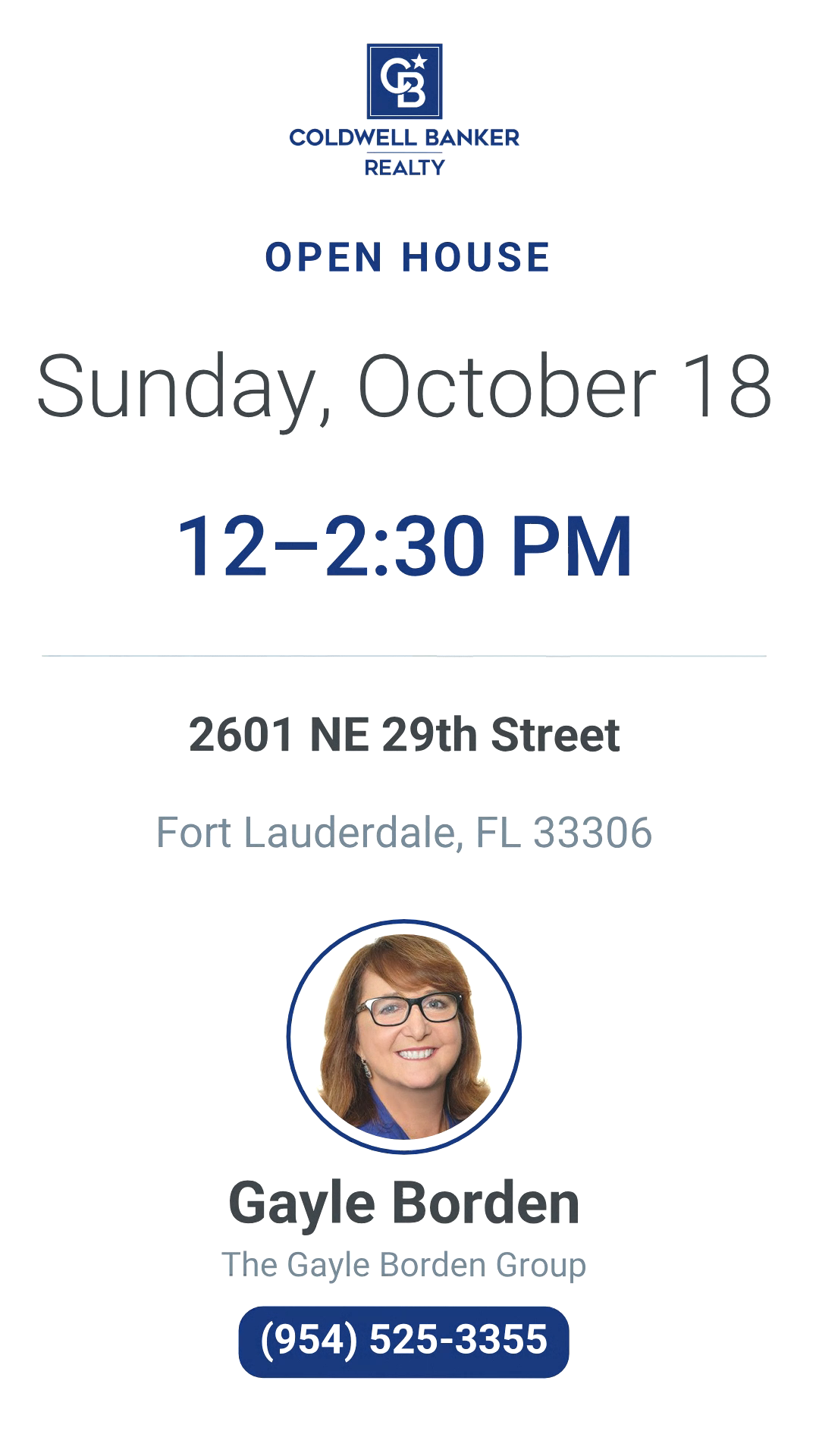
A 30-second narrated open house invitation: a yard sign with the day and hours and the agent's photo, the home's photo and address, beds, baths, square feet and price, a few rooms, a pin on the real street map and the agent to call, in your own logo and colours.
 TV
Make it yours
About the open house invitation template
This template is the short video an agent or a builder posts in the week before an open house so that people come on the day. Its example is a real listing, a four-bedroom home in Coral Ridge, Fort Lauderdale, and it runs 30 seconds with a narrator: a yard sign swings in with your logo, the day and the hours, and under it your photo, name and number; the home's photo fills the frame with its address; the bedrooms, bathrooms, square feet and price tick in under it one by one; two or three more photos pass, each with its room's name; a pin drops on the real map of the neighbourhood, with your street lit and named; and the last card repeats the day, the hours and the address beside your photo and the number to call.
It is an example, not a form. Tell Claude in a sentence which home and when: the address, the day and the hours are enough, with the facts you want shown. Attach your photos of the house, your headshot and your logo: people buy from a person, so the film shows who is inviting them. If you give only a link to the listing, Claude reads it and finds what it can there, including the host's own photos. Every frame is drawn again in code and fitted to your content.
The map is the real one. It is drawn from OpenStreetMap for your address: the streets round the home as they really run, with their names, the houses, the parks and the water, and the pin where the home is. When the map knows the street but not the house number, the pin stands on the street. When the street is too new to be on any map, as in a community still being built, the film shows the address in words instead of inventing a map.
Nothing else is made up either: only the facts you give or the page publishes are shown, and the photo is your own, never a stand-in face. The day must be a real one that is still to come, and the weekday is checked against the calendar, so it is best to say the day and hours in your prompt.
The narrator says the invitation in a few warm, plain sentences, and the words follow your prompt, so you can ask for another language or a line about refreshments. The film comes wide (16:9) for your listing page and YouTube, square (1:1) for feeds, and vertical (9:16) for Reels, Stories and TikTok: choose the frame before you make it.
A film from this template uses about 30 credits, its 30 seconds, and is ready in about 10 minutes once its turn comes; an email tells you when it is done. Films on the Free plan carry KitCut's small mark in a corner. Every film gets its own page and link to share, and you can publish it to your YouTube channel from there.
Questions
What do I need to make an open house video?
The address, the day and the hours, and the facts you want on screen: bedrooms, bathrooms, square feet, price. Attach a few photos of the home, your headshot and your logo. A link to the listing works too: Claude reads it for the rest.
Which photos does it use, and is my own photo in it?
Yours, if you attach them: an outside view first, then up to three rooms, and your headshot, which appears on the yard sign and on the last card with your name and number. With only a link, Claude uses the photos the listing's own page shows, the agent's included. It never uses a photo of another home or another person.
Is the map in the video real?
Yes. It is the real street map of your address, drawn from OpenStreetMap: the streets as they run, with their names, and the pin where the home is. If the house number is not on the map the pin stands on your street; if the street itself is too new to be on any map, the film shows the address in words instead.
Will it make up a price or a date?
No. A fact that is not in your prompt or on the page is left off the film. The weekday is checked against the calendar, and an event that has already passed is not used. Say the day and hours in your prompt to be sure they are shown.
Does it come vertical for Reels and Stories?
Yes: vertical 9:16, square 1:1 and wide 16:9. Choose the frame on the template's page before you make the film; each one is laid out for its shape, not cropped.
How long does it take, and how many credits does it use?
About 10 minutes once its turn comes; you can close the page, and an email tells you when it is ready. It uses about 30 credits, its 30 seconds.
More templates
See all 0:26
Event countdown
 KitCut·22 films made
 0:26
Speaker announcement card
KitCut·New
 0:30
Webinar promo
KitCut·New
 0:30
Trade show booth invitation
KitCut·New
 0:05
Offer ad
KitCut·18 films made
 0:30
Tech meetup announcement
KitCut·5 films made
 0:40
Birthday party invitation
KitCut·New
 0:30
Pool party invitation
KitCut·New
 0:45
Group ride and run invitation
KitCut·New
 1:30
Call for speakers
KitCut·7 films made
 1:30
Conference agenda map
KitCut·New
 1:28
The conference in numbers
KitCut·5 films made
 0:26
Conference speaker promo
KitCut·15 films made
Nothing here fits?Type an idea instead. Claude makes any film from one sentence.
Make a film from an idea
Any length up to your plan’s · code-drawn, painted or collage
Event promo video templates · Product launch video templates · Podcast promo video templates · Birthday invitation video templates · Video ad templates