 KitCut
Webinar promo video template
A 30-second narrated promo for a webinar or online workshop: your logo and a live tag, the title set large, the speakers with their photos, what people will learn, the date and time with its time zone, and a Register card with the link.
Make it yours
About the webinar promo template
This template is the short video a host posts so that people register for a webinar. It was first made for a public-health webinar of the National Board of Public Health Examiners, and it runs 30 seconds with a narrator: your logo appears with a live tag and the date; the title is set large and arrives phrase by phrase; the speaker or speakers follow with their photos, names, roles and organisations; up to three things people will learn tick in; the date, the time with its time zone and the length are shown, with a note when it is free; and the last card says Register, with your link.
It is an example, not a form. Tell Claude in a sentence which webinar it is: its title, the date and the time are enough, or just the address of its registration page. Attach your logo and the speakers' photos if you have them. Claude reads what you write and anything you attach, finds the rest itself on the web when it needs to (the description, the speakers, your colours and fonts) and remakes the film. Every frame is drawn again in code and fitted to your content, so a long title, one speaker or three, and a speaker with no photo all lay out. It is not a video with your words pasted over it.
Nothing is made up. The points under "You'll learn" come only from your prompt or the webinar's own page, and with none the title is held longer. A speaker's photo is theirs or there is none: the name then stands in type. The date must be a real one that is still to come, with the weekday checked against the calendar, and the time keeps the time zone you give, with a second zone when the page shows one. "Free" or a credit such as CE or CPE is shown only when the page or your prompt says so.
The narrator says the invitation in a few clear sentences and never reads the link aloud, and the words follow your prompt, so you can ask for another language, a different tone or a different call to action such as "Save your seat". The film is wide (16:9), for LinkedIn, YouTube, an email or your event page. One film is one webinar, so a team with a monthly series makes one for each session and changes only the title, the speaker and the date.
A film from this template uses about 30 credits, its 30 seconds, and is ready in about 10 minutes once its turn comes; you can close the page, and an email tells you when it is done. Films on the Free plan carry KitCut's small mark in a corner. Every film gets its own page and link to share, and you can publish it to your YouTube channel from there.
Questions
What do I need to make a webinar promo video?
One sentence with the title, the date and the time, or the address of the registration page. Attach your logo and the speakers' photos if you have them; Claude finds the rest on the webinar's page.
How many speakers can it show?
One to three, each with a photo, name, role and organisation. A speaker with no photo is shown in type. For a panel of more than three, say which to feature.
Does it handle time zones?
Yes. The time is shown with the time zone you give, and a second zone beside it when you give one or the page shows one. The narrator says the time the way a person would.
Will it invent what people will learn?
No. Those points come only from your prompt or the webinar's own description. With none, that part is skipped and the title is held longer.
Can I use it for a workshop, a course session or a live stream?
Yes. Say what it is and the tag says it: Live webinar, Virtual event, Online workshop, Live Q&A. The call to action follows your words too.
How long does it take, and how many credits does it use?
About 10 minutes once its turn comes; you can close the page, and an email tells you when it is ready. It uses about 30 credits, its 30 seconds.
More templates
See all 0:30
0:30
Open house invitation
 KitCut·5 films made
 0:30
0:30
Trade show booth invitation
KitCut·New
 0:05
0:05
Offer ad
KitCut·16 films made
 0:30
0:30
Tech meetup announcement
KitCut·5 films made
 0:40
0:40
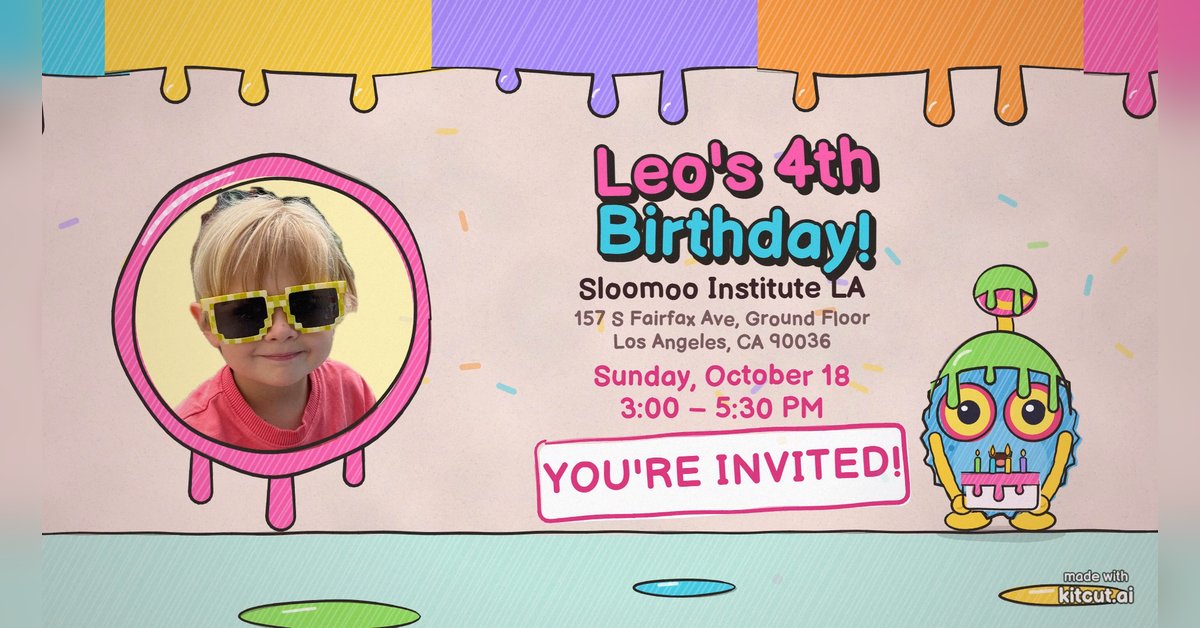
Birthday party invitation
KitCut·New
 0:30
0:30
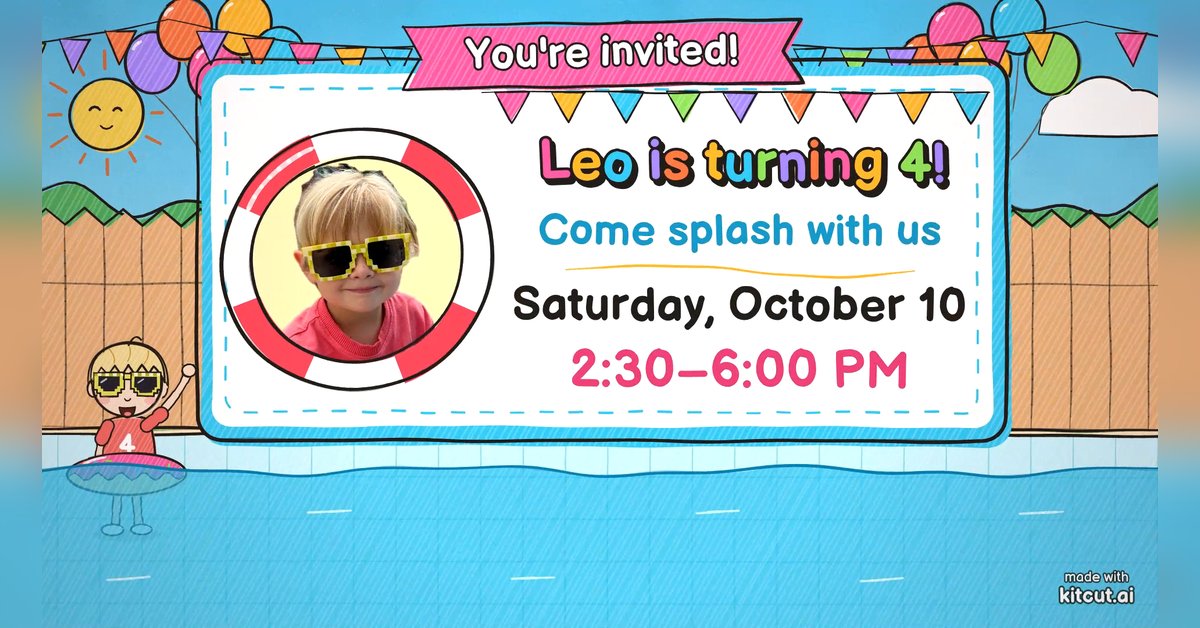
Pool party invitation
KitCut·New
 0:45
0:45
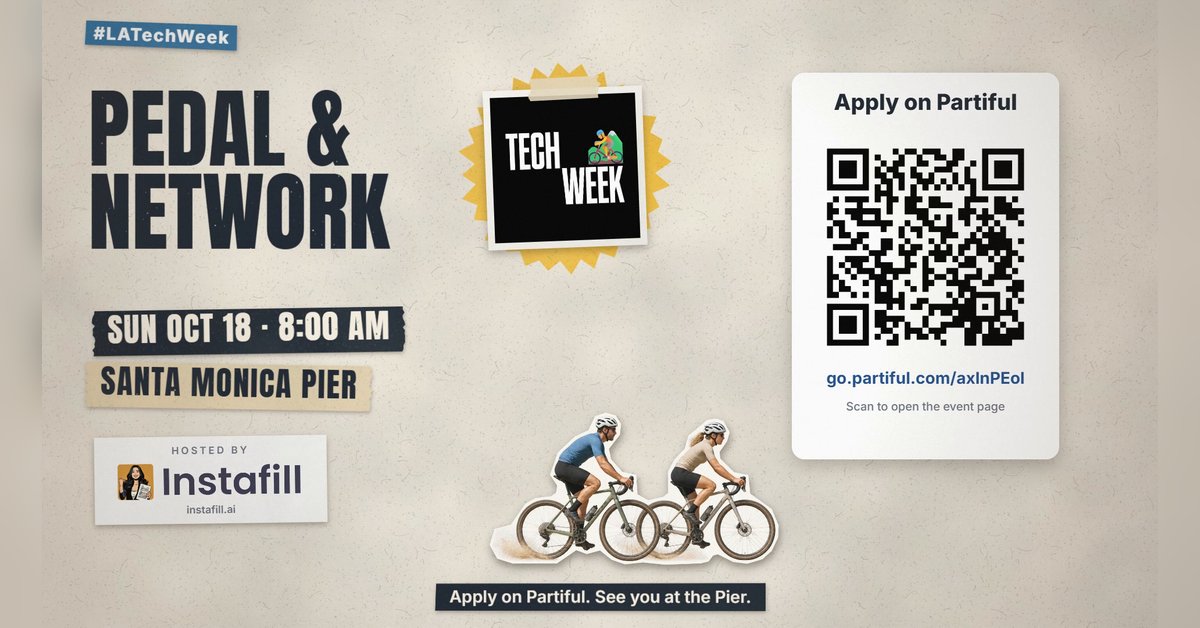
Group ride and run invitation
KitCut·New
 1:30
1:30
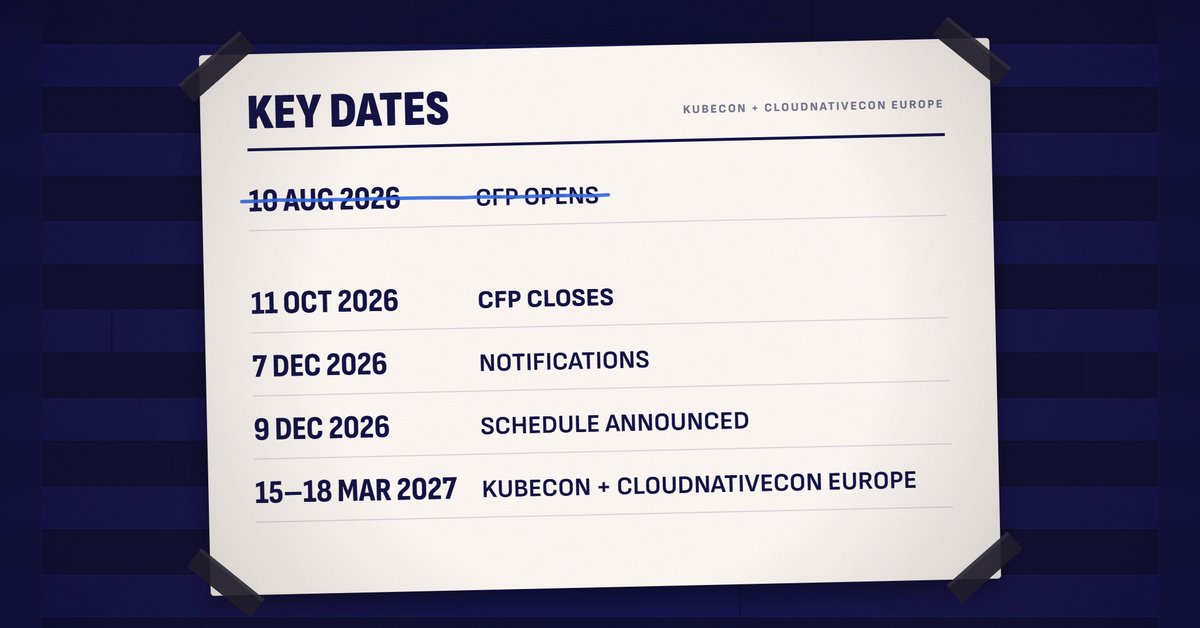
Call for speakers
KitCut·New
 1:30
1:30
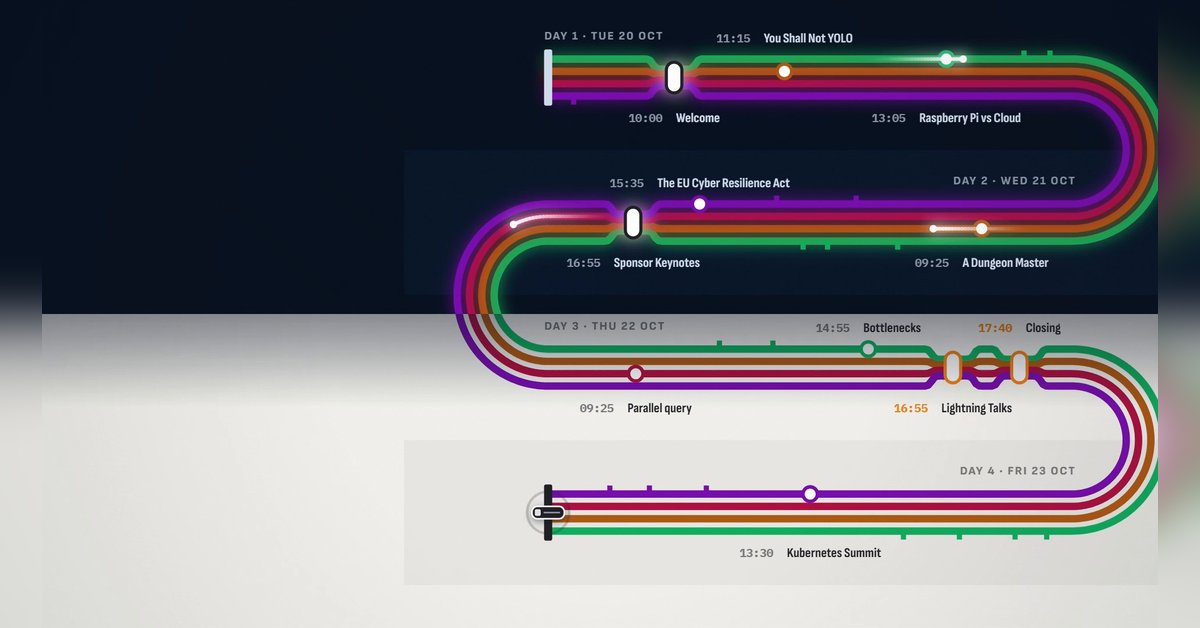
Conference agenda map
KitCut·New
 1:28
1:28
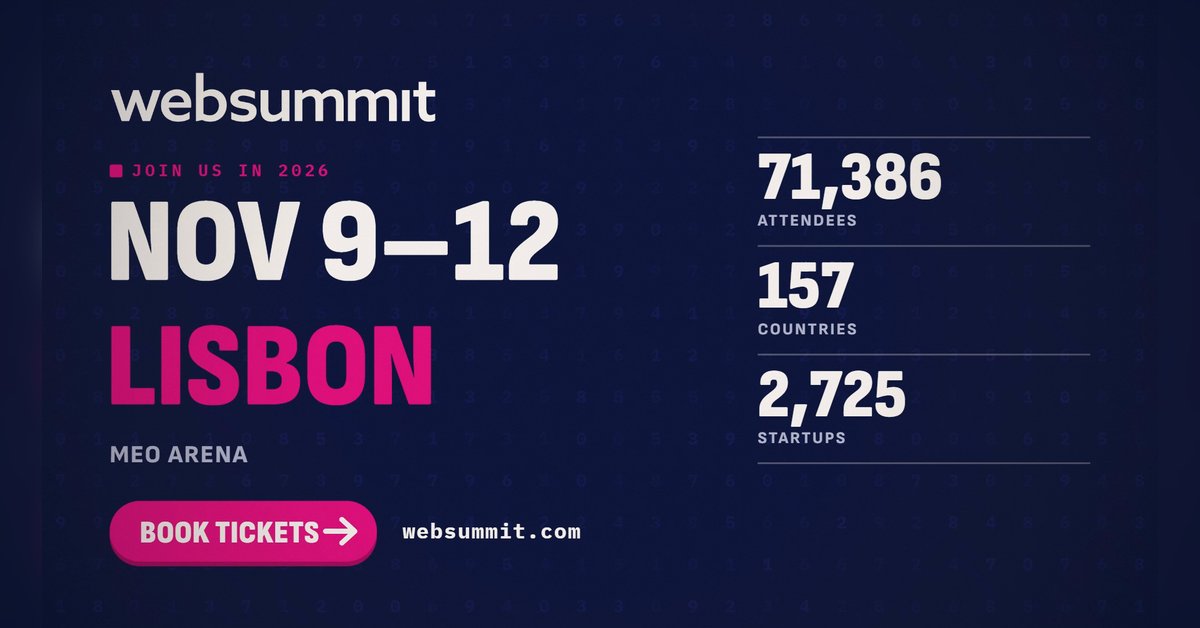
The conference in numbers
KitCut·New
 0:26
0:26
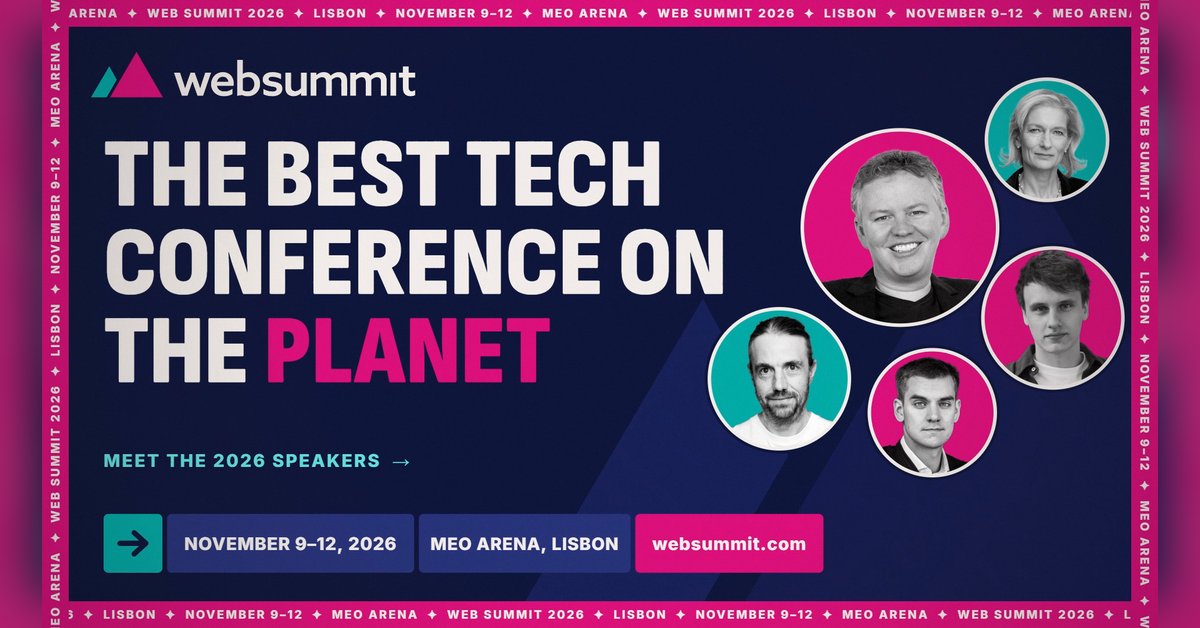
Conference speaker promo
KitCut·14 films made
Nothing here fits?Type an idea instead. Claude makes any film from one sentence.
Make a film from an idea
Any length up to your plan’s · hand-drawn, painted or collage
Event promo video templates · Product launch video templates · Podcast promo video templates · Birthday invitation video templates · Video ad templates