 KitCut
Birthday party invitation video template
A 40-second animated invitation to a kid's birthday party: a slime blob turns into your child's photo, a cartoon star tours the party place and gets slimed, and it ends on the invitation with the name, the age, the place, the date and the time, said by a cheerful narrator.
Make it yours
About the birthday party invitation template
This template is a 40-second birthday invitation video for a kid's party, hand-drawn in crayon under a ceiling of dripping rainbow goo and narrated by a bubbly kids'-TV-host voice. A parent first made it on KitCut for her son's 4th birthday at a slime studio, and it works for any child and any party place: a slime studio, a play centre, a trampoline park, a museum, a bowling alley or your own backyard.
The film is a little tour. A pink slime blob asks who is turning the big number and pops into your child's photo, with their name on a tag. The camera slides along to the party place, drawn as a storefront with its name on the sign and its city on a plate. Then the fun: a cartoon star squishes, stretches, pokes and pops a lump of slime, fills jars with every colour, and gets slimed by a bucket from above. It ends on the invitation: your child's photo, whose birthday it is and which one, the place and its address, the date and the time, and a YOU'RE INVITED! stamp. The narrator says all of it, and captions come with it.
It is an example, not a form. Write one sentence the way you would text a friend: who is turning how old, where and when, and attach a photo of your child. Claude reads it and remakes the film for your party: your child's name and age everywhere, the narration rewritten for them, your place on the storefront and your details on the invitation. When the party is not about slime, say what it is, and the middle of the film is re-themed to what happens there: bouncing instead of squishing, bowling pins instead of jars. Ask for anything else too, such as your child as the cartoon star instead of the slime mascot, a line about the pizza, or a narrator who speaks Spanish or Ukrainian.
It is a wide 16:9 video that plays anywhere: send it in a group chat or by email, post it in a class group, or show it on a TV. It uses about 40 credits, its 40 seconds, and is ready in about 20 to 30 minutes once its turn comes; you can close the page, and an email tells you when it is done. Films on the Free plan carry KitCut's small mark in a corner. Every film gets its own page and link to share, link-only if you prefer that only your guests see it, and you can publish it to your YouTube channel from there.
Your child's photo and your party's details are used only to make your film. Nobody else's invitation shows them, and you choose whether your film is public or link-only.
Questions
What do I need to make a birthday invitation video?
One sentence and, if you like, a photo of your child. Say who is turning how old, where the party is, the date and the time. Claude does the rest: it puts your child's photo and name in the film, draws your party place, writes the narration and fills in the invitation.
My party is not a slime party. Can I still use it?
Yes. Say what kind of party it is, at a trampoline park, a play centre, a bowling alley or at home, and Claude re-themes the middle of the film to what happens there while keeping the tour, the narrator and the invitation at the end.
Can the narrator say my child's name correctly?
Yes. The narration is spoken by an AI voice; if a name is unusual, write how it sounds in your sentence (for example 'Saoirse, said SEER-sha') and Claude passes that to the voice.
Can I make it in another language?
Yes. Write your sentence in that language, or say which one, and the narration, the captions and the invitation are in it, Ukrainian and other Cyrillic languages included.
How long does it take, and how many credits does it use?
About 20 to 30 minutes once its turn comes; you can close the page, and an email tells you when it is ready. It uses about 40 credits, its 40 seconds.
Who can see my invitation?
You decide. Make it link-only and only the people you send the link to can watch it; make it public and it can appear in KitCut's gallery.
More templates
See all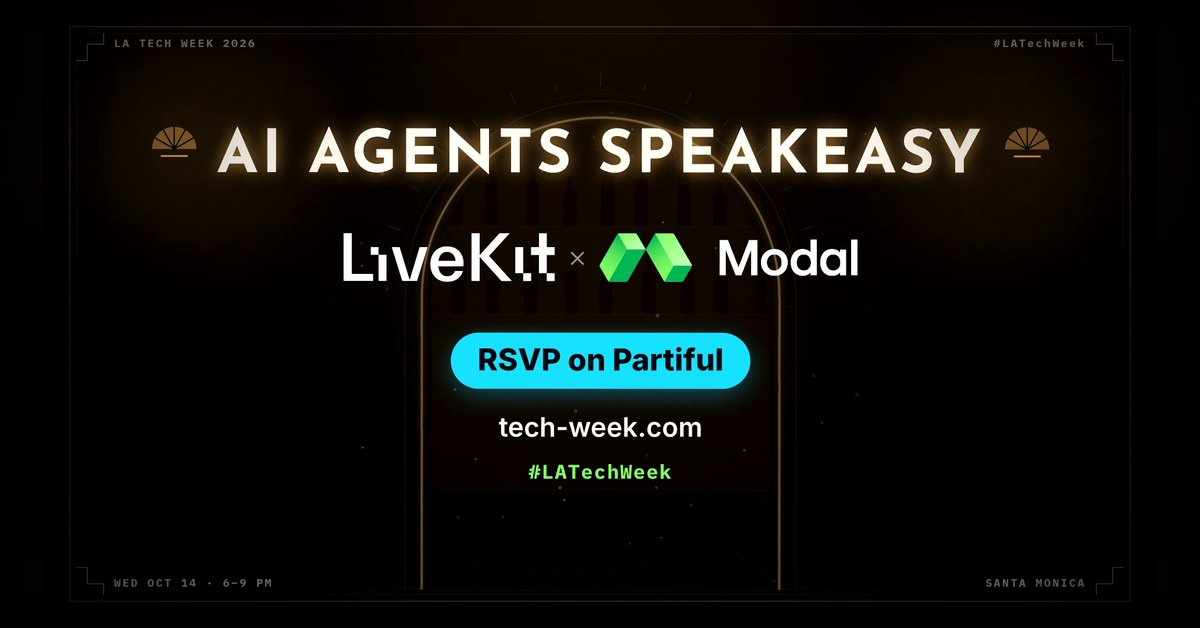 0:30
0:30
Tech meetup announcement
 KitCut·New
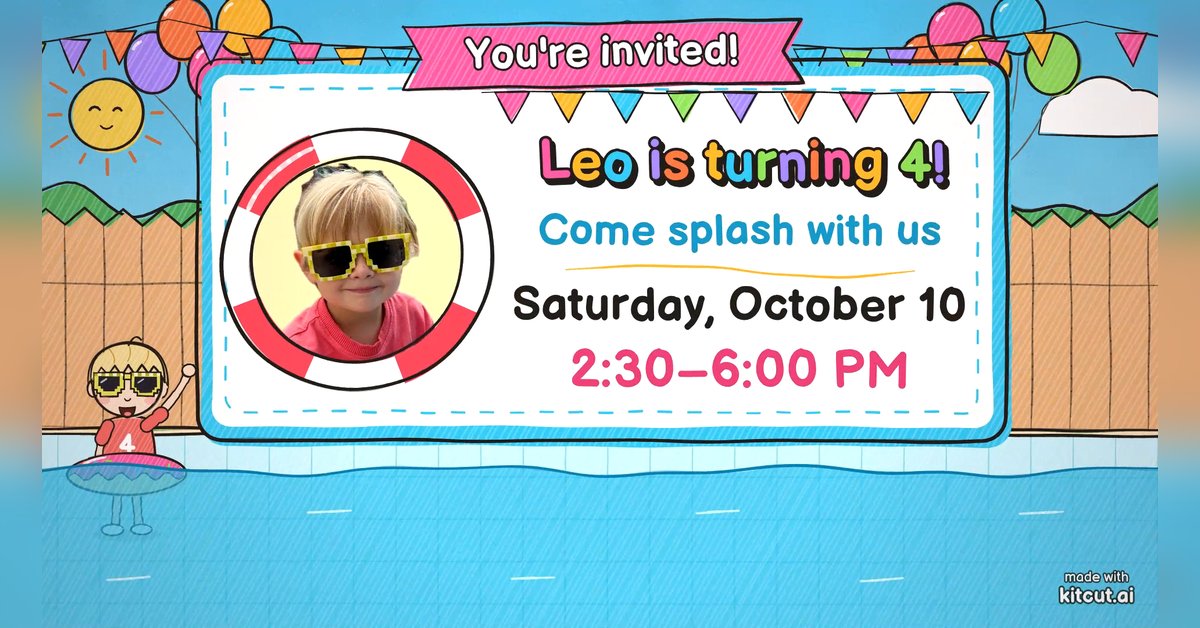 0:30
0:30
Pool party invitation
KitCut·New
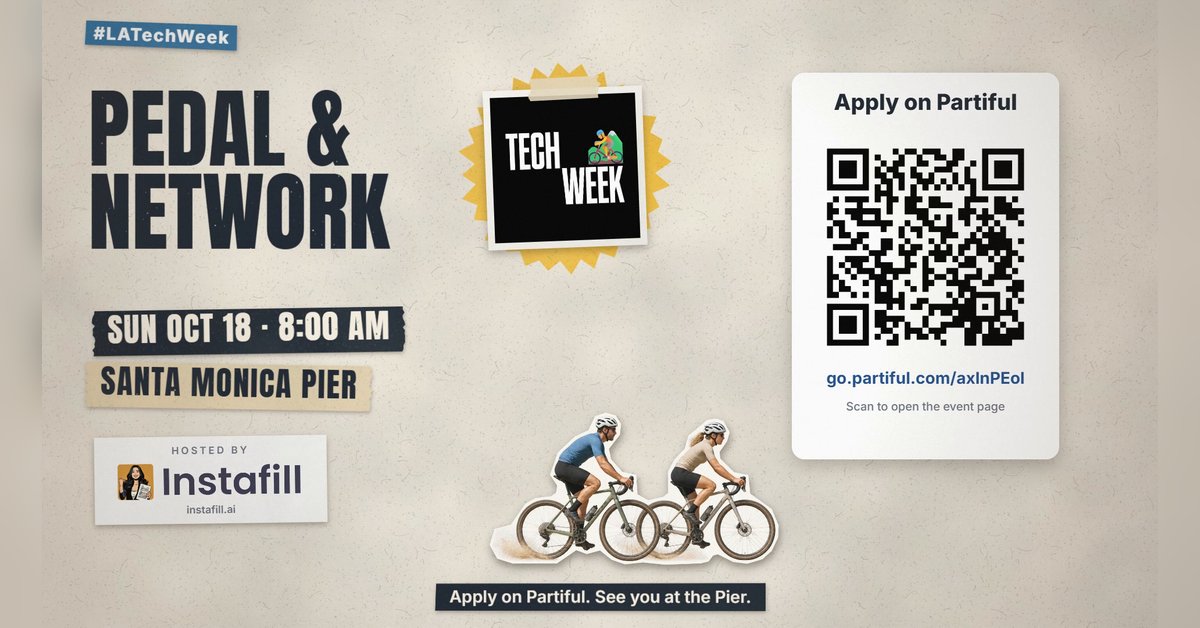 0:45
0:45
Group ride and run invitation
KitCut·New
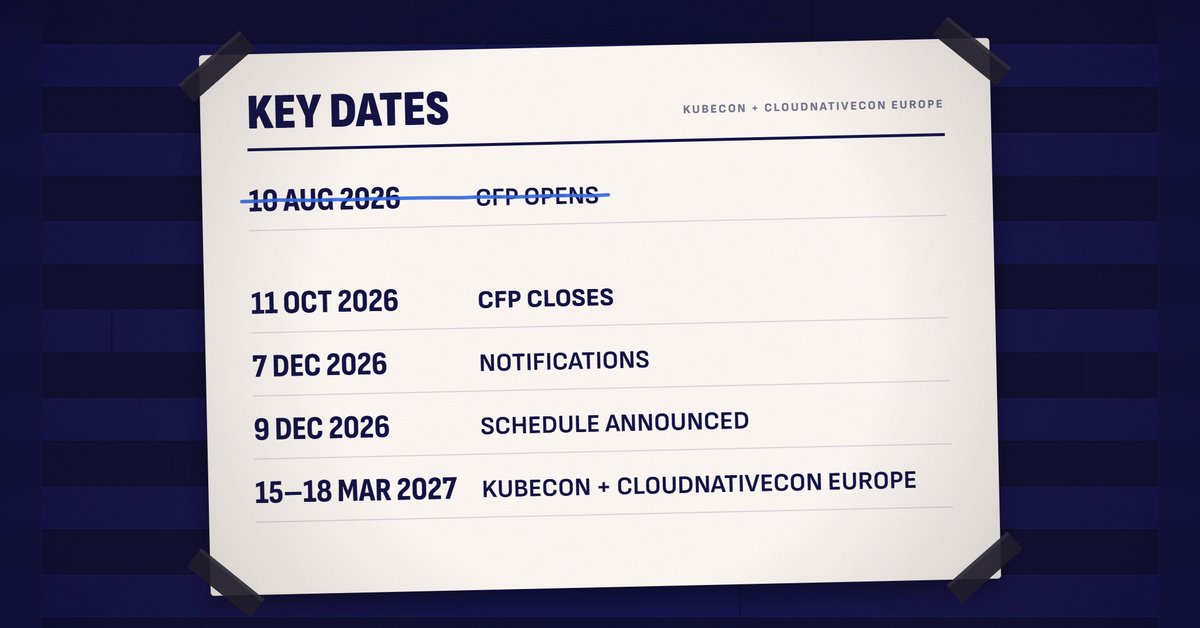 1:30
1:30
Call for speakers
KitCut·New
 1:30
1:30
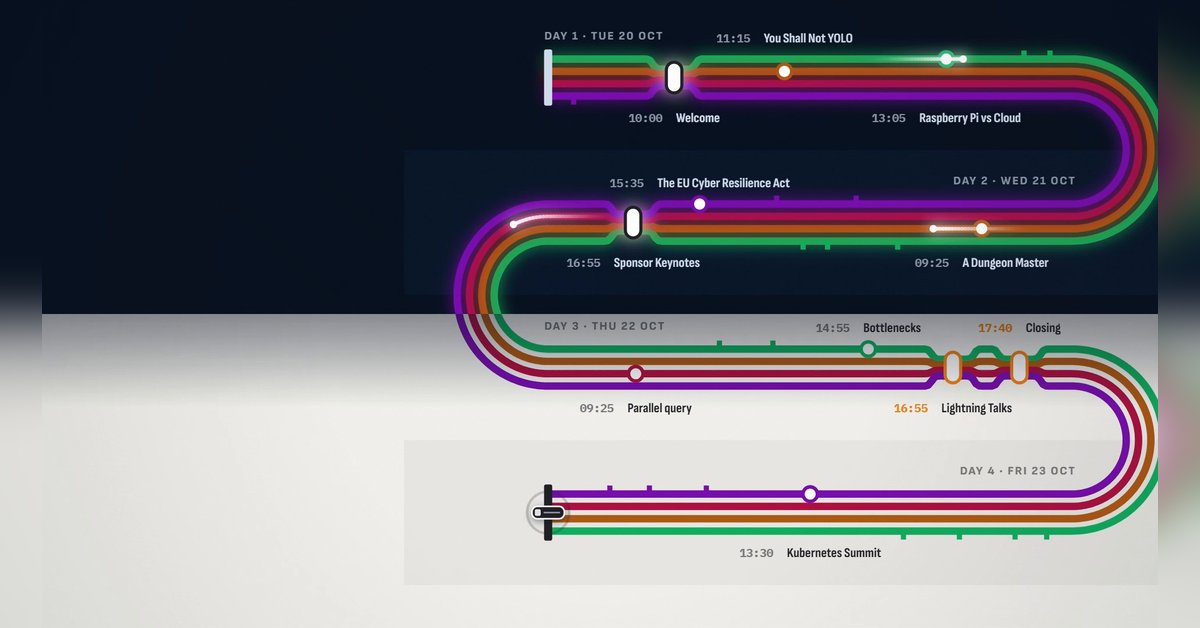
Conference agenda map
KitCut·New
 1:28
1:28
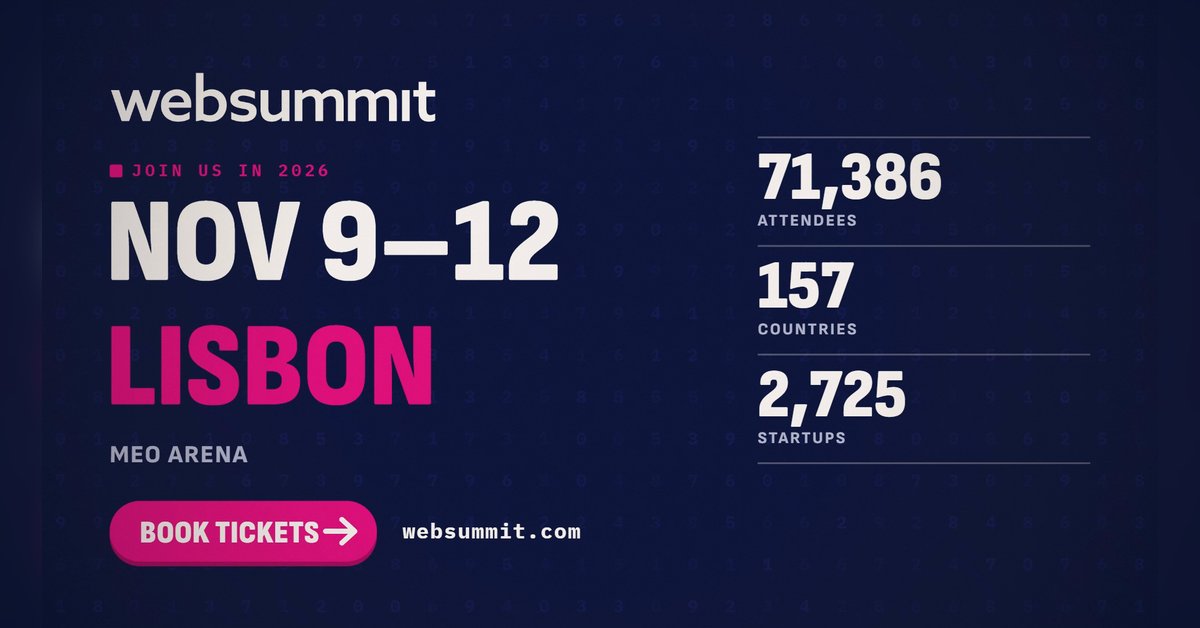
The conference in numbers
KitCut·New
 0:26
0:26
Conference speaker promo
KitCut·13 films made
Nothing here fits?Type an idea instead. Claude makes any film from one sentence.
Make a film from an idea
Any length up to your plan’s · hand-drawn, painted or collage
Event promo video templates · Product launch video templates · Podcast promo video templates · Birthday invitation video templates