 KitCut
Conference in numbers video template
An 88-second film that sells your conference with its own numbers: your logo built out of digits, the dates on a calendar, a pin on the map, then each number rolling up over a picture of what it counts, your topics and the poster. Music only.
Make it yours
About the the conference in numbers template
This template is an 88-second film that tells people why to come to a conference, a summit, an expo or a festival, in the event's own numbers. It was first made for Web Summit with the numbers of its 2025 edition, and it works both ways: as hype before an event, with last year's numbers and this year's dates, or as a recap right after it. The logo assembles out of digits, a calendar marks the event's days, a pin drops on a dot map at the venue, each number rolls up like an odometer on a chapter of its own, then come the topics as a moving wall of words, a quote and a poster with a button.
Each number gets a picture of what it counts. Attendees become a crowd of dots, countries arcs flying in to your city, startups and exhibitors a city of blocks, investors a growing network, speakers a wall of tiles, sessions a clock, years a timeline, press and views camera flashes, and anything else is set giant on its own. Three to seven numbers fit, in the order you give them.
It is an example, not a form. Tell Claude what your film is for in a sentence: your event's name or its website is enough. Claude reads what you write and anything you attach, finds the rest itself, on the web too (the numbers your event has published, the dates, the venue, the topics, a quote, the logo and the colours), and remakes the film with your content. It never makes a number up: a figure it cannot find on your event's own pages is left out. Every frame is drawn again in code, so long names are fitted and your logo is built out of its own digits; it is not a video with your words pasted over it.
You can change it any way you like: which numbers to show and in what order, which year they are from, what the button says, which colours to use or what to leave out. Attach your logo or a list of your figures and Claude uses yours. It works in other languages too, Ukrainian and other Cyrillic ones included: say so, or write your prompt in that language.
There is no narration: the film is music only, so it plays well with the sound off in a feed or on a screen at the venue. It is a wide 16:9 film for YouTube, LinkedIn, your website or a stage screen. It uses 90 credits, its 88 seconds rounded up to the next 5, and is ready in about 20 to 30 minutes once its turn comes; you can close the page, and an email tells you when it is done. Films on the Free plan carry KitCut's small mark in a corner. Every film gets its own page and link to share, and you can publish it to your YouTube channel from there.
Questions
Where do the numbers come from?
From you or from your event. Type them, attach them, or give your event's website: Claude uses the figures your event has published, such as attendees, countries, startups, speakers or sessions, and says which year they are from. It never invents or rounds up a number; one it cannot find is left out.
How many numbers can it show?
Three to seven, each on a chapter of its own, in the order you give. Five to seven work best; with fewer, each number simply stays on screen longer. The first three come back on the poster at the end.
Can I use it after the event, as a recap?
Yes. It works before an event, with last year's numbers and this year's dates on the poster, and after it, with the numbers of the edition that just happened. Say which you want, or let Claude follow what your event has published.
How long does it take, and how many credits does it use?
About 20 to 30 minutes once its turn comes; you can close the page, and an email tells you when it is ready. It uses 90 credits: its 88 seconds, rounded up to the next 5 seconds.
Can I change it?
Yes. A template is an example: say what to change, such as other numbers, other words on the poster, other colours or something to leave out, and Claude changes it. The film keeps the template's 88 seconds; for a film of another length, type an idea on the home page instead.
More templates
See all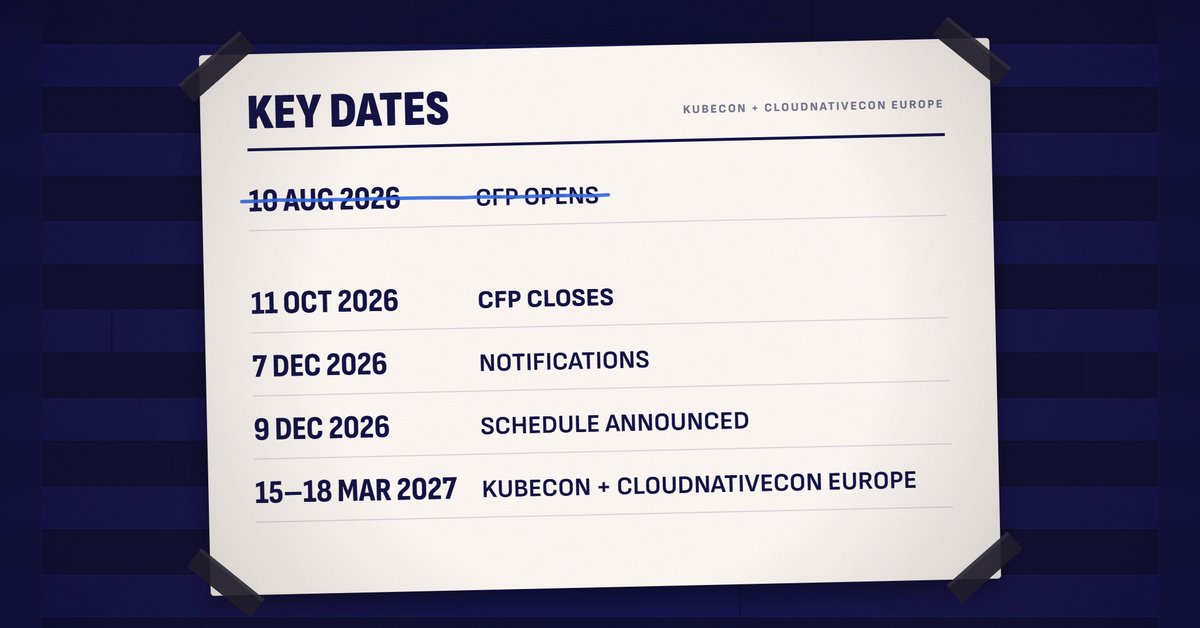 1:30
1:30
Call for speakers
 KitCut·New
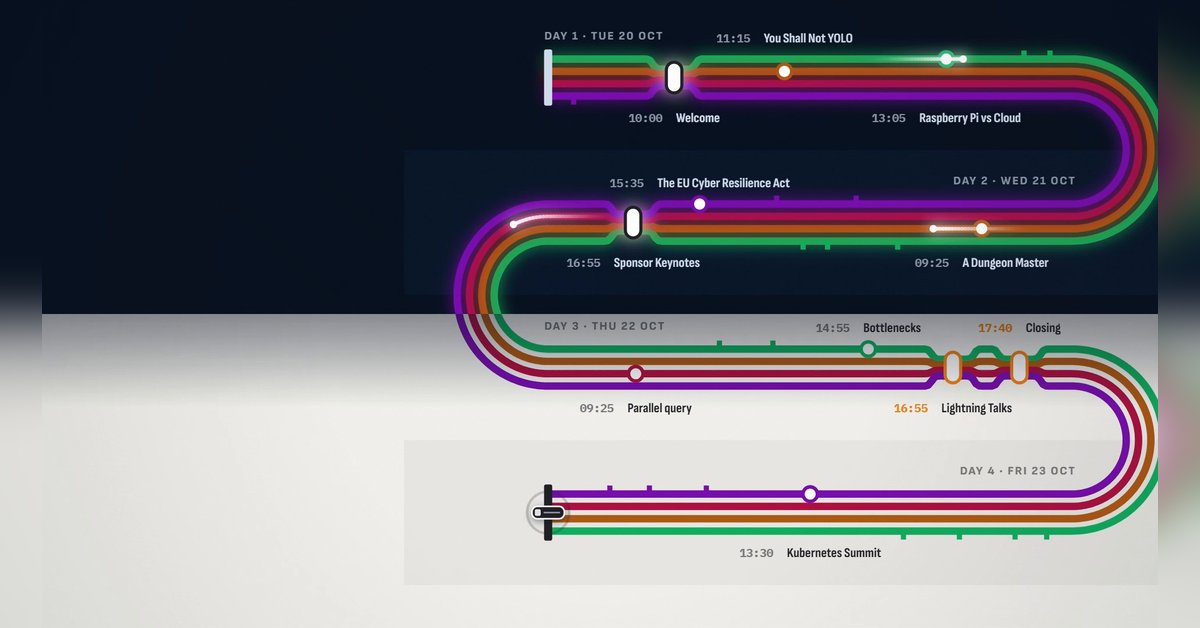 1:30
1:30
The programme
KitCut·New
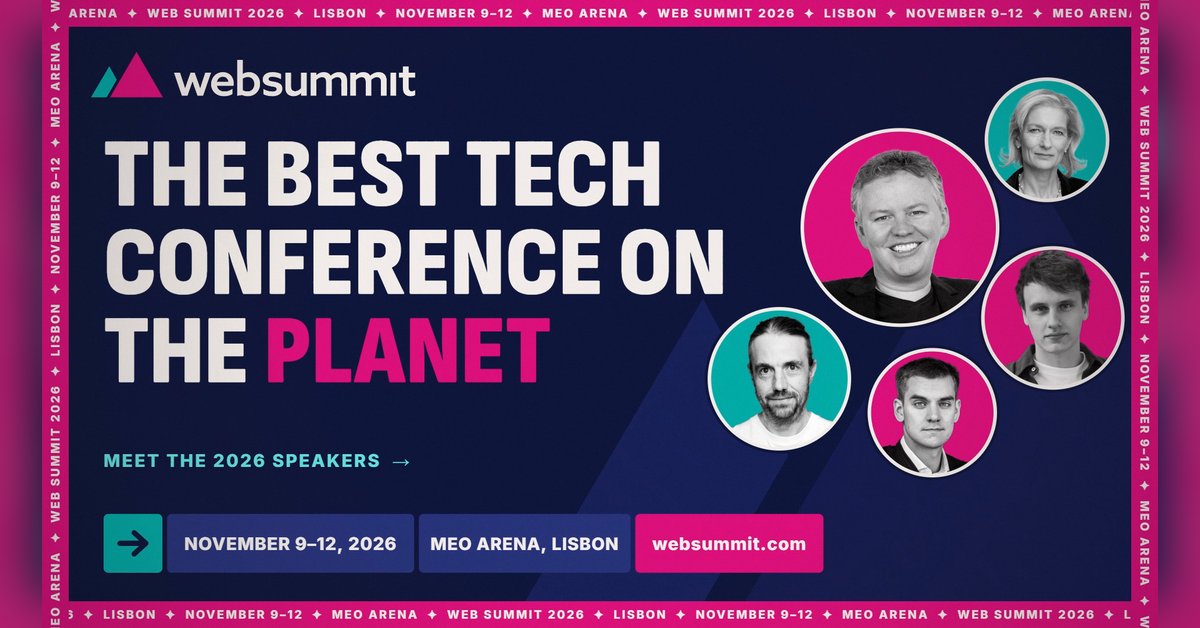 0:26
0:26
Conference speaker promo
KitCut·13 films made
Nothing here fits?Type an idea instead. Claude makes any film from one sentence.
Make a film from an idea
Any length up to your plan’s · hand-drawn, painted or collage
Event promo video templates · Product launch video templates · Podcast promo video templates