 KitCut
Event countdown video template
A 26-second countdown for an event: a tear-off calendar rips down to a huge "7 days to go", then what is waiting there, a ticket whose price tag flips to the next price, and the first day circled on the month, in your event's own logo and colours.
Make it yours
About the event countdown template
This template is the post an organiser makes in the last days before an event: seven days to go, tomorrow, early bird ends Friday. It was first made for TechCrunch Disrupt 2026 a week before it opened, and it runs 26 seconds to music, with no narrator: a wall calendar in the event's colours shows today's page; the pages rip off and fly past the camera and land on the count set huge; up to three published facts about the event follow as torn pages; a ticket slides in and its price tag flips from today's price to the next one, with the deadline under it; and the last card circles the first day on the month's grid, over the logo, dates, city, a button and the link.
It is an example, not a form. Tell Claude in a sentence which event it is, and what to count if you have a number in mind: "3 days to go", "tomorrow", "early bird ends Friday". The event's name or its website is enough. Claude reads what you write and anything you attach, finds the rest itself on the event's own site when it needs to (the dates, the city and venue, the logo and colours, its published numbers, the ticket prices) and remakes the film. Every frame is drawn again and fitted to your content, so a long event name, a three-digit count and a count that is a word all lay out.
The number is yours when you give one. When you do not, it is counted from the day the film is made to the event's first day, and Claude says so in its reply: the count is right for that day only, so make the film on the day you post it. An event that has already happened is never counted down to.
Nothing is made up. The facts are the event's own published numbers, or none: the count then holds longer. The ticket shows a price and a deadline only when the event's page or your prompt gives them; without them it shows the dates and the venue. The look is your event's brand, never a costume taken from its name.
The film comes square (1:1) for feeds, wide (16:9) for LinkedIn, YouTube and your site, and vertical (9:16) for Stories and Reels: choose the frame before you make it. One film is one day's post, so an event makes several: a week out, three days out, tomorrow, and one for each price deadline.
A film from this template uses about 26 credits, its 26 seconds, and is ready in about 10 minutes once its turn comes; you can close the page, and an email tells you when it is done. Films on the Free plan carry KitCut's small mark in a corner. Every film gets its own page and link to share, and you can publish it to your YouTube channel from there.
Questions
What do I need to make a countdown video?
One sentence: the event's name or its website, and the count if you have one in mind. Attach your logo if you have it; if not, Claude finds it on your site, along with the dates, the city and your colours.
How does it know how many days are left?
If you say a number or a phrase such as "tomorrow", that is used. If you do not, it is counted from the day the film is made to the event's first day, and the reply tells you which day the count is right for.
Can it announce a price deadline instead of a number of days?
Yes. Say "early bird ends Friday" or "prices rise on the 13th" and those words take the place of the number. The ticket's tag flips from today's price to the next one when both are published or given.
Will it make up ticket prices or attendance numbers?
No. A price, a deadline or a number that is not in your prompt or on the event's own page is left off the film, and the layout closes over it.
Which sizes does it come in?
Square 1:1, wide 16:9 and vertical 9:16. Choose the frame on the template's page before you make the film; each one is laid out for its shape, not cropped.
How long does it take, and how many credits does it use?
About 10 minutes once its turn comes; you can close the page, and an email tells you when it is ready. It uses about 26 credits, its 26 seconds.
More templates
See all 0:26
0:26
Speaker announcement card
 KitCut·New
 0:30
0:30
Webinar promo
KitCut·New
 0:30
0:30
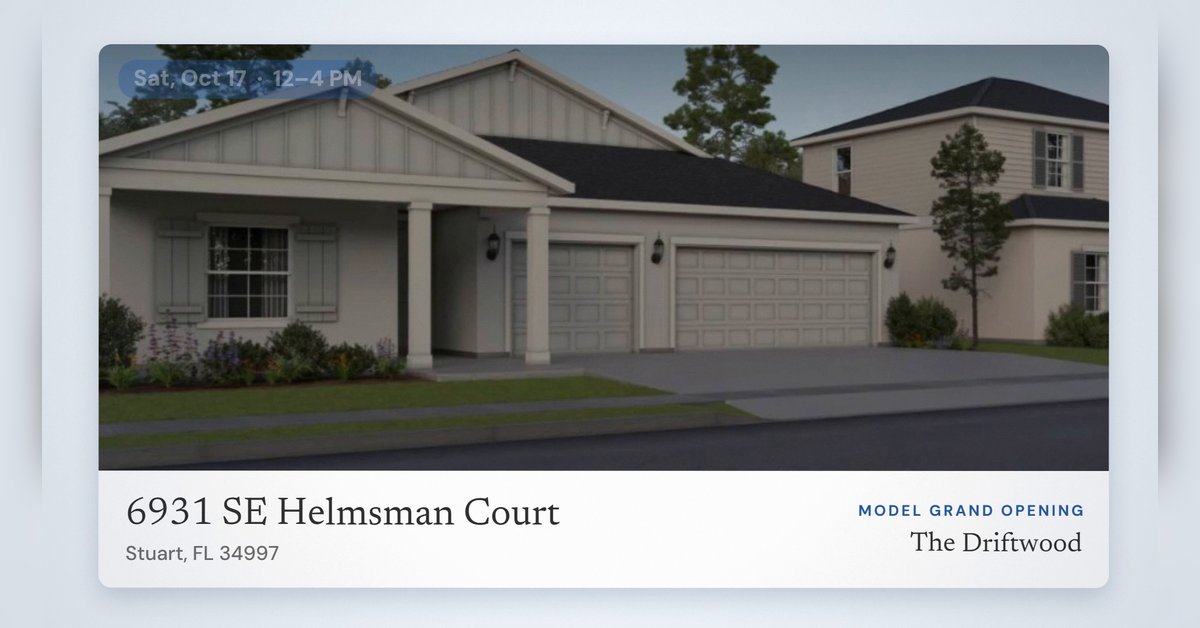
Open house invitation
KitCut·6 films made
 0:30
0:30
Trade show booth invitation
KitCut·New
 0:05
0:05
Offer ad
KitCut·16 films made
 0:30
0:30
Tech meetup announcement
KitCut·5 films made
 0:40
0:40
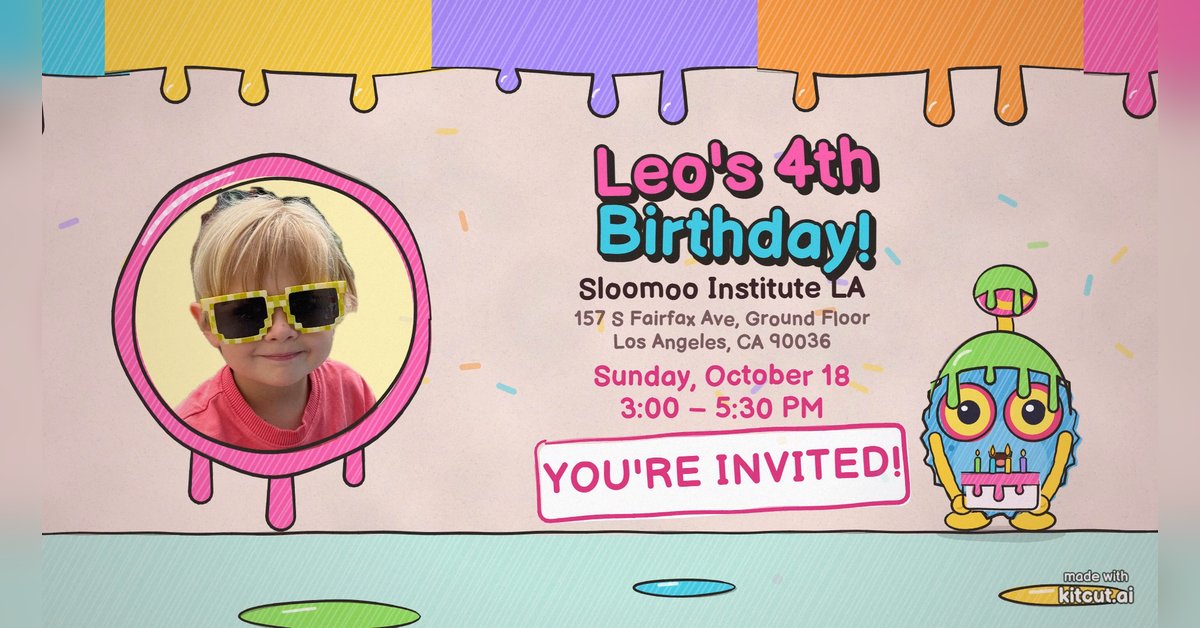
Birthday party invitation
KitCut·New
 0:30
0:30
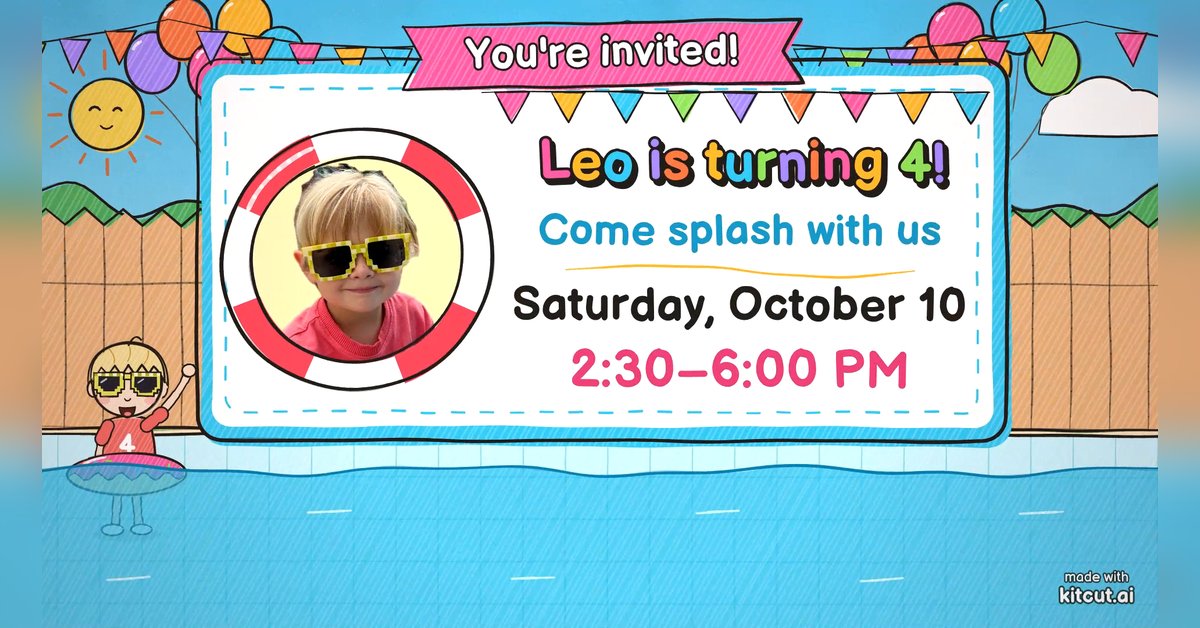
Pool party invitation
KitCut·New
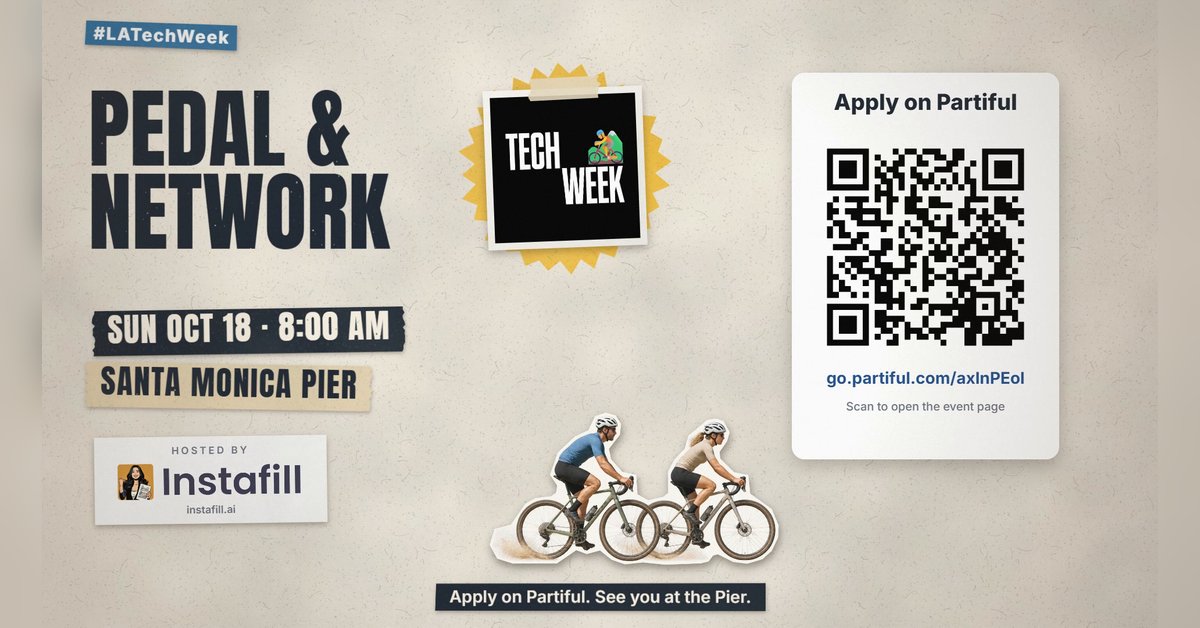 0:45
0:45
Group ride and run invitation
KitCut·New
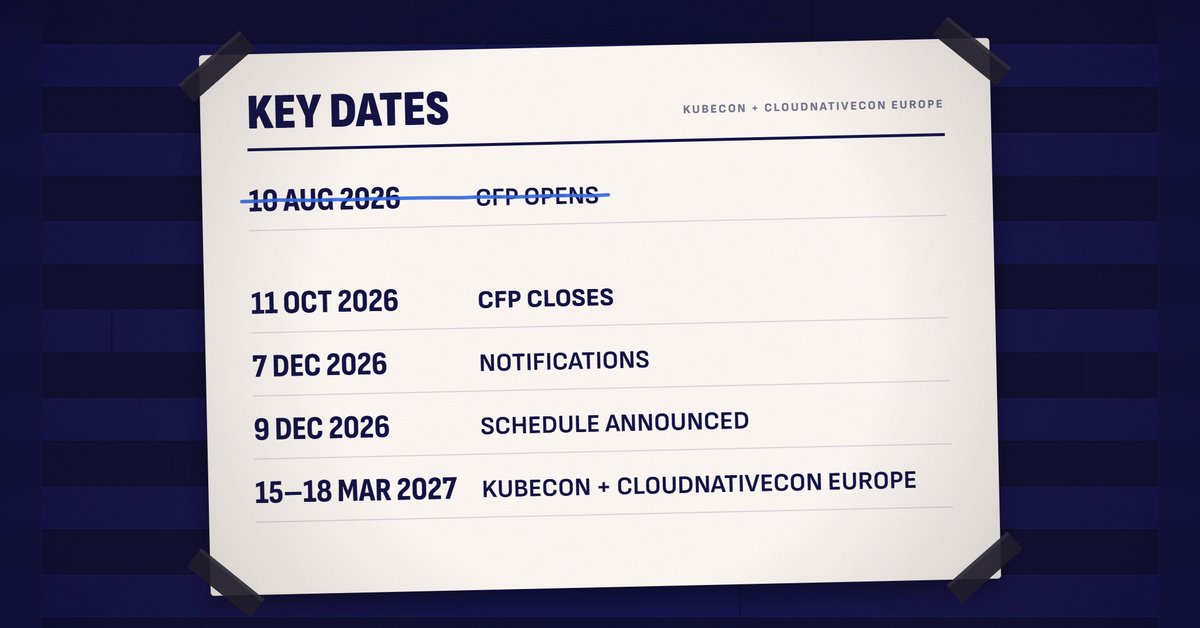 1:30
1:30
Call for speakers
KitCut·New
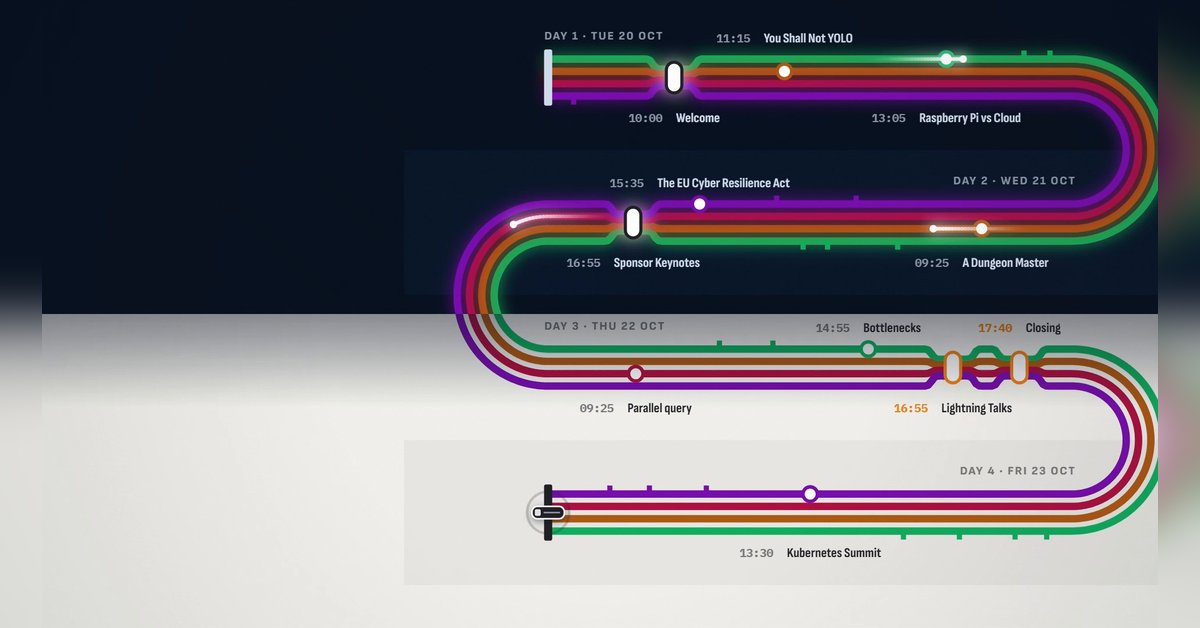 1:30
1:30
Conference agenda map
KitCut·New
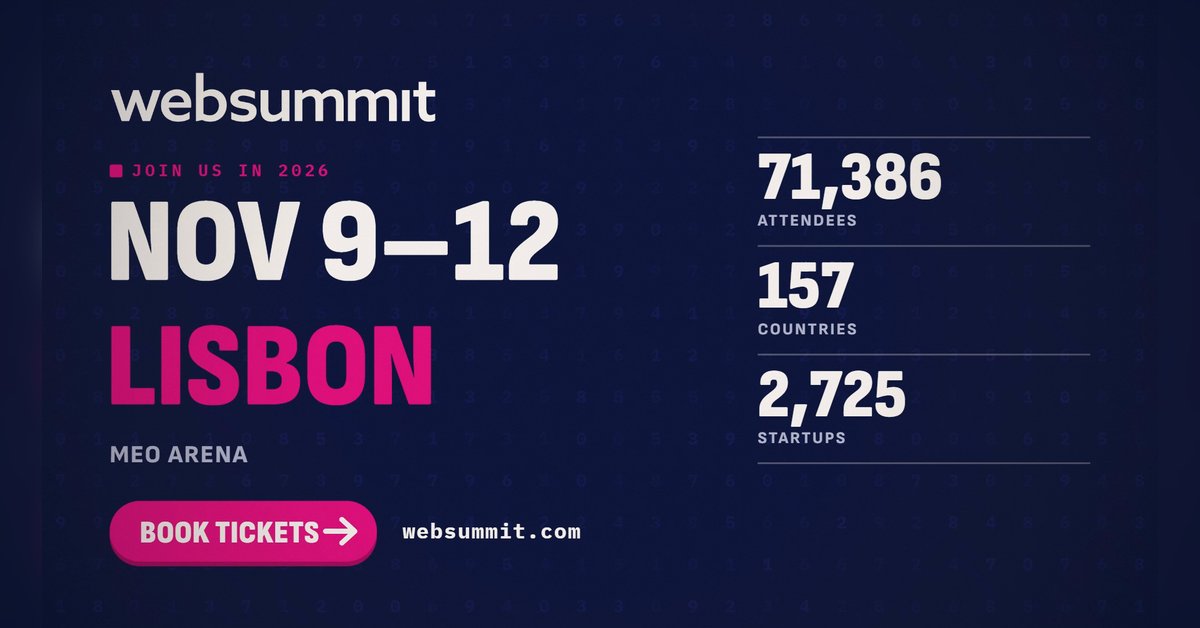 1:28
1:28
The conference in numbers
KitCut·New
 0:26
0:26
Conference speaker promo
KitCut·13 films made
Nothing here fits?Type an idea instead. Claude makes any film from one sentence.
Make a film from an idea
Any length up to your plan’s · hand-drawn, painted or collage
Event promo video templates · Product launch video templates · Podcast promo video templates · Birthday invitation video templates · Video ad templates