 KitCut
Trade show booth invitation video template
A 30-second narrated "find us at booth…" video for exhibitors: the show's name and dates, a hall where your stand lights up with its number, what to see there, the exhibit hours and your link, in your own logo and colours.


Make it yours
About the trade show booth invitation template
This template is the short video an exhibitor posts in the weeks before a trade show so that visitors come to its stand. It was first made for Radiology Partners at RSNA 2026 in Chicago, and it runs 30 seconds with a narrator: the show's name, dates and city appear with your logo, the camera flies over a drawn exhibition hall until one stand lights up in your colour with its hall and booth number, the stand rises with your logo on it and up to three things to see there, the exhibit hours tick in day by day, and the last card holds the booth number large with the dates and your link.
It is an example, not a form. Tell Claude in a sentence where you are exhibiting: the show's name and your company are enough, and your booth number if you have it. Claude reads what you write and anything you attach, finds the rest itself on the web when it needs to (the show's dates, venue and opening hours, your logo and brand colours, what you have announced for the stand) and remakes the film. Every frame is drawn again in code and fitted to your content, so a long company name, a stand code such as Hall 10 / A18 or a show that calls it a stand and not a booth all lay out. It is not a video with your words pasted over it.
Nothing is made up. A fact Claude cannot find is left out: with no booth number published yet, the film says only the show; with nothing announced for the stand, that scene is shorter. The floor plan is a generic drawing, never the show's real plan, and no other exhibitor is named. The narrator says your invitation in a few plain sentences, and the words follow your prompt, so you can ask for another language, a different tone or a line about a product launch or a talk at the stand.
The film comes wide (16:9) for LinkedIn, YouTube and your website, square (1:1) for feeds, and vertical (9:16) for Stories and Reels: choose the frame before you make it. One film is one exhibitor at one show, so a company with a calendar of shows makes one for each, and an organiser or an agency can make one for every exhibitor on the list.
A film from this template uses about 30 credits, its 30 seconds, and is ready in about 10 minutes once its turn comes; you can close the page, and an email tells you when it is done. Films on the Free plan carry KitCut's small mark in a corner. Every film gets its own page and link to share, and you can publish it to your YouTube channel from there.
Questions
What do I need to make a booth invitation video?
One sentence: the show and your company, plus your booth number if you know it. Attach your logo if you have it; if not, Claude finds it on your site, along with your colours, the show's dates and its opening hours.
What if our booth number is not assigned yet?
Then the film invites people to the show without a number. Claude never invents one. Make it again when the number is published; your prompt stays in the box.
Does it use the show's real floor plan?
No. The hall is a generic drawing of stands, with yours lit up and labelled with your real hall and booth number. No other exhibitor is shown or named.
Which sizes does it come in?
Wide 16:9, square 1:1 and vertical 9:16. Choose the frame on the template's page before you make the film; each one is laid out for its shape, not cropped.
Can the narration be in another language?
Yes. Write your prompt in your language or ask for one, and the narrator and every word on screen are in it.
How long does it take, and how many credits does it use?
About 10 minutes once its turn comes; you can close the page, and an email tells you when it is ready. It uses about 30 credits, its 30 seconds.
More templates
See all 0:30
0:30
Webinar promo
 KitCut·New
 0:30
0:30
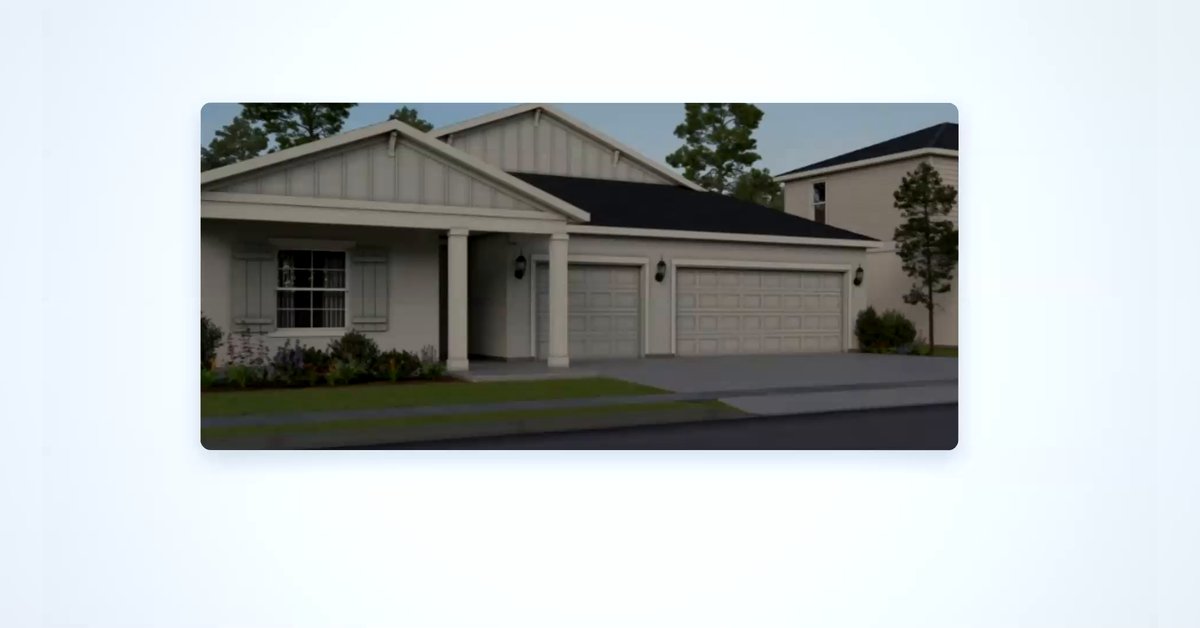
Open house invitation
KitCut·5 films made
 0:05
0:05
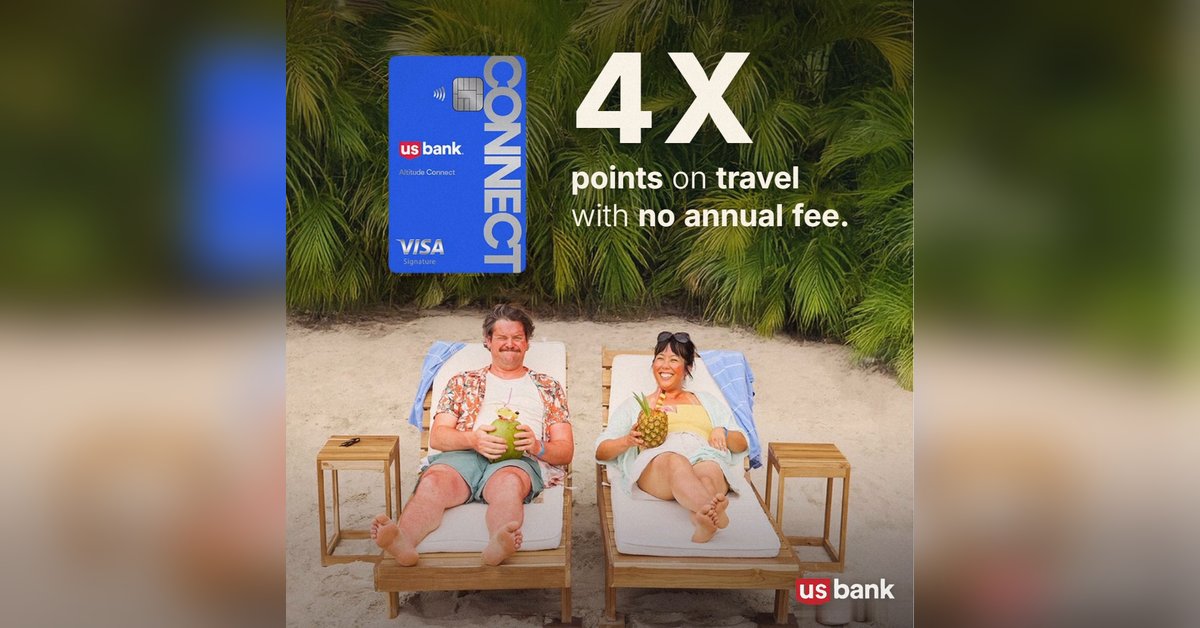
Offer ad
KitCut·16 films made
 0:30
0:30
Tech meetup announcement
KitCut·5 films made
 0:40
0:40
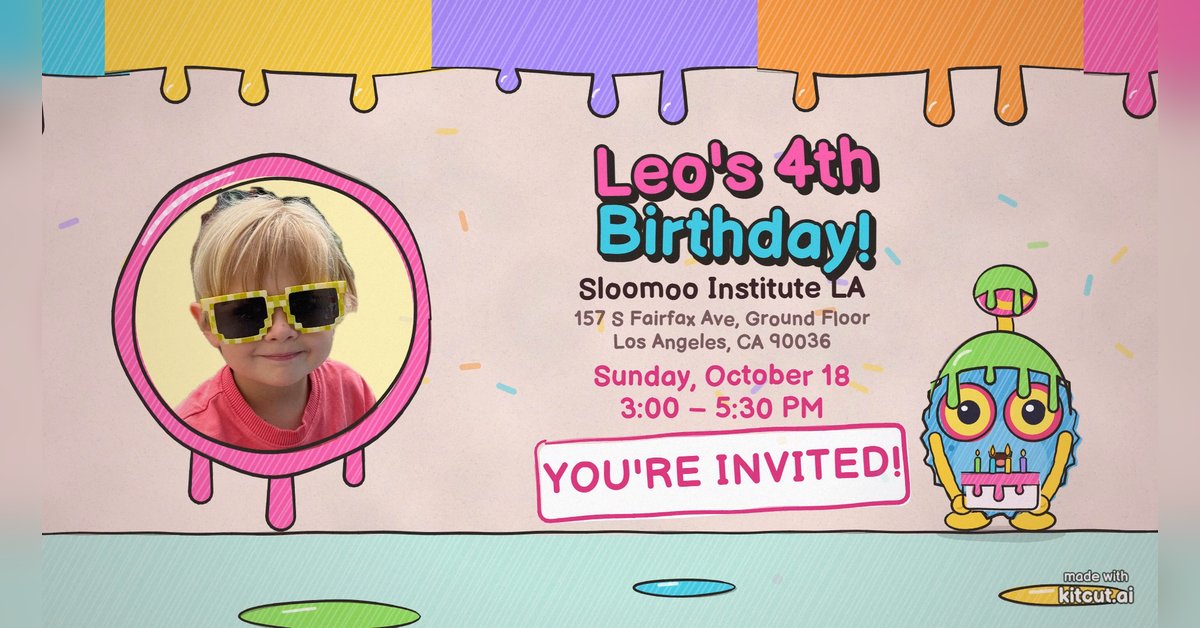
Birthday party invitation
KitCut·New
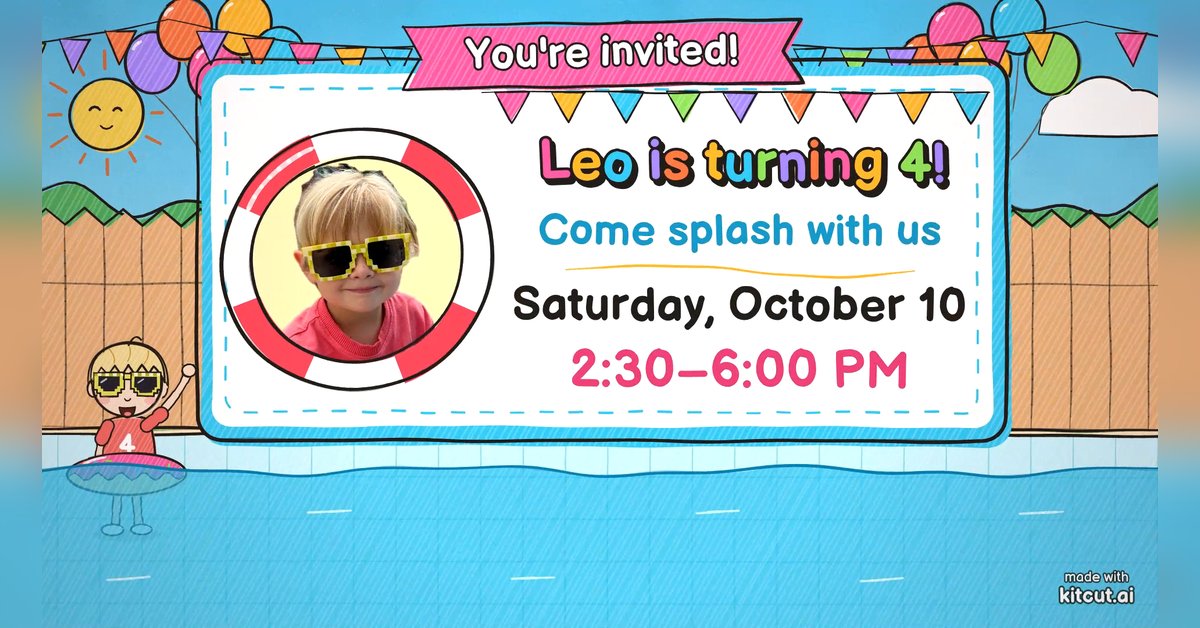 0:30
0:30
Pool party invitation
KitCut·New
 0:45
0:45
Group ride and run invitation
KitCut·New
 1:30
1:30
Call for speakers
KitCut·New
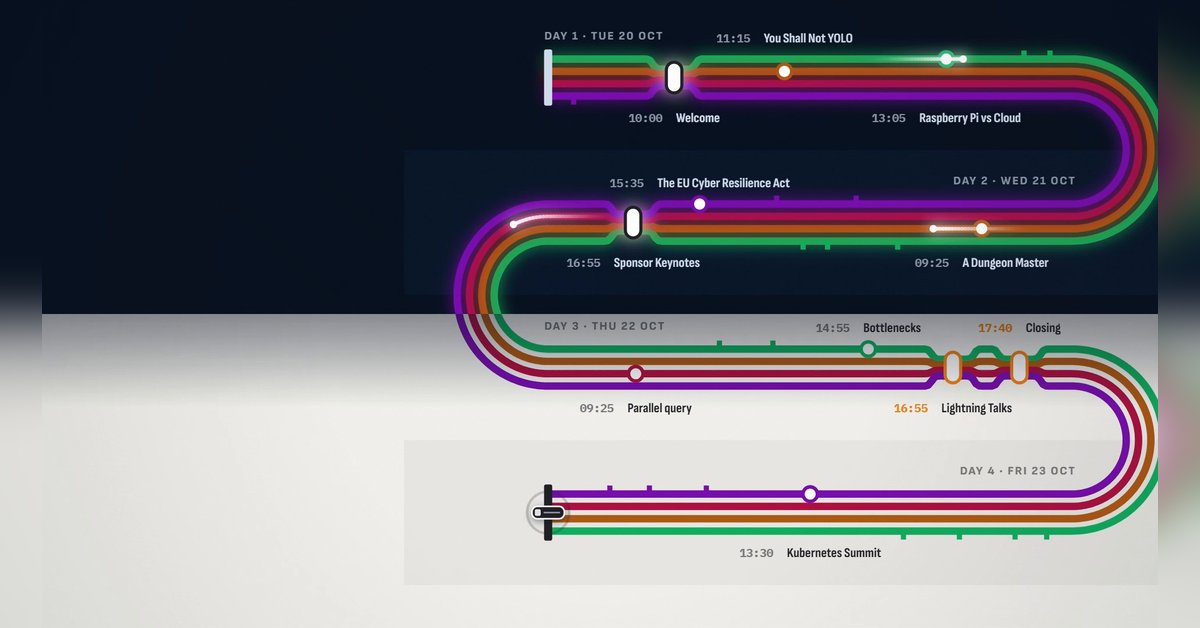 1:30
1:30
Conference agenda map
KitCut·New
 1:28
1:28
The conference in numbers
KitCut·New
 0:26
0:26
Conference speaker promo
KitCut·14 films made
Nothing here fits?Type an idea instead. Claude makes any film from one sentence.
Make a film from an idea
Any length up to your plan’s · hand-drawn, painted or collage
Event promo video templates · Product launch video templates · Podcast promo video templates · Birthday invitation video templates · Video ad templates