 KitCut
Tech meetup announcement video template
A 30-second announcement for a tech meetup, happy hour or community night: the hosts' logos land side by side, the meetup's name builds in neon, who it is for and what to expect, then the date, time and place on a ticket and how to RSVP. Music only, made for feeds.
Make it yours
About the tech meetup announcement template
This template is a 30-second video that announces a tech meetup: a developer meetup, a founders' happy hour, a community night, a demo night or a side event of a tech week or a conference. It was first made for a real LA Tech Week 2026 event, the AI Agents Speakeasy that LiveKit and Modal host in Santa Monica, and it works for any meetup with one host or several.
The film is built for a feed. The tech week or the series tags in first, then the hosts' logos land side by side, then the meetup's name builds letter by letter in neon. Next comes who it is for and what kind of evening it is, what it is not and what it is in three quick beats, and a ticket card with the day, the time and the place. It ends on the hosts again with how to RSVP and the link. Every word is on screen and there is no narration, so it says everything with the sound off, the way most people scroll LinkedIn and X.
It is an example, not a form. Write one sentence about your meetup, or paste its Luma, Partiful or Meetup link, and attach your logo and your co-hosts' logos if you have them. Claude reads what you write and what you attach, finds the rest itself, on the web too (the date, the time, the venue, the description, the hosts' logos and colours), and remakes the film with your meetup. It never invents a fact: what it cannot find on your event's page is left out. Every frame is drawn again in code, so a long meetup name is fitted and your logos sit on the film's own colours; it is not a video with your words pasted over it.
You can change it any way you like: other colours or your brand's, a talk night with speakers instead of a happy hour, three beats about the agenda, a different call to action such as 'Apply to join' or 'Free, register on Luma', or the words in another language. Say what to change and Claude follows it.
It is a wide 16:9 film for LinkedIn, X, YouTube, your event page or a screen at the venue. It uses about 30 credits, its 30 seconds, and is ready in about 15 to 20 minutes once its turn comes; you can close the page, and an email tells you when it is done. Films on the Free plan carry KitCut's small mark in a corner. Every film gets its own page and link to share, and you can publish it to your YouTube channel from there.
Questions
What do I need to make a meetup announcement video?
One sentence or your event's link (Luma, Partiful, Meetup, Eventbrite or your own page), and your logo if you have it. Claude finds the date, the time, the place and the description, puts your hosts' logos in, and remakes the film.
Can it show several hosts or sponsors?
Yes. Attach each host's logo, or name the hosts and Claude finds their logos. One host, two side by side or a row of three all lay out; for more, say which to show.
Does it need sound?
No. It is music only and every fact is on screen, so it works muted in a feed. There is no narration; for a narrated announcement, type your idea on the home page instead.
Can I use it for a talk night or a conference side event?
Yes. Say what the evening is: talks with speakers, a demo night, a workshop or a happy hour, and the middle of the film is rewritten for it, while the logos, the ticket card and the call to action stay.
How long does it take, and how many credits does it use?
About 15 to 20 minutes once its turn comes; you can close the page, and an email tells you when it is ready. It uses about 30 credits, its 30 seconds.
More templates
See all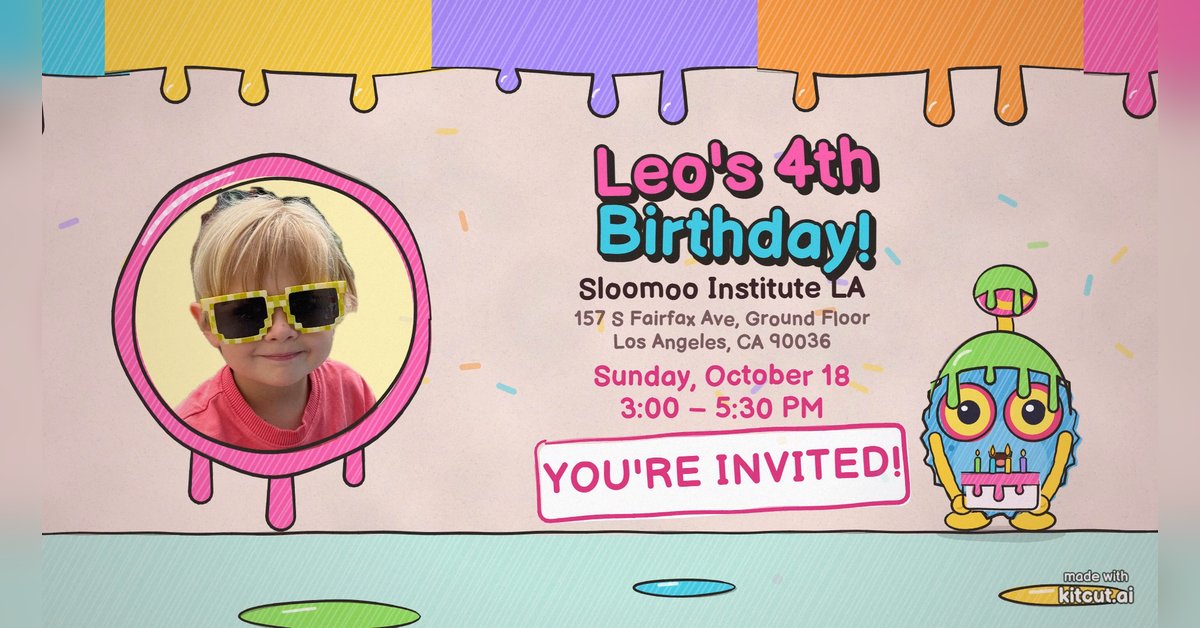 0:40
0:40
Birthday party invitation
 KitCut·New
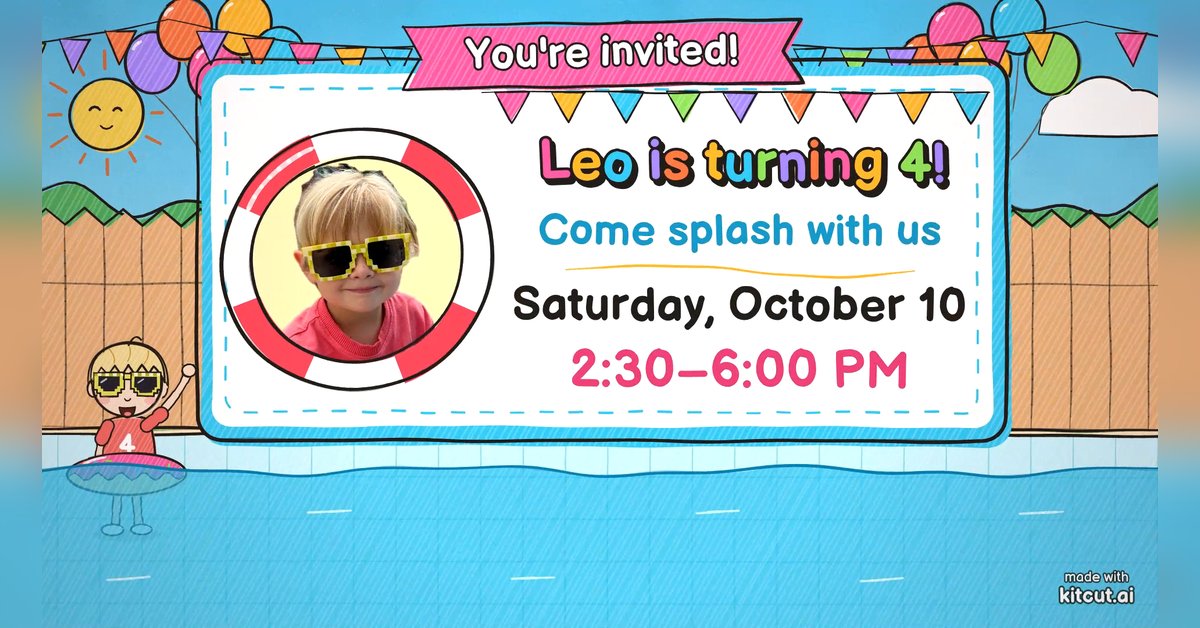 0:30
0:30
Pool party invitation
KitCut·New
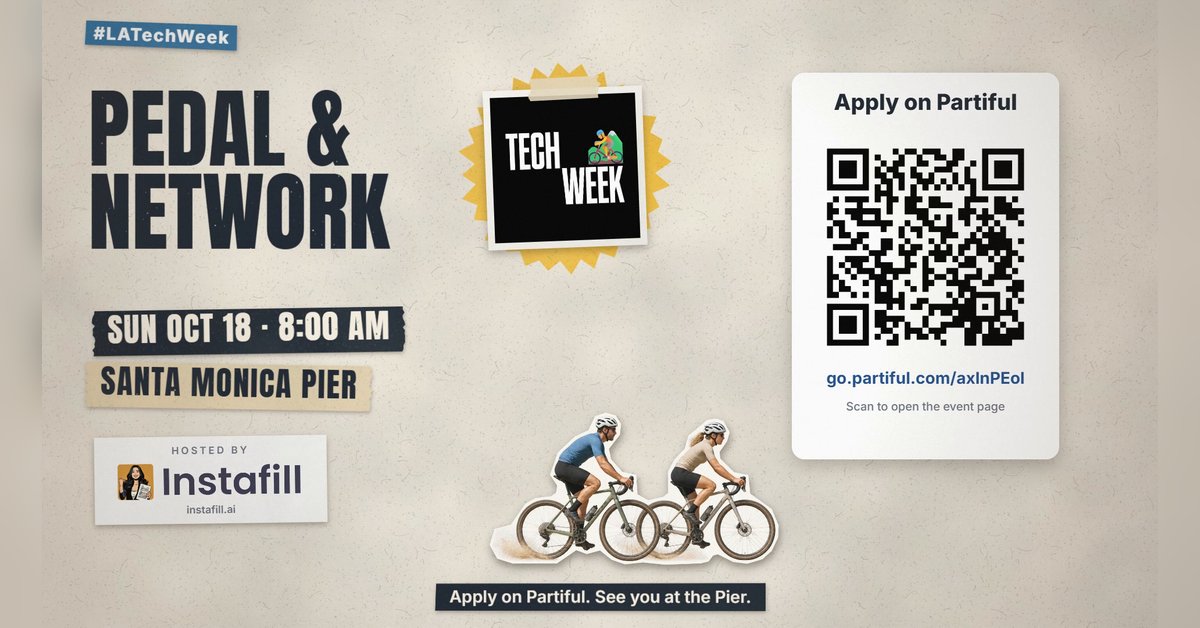 0:45
0:45
Group ride and run invitation
KitCut·New
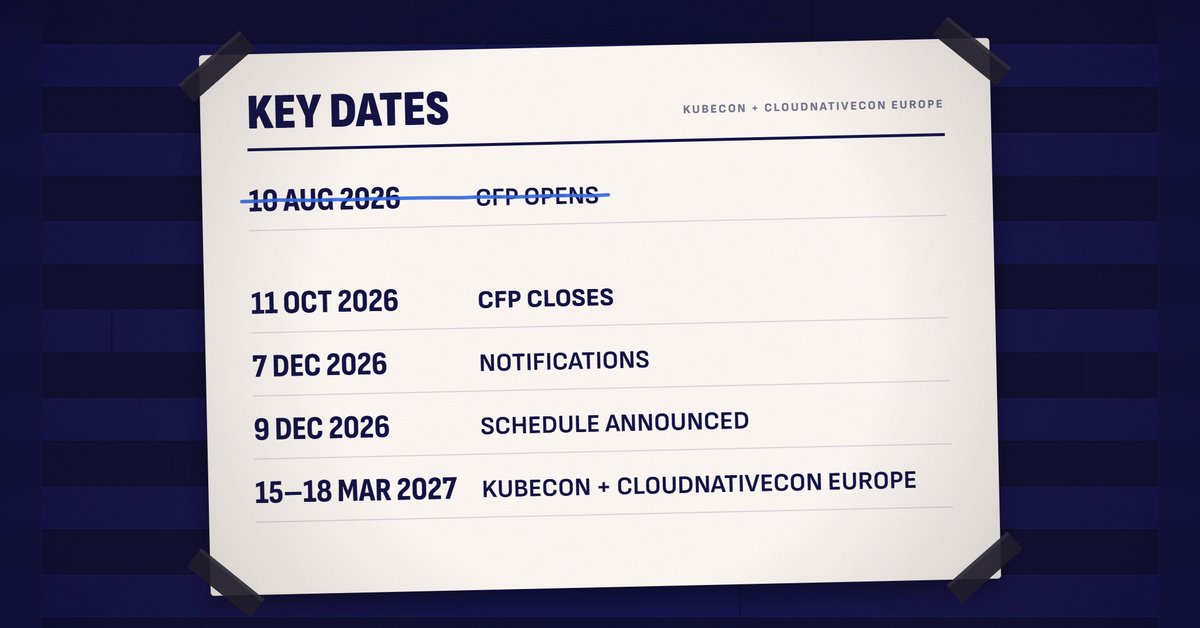 1:30
1:30
Call for speakers
KitCut·New
 1:30
1:30
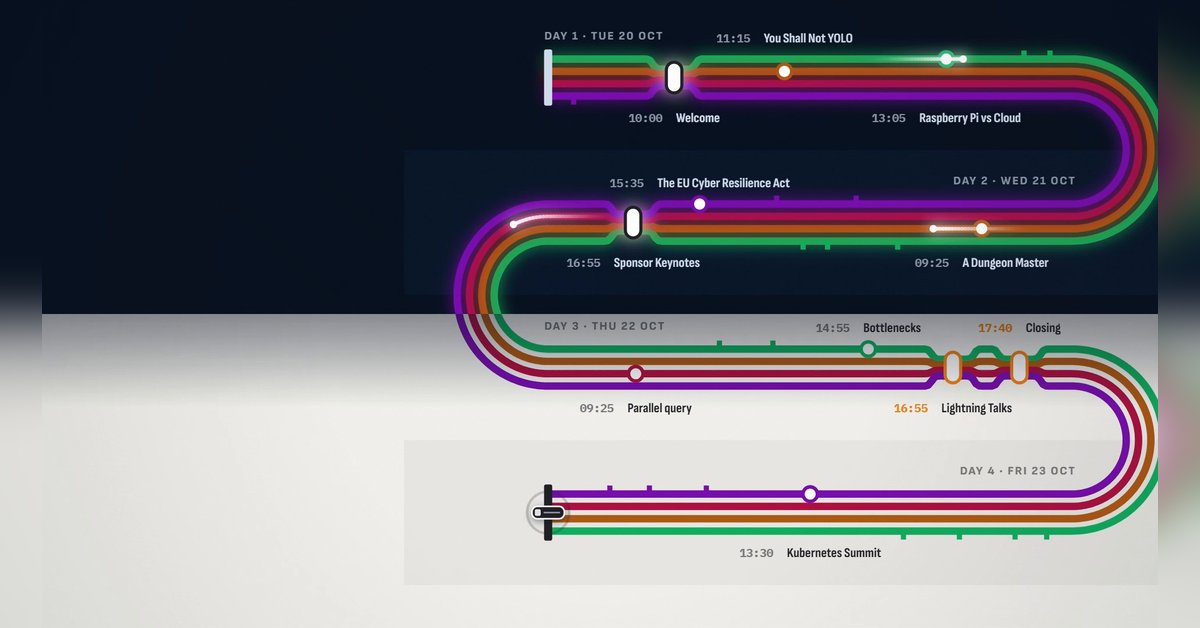
Conference agenda map
KitCut·New
 1:28
1:28
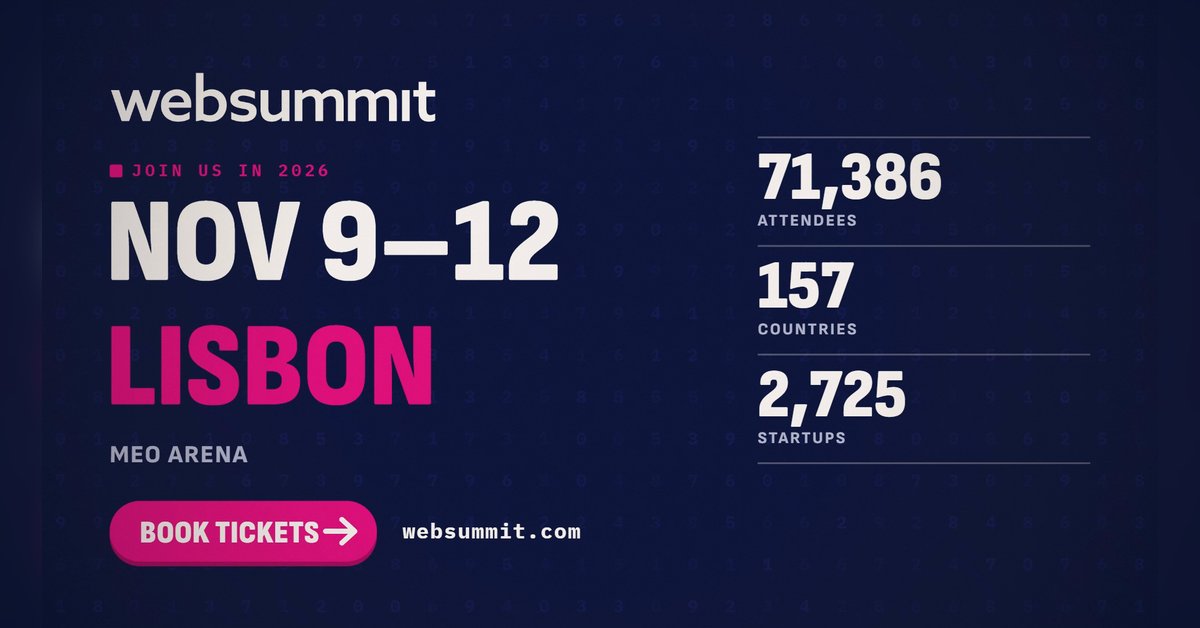
The conference in numbers
KitCut·New
 0:26
0:26
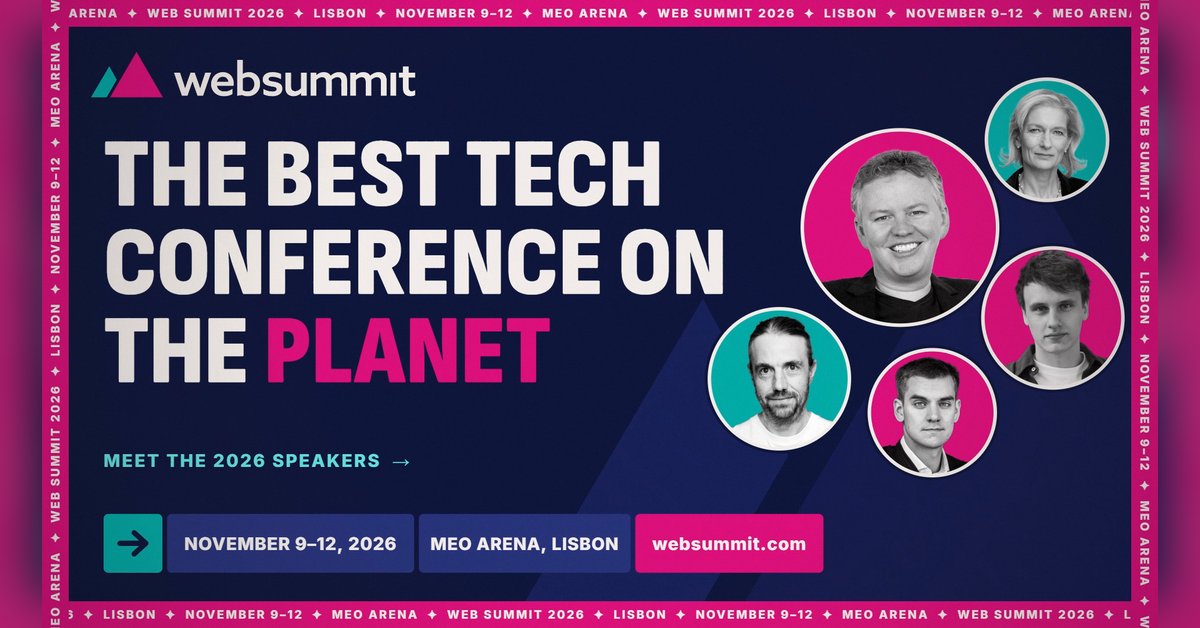
Conference speaker promo
KitCut·13 films made
Nothing here fits?Type an idea instead. Claude makes any film from one sentence.
Make a film from an idea
Any length up to your plan’s · hand-drawn, painted or collage
Event promo video templates · Product launch video templates · Podcast promo video templates · Birthday invitation video templates