 KitCut
Instafill: a video for every help article
- Company
- Instafill.ai, AI that fills PDF forms
- Films
- 11 help articles, an announcement, a series
- Ten made in
- two days
- Length
- 45 to 65 seconds each
- Built from
- Screenshots of the real app
- Where
- instafill.ai/docs
Instafill.ai fills PDF and Word forms with AI for people who fill forms for a living: office managers, healthcare and legal staff, small business owners. Like every software company, it has a help center, and like every help center, it was all text. A screen recording per article means someone recording, editing and narrating each one, and doing it again the next time a button moves. Instafill made a film for each article with KitCut instead: ten of them on 14 and 15 October 2026, each 45 to 65 seconds, each built from screenshots of the real app.
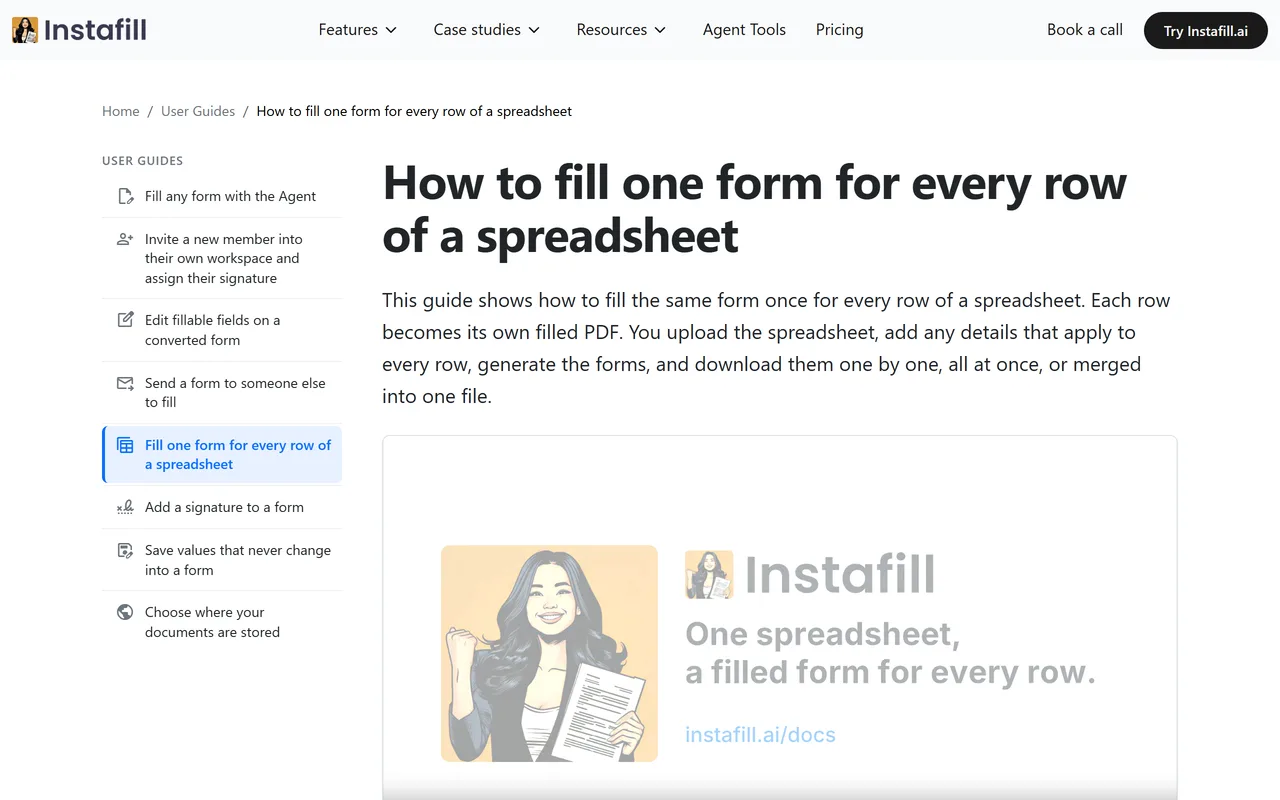
How to fill one form for every row of a spreadsheet, 51 seconds.
Real screens, never an invented interface
The worst thing a product video can do is show buttons the product doesn't have. An AI video model asked for an app's screen paints one that looks right and isn't. Instafill's project brief rules it out in its first line: "The film must look like the real Instafill app. Never invent an interface."
So each film starts from screenshots. The idea for a film is the article's title and its address, then the screenshots in the order the story needs them, each with a line on what it shows. Claude builds every scene from them: the screen in a plain browser frame, a pan and a zoom into the part being talked about, a cursor moving to the button, a soft highlight in the app's own blue. If a step has no screenshot, the scene is left out rather than drawn.
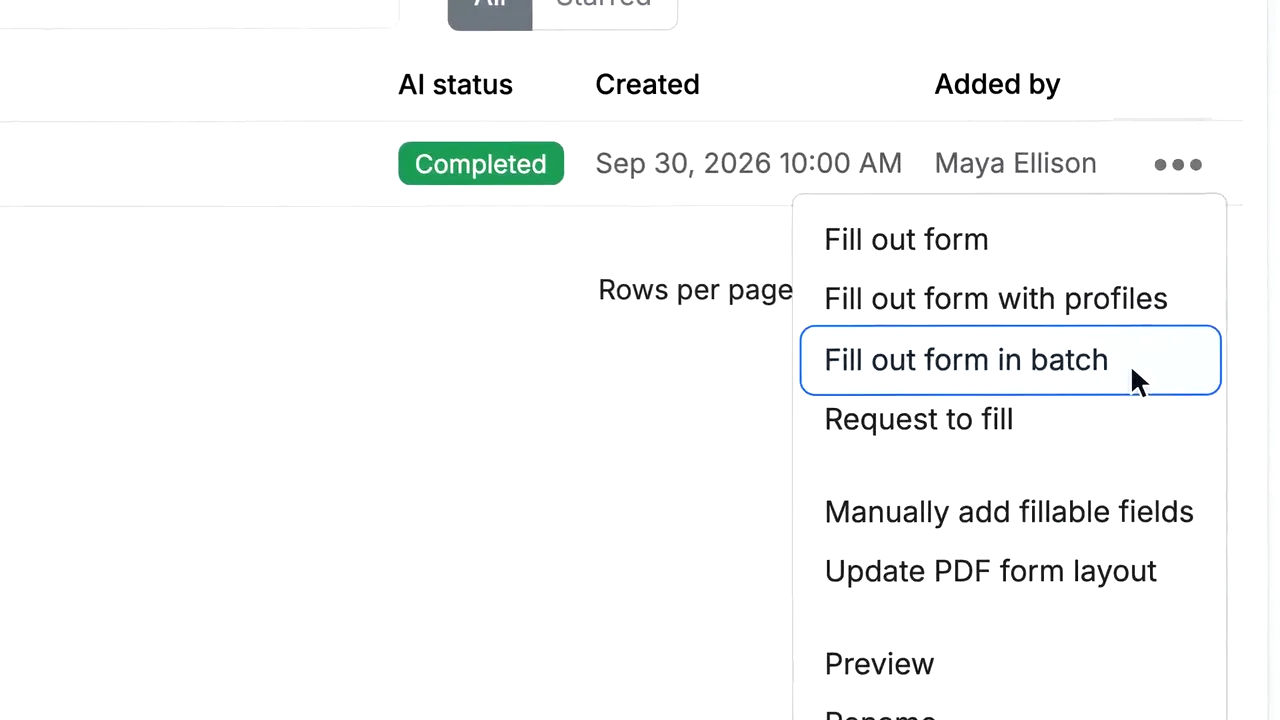
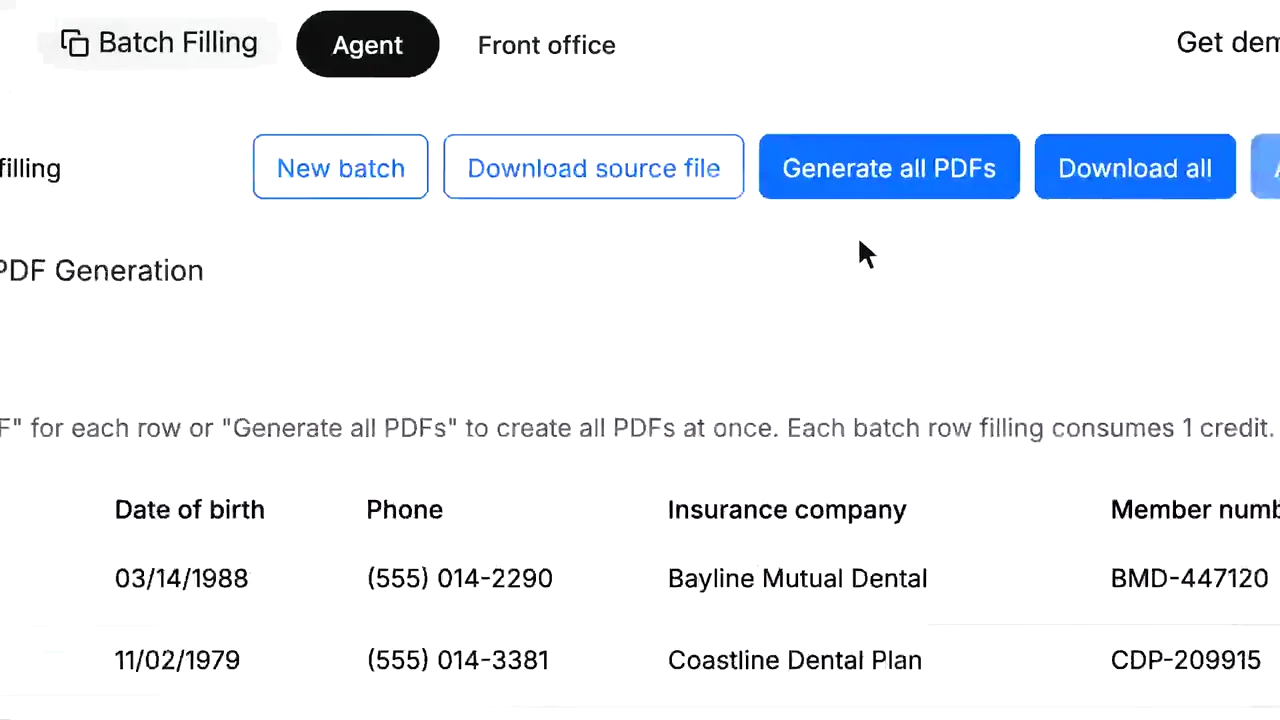
The rest of the brand is in the brief too, so no film needs to repeat it: Inter for all type, the app's blue for actions, calm flat surfaces with thin borders, the logo and the mascot as pictures to place as they are, and words the screens use (Forms, Filled forms, Profiles, Batch Filling, Agent). "Promise only what the screens show. No invented numbers, customers, prices or testimonials."
The articles
- Fill any form with the Agent
- Edit the fillable fields on a converted form
- Send a form to someone else to fill
- Fill one form for every row of a spreadsheet
- Add a signature to a form
- Save values that never change into a form
- Choose where your documents are stored
- Require two-factor authentication for your organization
- Create an API key for a workspace
- Delete old data automatically
- Fill a form from a saved profile
When an article changes, its film can be made again from new screenshots, or changed with a note on the spot that is out of date.
A product announcement, the same way
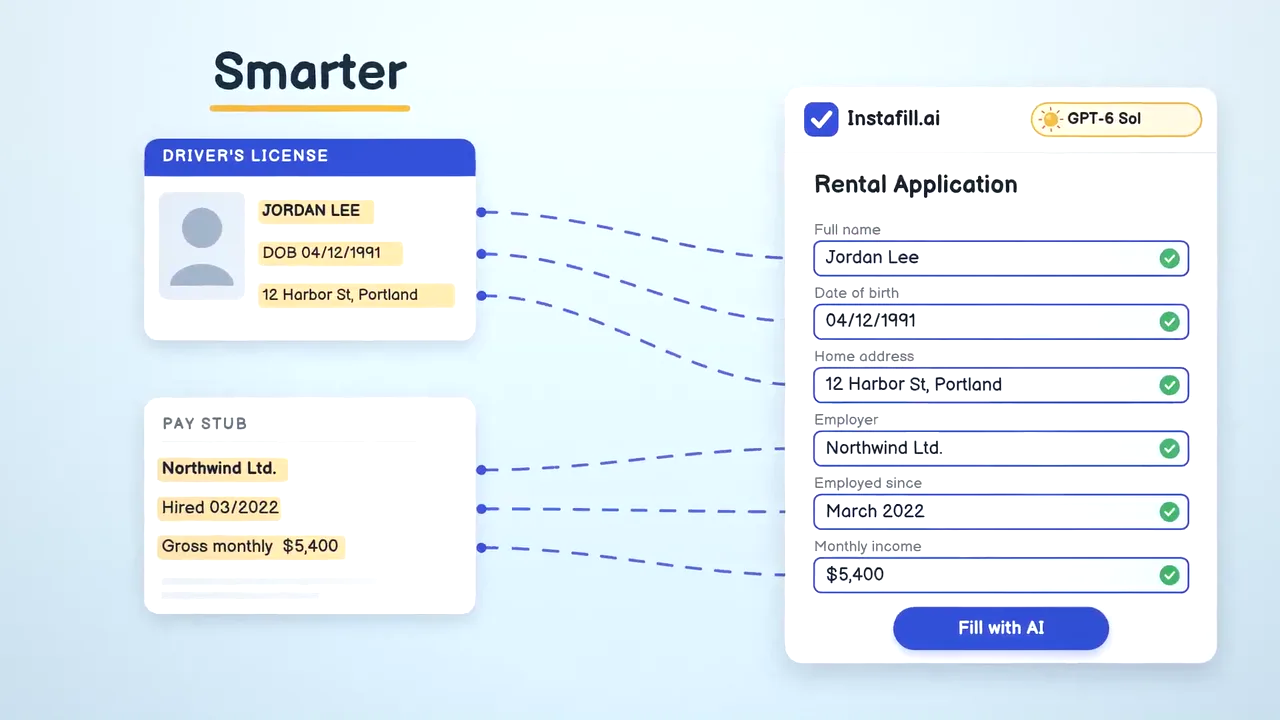
When Instafill moved every user to a stronger AI model, the announcement was a 45-second film in the same look: a form filling itself from a driver's license and a pay stub, the setting already switched on, no setup and no extra cost.
Form Desk: a funny series about hard forms
Help films are for customers. Form Desk is for the people Instafill wants as customers: whoever files the same government form for their company again and again. Each episode is one real form and the ways people fail it, at speed: "Here are six ways to fail Form WH-347." Every rule comes with where it is written, as a tiny source tag. Every joke is true, aimed at the paperwork, never at the viewer. It ends on Instafill filling the same cells right.
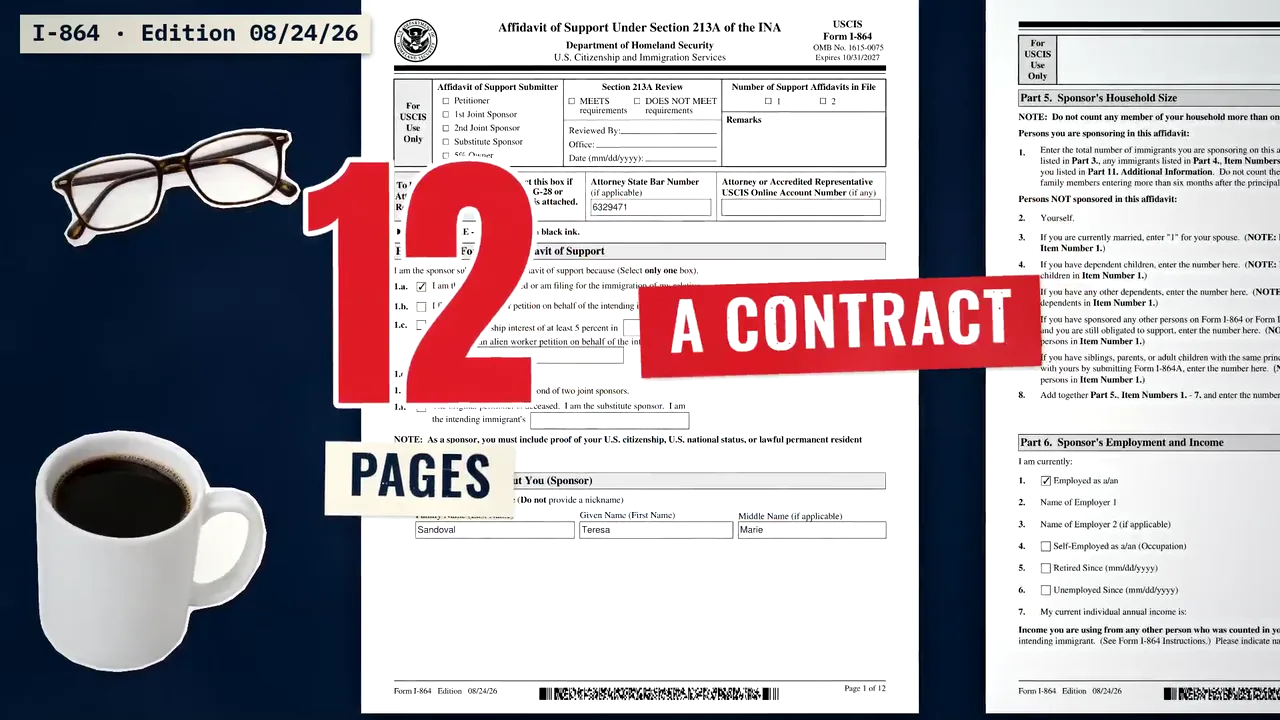
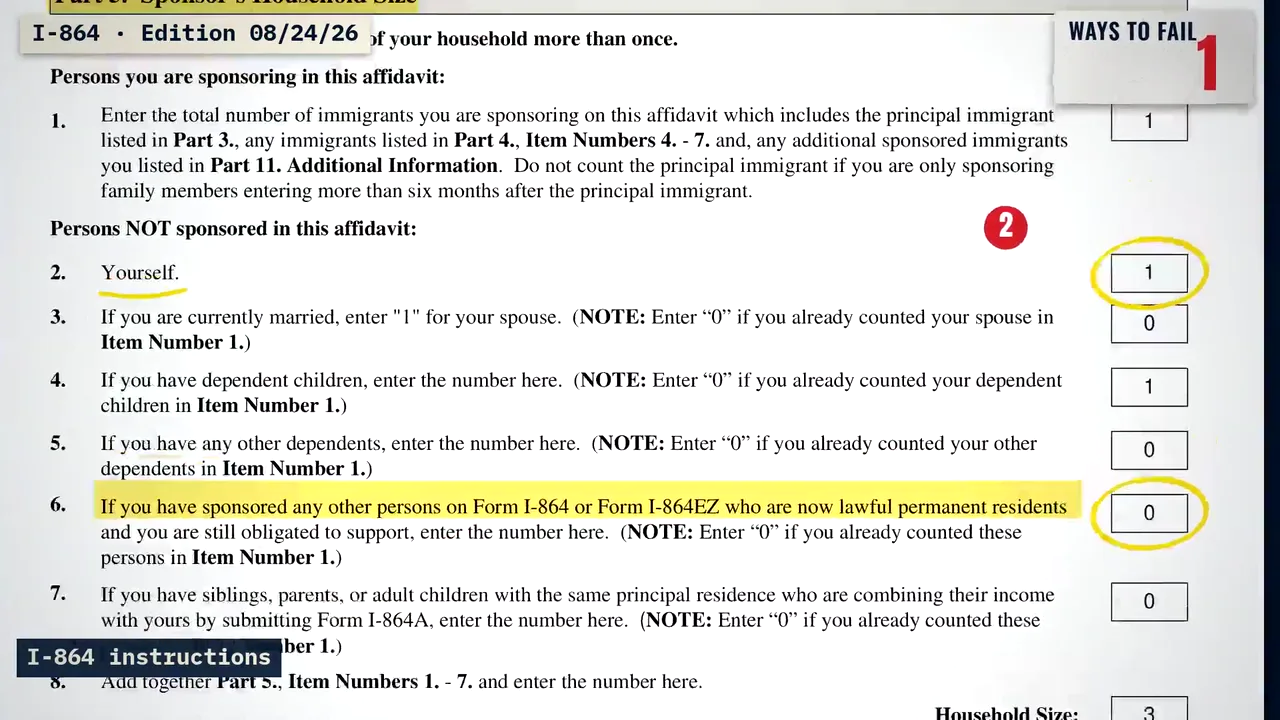
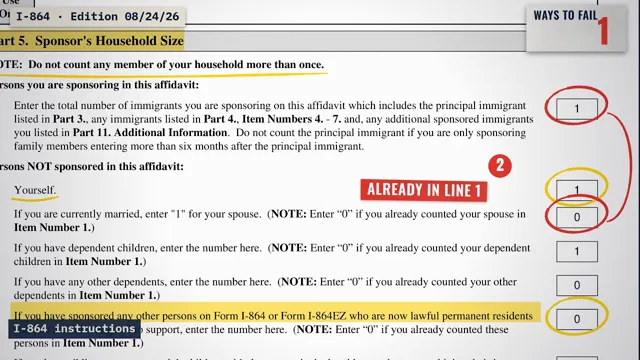 6 ways to fail Form I-864, the Affidavit of SupportForm Desk · 2:41
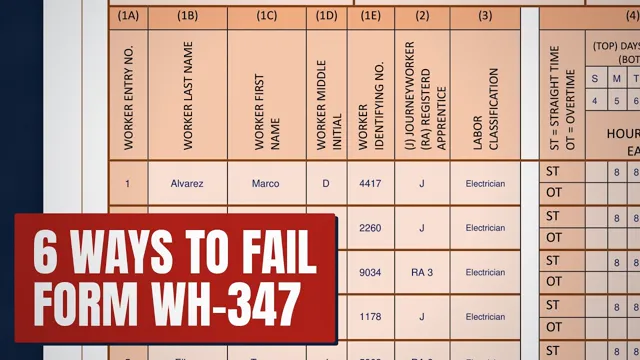 6 Ways to Fail Form WH-347 (Certified Payroll)Form Desk · 2:30
What made it work
- One brief for the brand. The look, the words and what may never be shown are written once. A new film is an article's title and its screenshots.
- Screenshots in, interface out. Nothing on screen is invented, so a customer who watches the film then finds the same buttons in the app.
- Easy to redo. An article's film is a title and a few screenshots, so keeping the videos as current as the text is realistic.