 KitCut
The Last Penalty: Eleven Metres Through the Keeper's Eyes
A 30-second hand-drawn Claude video: Claude Opus 5.5 wrote, animated, narrated and scored it from one prompt in 19 minutes. Make your own Claude video at KitCut.
Made for a series, not a one-off
An explainer is rarely needed once. A channel needs the next episode, a help center the next article's video, a newsletter next week's briefing. KitCut keeps a series' brief, look, narrator, characters and brand in a project, so each new episode is a topic, not a production.
For YouTube channels
- Explainers on what you know: a sport, history, science, money, the news
- A long episode, then a week of Shorts cut from it
- Cartoon series with the same characters and catchphrases every time
- Titles, thumbnails and the channel's calendar, done by KitCut
For companies
- A film for every help article, from screenshots of your app
- A short film with every release
- A customer-education series that teaches the job your product does
- Market and data briefings, every chart with its source
Case studies
Series made with KitCut, on YouTube channels and for a company. Each has a page of its own: the brief behind it, how an episode is made, frames from the films and the numbers, which are YouTube's own on 21 October 2026. All case studies
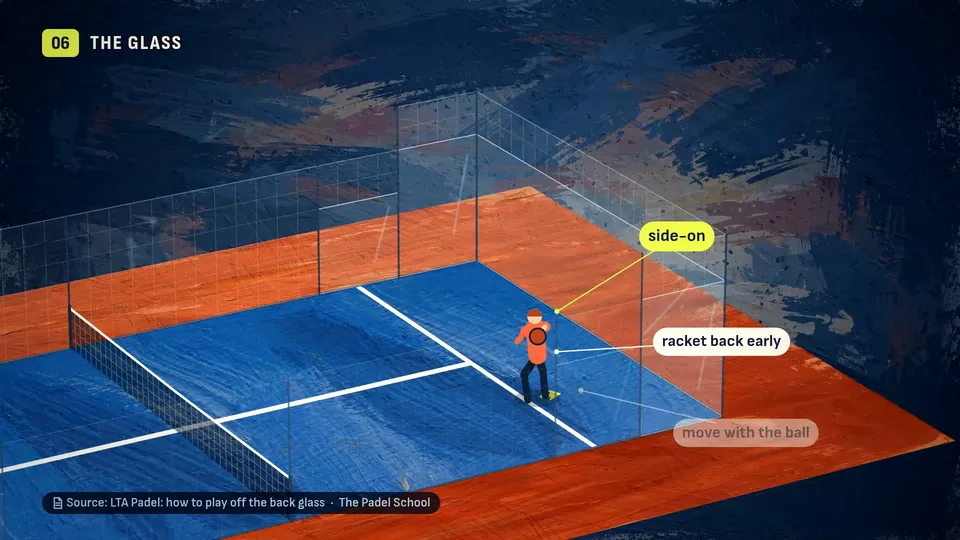
 YouTube channel · Padel TacticsA sports channel that publishes every day21 films in its first 12 days; episode 1 has 7,644 viewsPainted padel explainers with every rule and number sourced on screen, each long episode cut into Shorts that go out one a day.
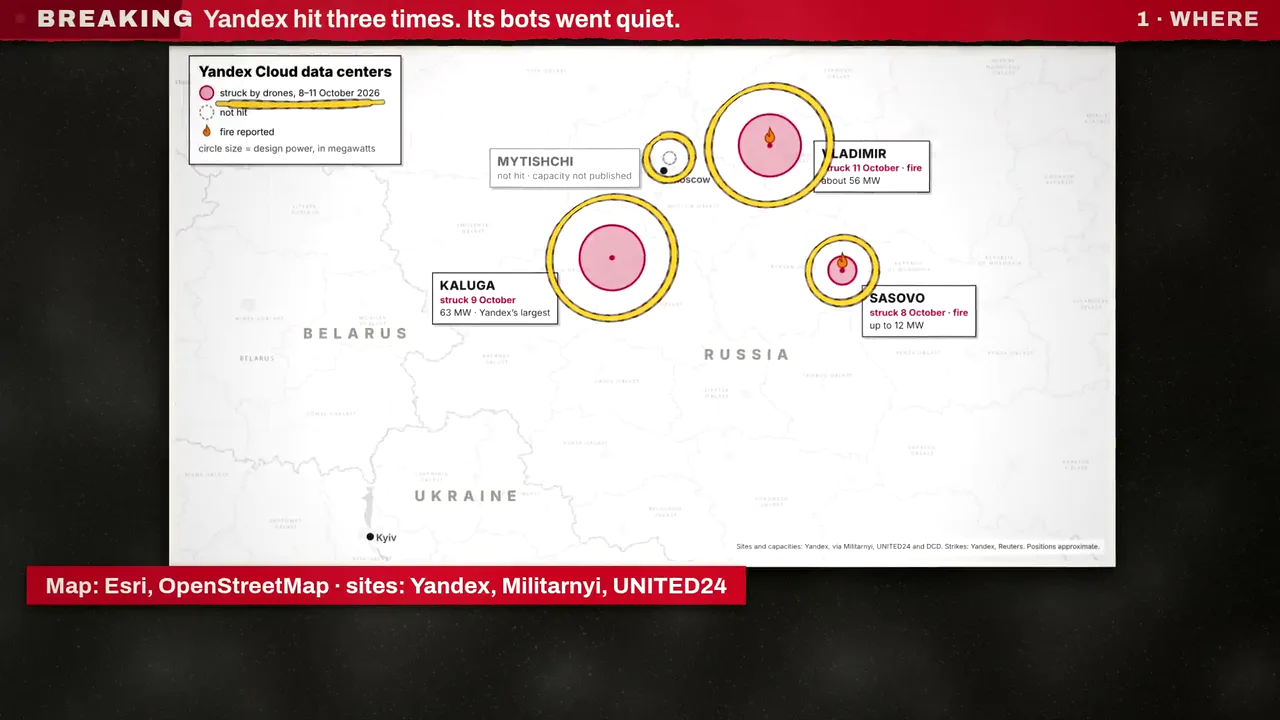 YouTube channel · KitCutSourced news explainers, 32 in four days15,860 views on one bulletin, 95% from YouTube searchThe news in the first second, then every fact with its source on screen: the real map, the company's own post, the measurement.
 Company · Instafill.aiA video for every help article10 films in two days, built from screenshots of the real appPlus a product announcement, and a funny customer-education series about hard government forms.
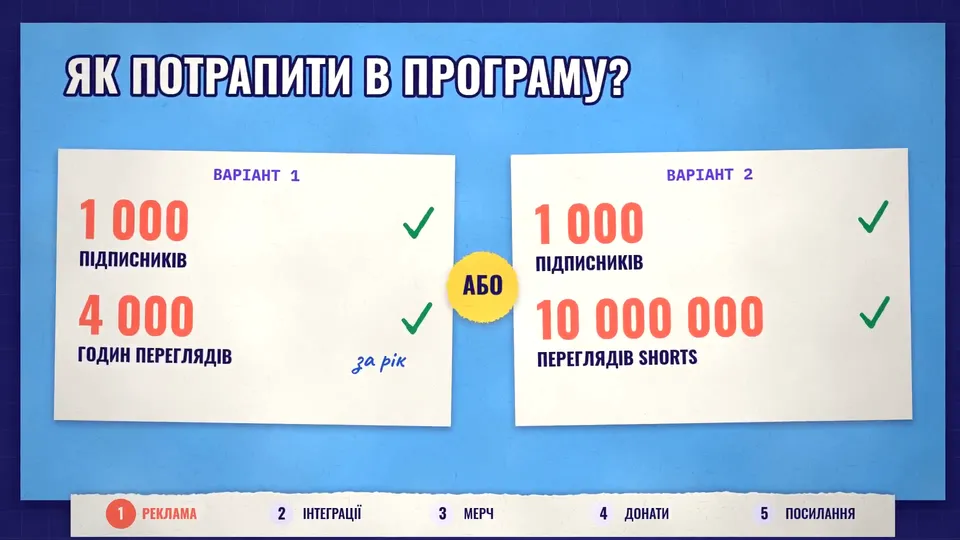
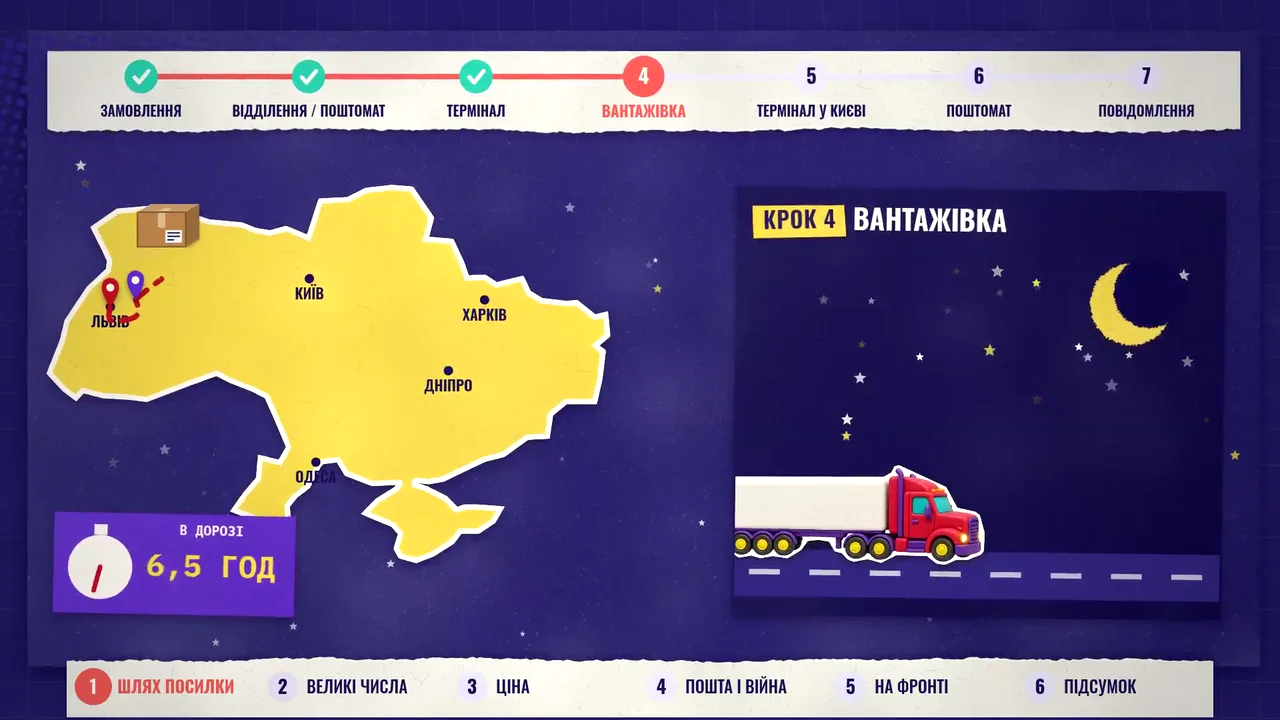 YouTube channel · Очеретинська школа економікиA children's economics school, in Ukrainian17 episodes from English prompts; the most watched has 1,515 viewsOne recurring heroine, the same recorded opening and closing in every episode, real Ukrainian brands and numbers.
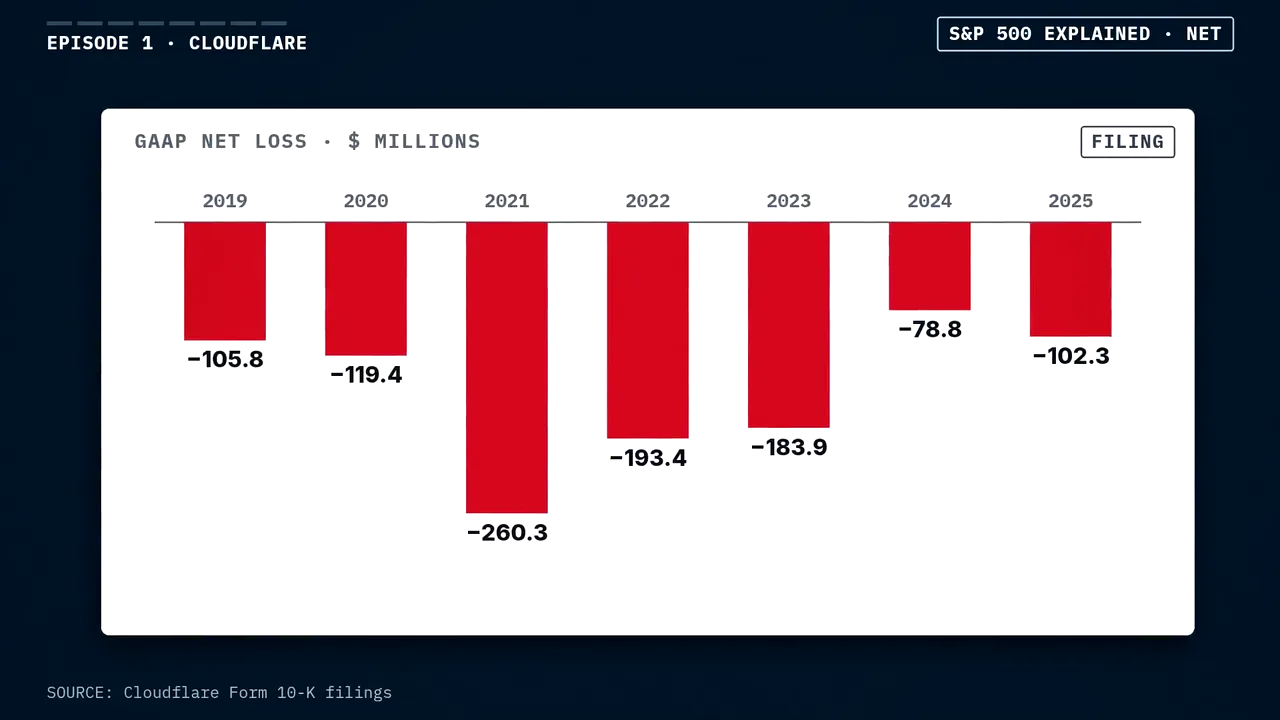 YouTube channel · S&P 500 ExplainedOne 18-minute research episode, five ShortsEvery fact tagged filing, company, data or our mathA finance channel that works from company filings, narrated word for word from a script.
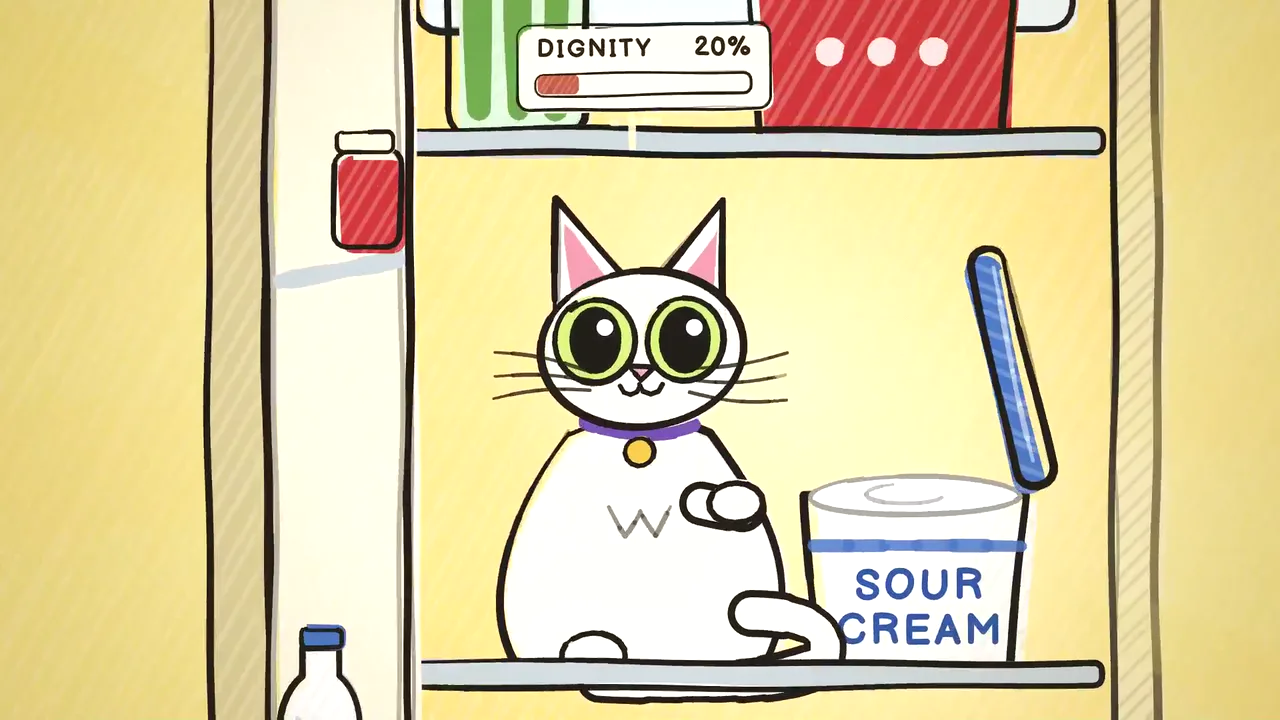 YouTube channel · Leo The Big BoyFrom a 10-second film to two cartoon series25 episodes, the same cast and catchphrases in eachLeo and Duchess: crayon cartoons whose stories are written by the channel's owner and drawn by Claude.
Most watched
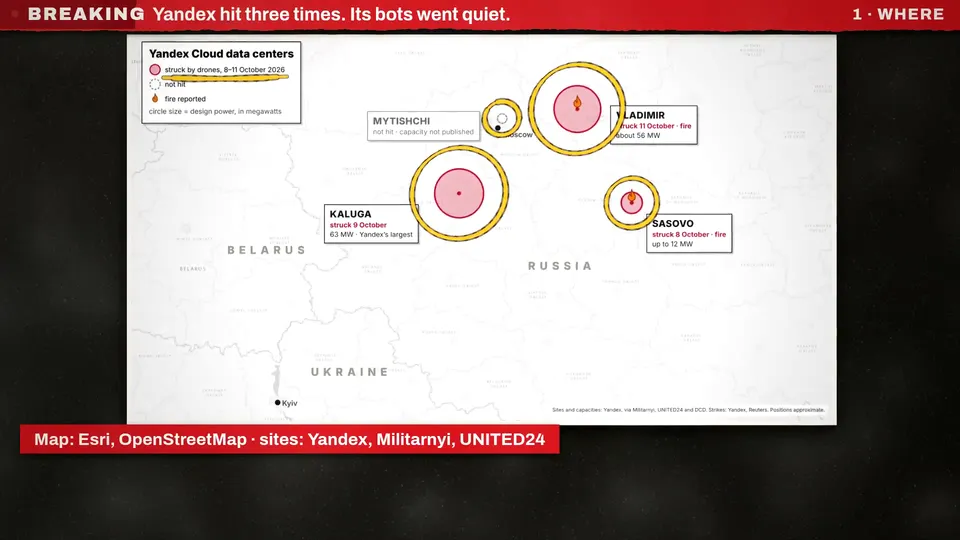
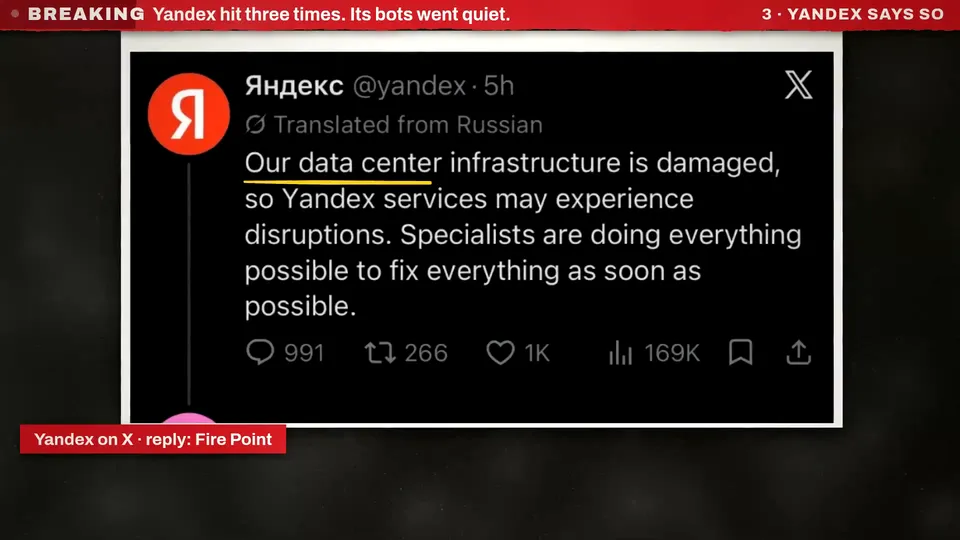
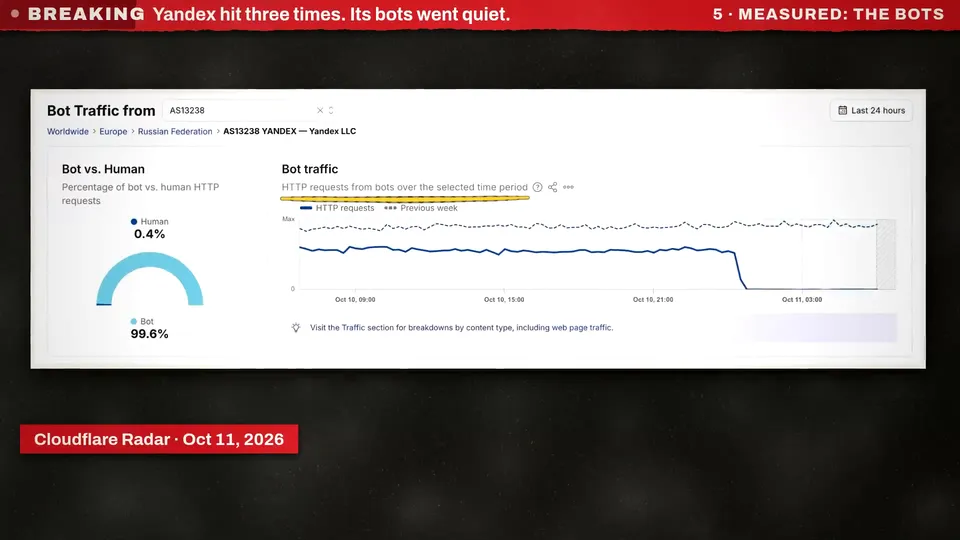
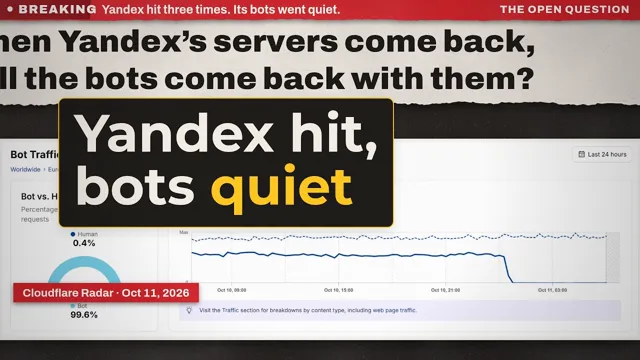 KitCut · 2:59Yandex data centers hit three times in four days, and its bot traffic went quiet15,860 views
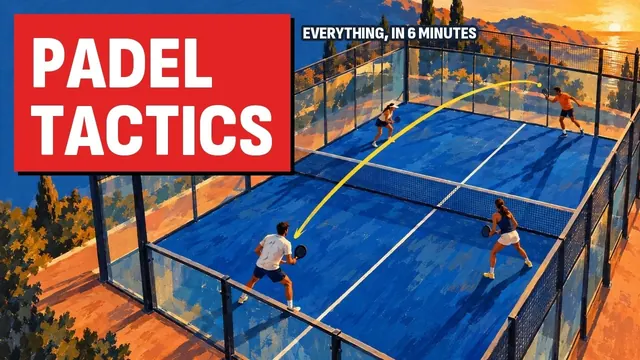 Padel Tactics · 6:34Padel Tactics Explained: How Points Are Really Won7,644 views
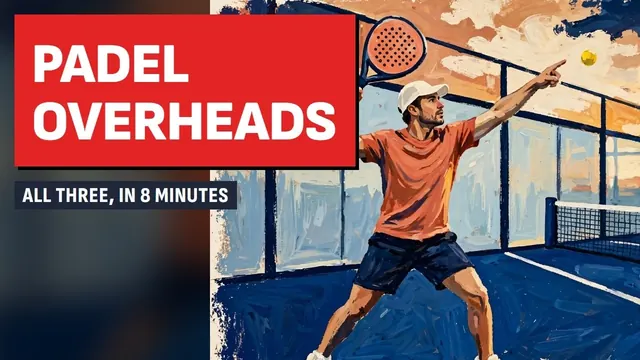 Padel Tactics · 8:01Padel Overheads Explained: Bandeja, Víbora or Smash?1,940 views
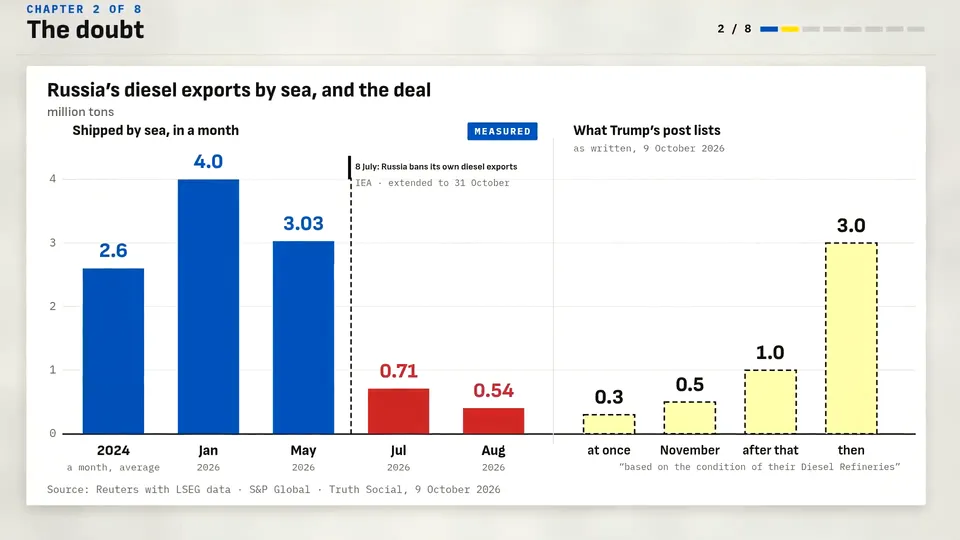
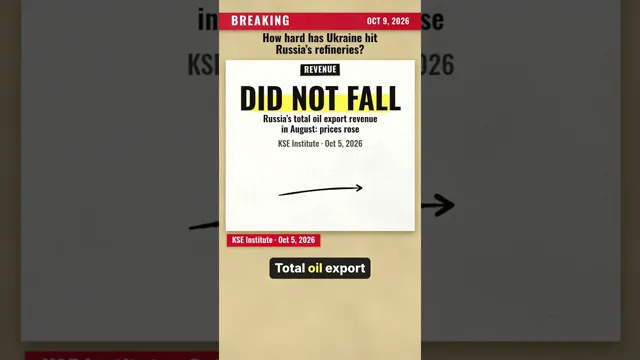 KitCut · ShortTrump's diesel deal meets Russia's own export ban: what Ukraine's refinery strikes did1,588 views
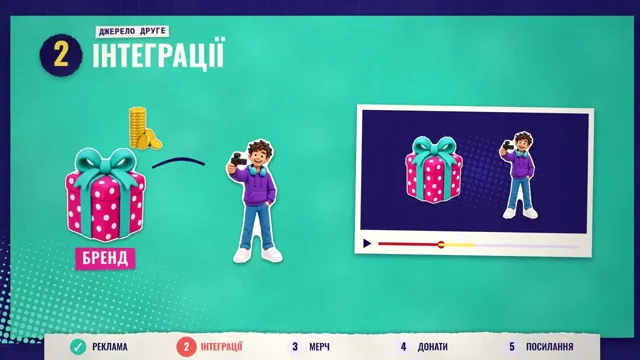 Ukrainian · 4:01Як заробляє блогер? (How does a blogger earn?)1,515 views
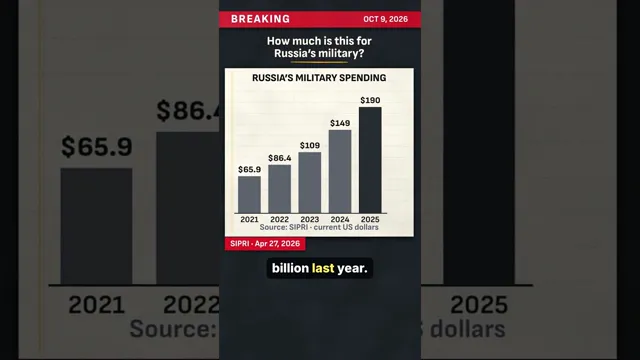 KitCut · ShortTrump clears Russian diesel worth about $7 billion: what that sum equals1,471 views
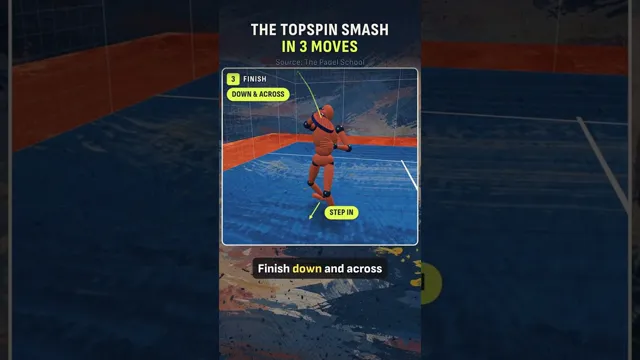 Padel Tactics · ShortThe Padel Topspin Smash in 3 Moves1,253 views
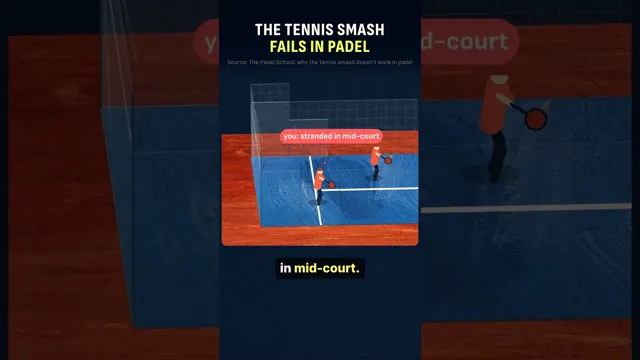 Padel Tactics · ShortWhy the Tennis Smash Fails in Padel912 views
Not a video model. A video written in code.
Video models such as Seedance, Sora, Veo and Kling generate pixels: a few seconds per clip, with words that warp and charts, maps and posts that only look right. KitCut runs Claude Opus 5.5 the way Claude Code works on software: it looks the topic up, then writes the whole video as a program, every chart, map, label and caption drawn in code and timed to the narrator, and checks stills of its own work before it is rendered. So an explainer can show the real thing. Every frame below is from a KitCut video on YouTube.
| Seedance, Sora, Veo, Kling | KitCut | |
|---|---|---|
| One video | a few seconds a clip, joined by hand | minutes long, planned as a whole (up to 8 on Pro) |
| Words and numbers | often warped or invented | typed, spelt as written, from sources it names |
| Charts, maps, posts, pages | imitations that look plausible | the real ones |
| Narration | a voice per clip, if any | one narrator for the whole video, each word timed to the picture |
| Next week's episode | faces and styles drift | the same characters, look, voice and music |
| A change | prompt again and hope | a note on the spot; Claude changes that and keeps the rest |
| Photoreal footage | yes | no: hand-drawn, painted or collage |
A series that publishes itself, in minutes a day
Your AI assistant is the producer and KitCut is the studio: the assistant finds the topic and writes the brief, and KitCut makes the video and puts it where it goes. It works the same for a channel's next episode and a help center's next article.
- Start a seriesA project with one brief: who it is for, the tone, the narrator, how each episode opens and ends, your logo or your whole brand. Every episode reads it, and its characters come back.
- Connect where it goesConnect your YouTube channel, and KitCut writes each video's title, description, tags and four thumbnails and schedules it on the channel's next free day, or every new episode goes out by itself. Or download each film for your site, product or emails.
- Connect your AI assistantClaude, ChatGPT, Grok, Meta AI (Muse) or Claude Code researches topics with real sources, or reads your docs and release notes, brainstorms the next episodes from what worked, and has KitCut make the ones you pick.
- Put it on a scheduleA scheduled task in Claude or ChatGPT makes and schedules the next episode every day while you are away. Each one waits on the calendar until its day, so there is time to watch it first.
Connect your assistantHow a channel runs from a chatKitCut for companies
The right model for every part, chosen for you
A KitCut video is made by several AI models, each doing what it does best, and KitCut decides which one does what. You never compare models, keep API keys or pay any of them separately: one credit is one second of finished video.
Directs: the research, the script, every drawing, animation and chart, the music's score, and the review of its own frames.
The narrator's voice, in KitCut's voices.
Your own cloned or designed voice, once you connect it.
The scenes of painted videos.
The cut-outs of collage videos, and people drawn from their photos.
Times every spoken word, so the picture can change on it.
The image and timing models come through OpenRouter, so when a better one ships, KitCut can switch to it with nothing changing for you. If you have a preference, say so: pick the narrator's voice or bring your own, and choose how a series is painted on its Style tab.
Latest Claude videos
Questions about Claude video
Can Claude make videos?
Yes. Claude has no video model: it writes code that draws every frame, the way the Opus 5.5 animations people share on X are made. KitCut has Claude Opus 5.5 write the script, animate every scene, write a narration and compose the music, then renders it all into a finished Claude video.
How do I make a Claude video?
Type one sentence about your idea, pick a length and a look (hand-drawn, painted or collage), and press Make the film. Claude plans it, draws it, looks at stills of its own work and fixes what it doesn't like. The finished video is ready in a few minutes.
How is KitCut different from Seedance, Sora or Veo?
Video models such as Seedance, Sora and Veo generate a video as pixels, a few seconds per clip, and the words, numbers and maps in it are whatever the model imagines. KitCut has Claude Opus 5.5 write the video as code, so it can run for minutes as one piece, spell every word as written, and show real charts, real maps and real posts with their sources. For photoreal footage a video model is the better tool; KitCut videos are hand-drawn, painted or collage.
Which Claude model makes the videos?
Claude Opus 5.5 directs every video: it writes the script and the code that draws each frame, composes the music, and reviews the result before it is rendered. Gemini reads the narration, Muse (Meta) paints the scenes of painted videos, GPT Image (OpenAI) the cut-outs of collage videos, and Whisper times each word. KitCut chooses them for you, and you need no account with any of them.
Can my AI assistant run my YouTube channel with KitCut?
Yes. Connect KitCut to Claude, ChatGPT, Grok, Meta AI (Muse) or Claude Code at kitcut.ai/connect. Your assistant researches topics, plans episodes from your channel's YouTube numbers, has KitCut make them and schedules them on your channel. With a scheduled task it does that every day by itself.
Can I post the videos on Instagram and TikTok?
Yes. Download the MP4 and post it anywhere, or publish it to YouTube from KitCut. Videos made on the website are wide (16:9); through an AI assistant KitCut also makes tall 9:16 videos for Shorts, Reels and TikTok, with the narrator's words drawn into the picture.
Can companies use KitCut?
Yes, for the explainers a company needs again and again: a film for each help article built from screenshots of its app, a film with each release, customer-education series and data briefings, in its brand and with its own facts. A workspace lets a team share the projects, the brand, the voices and the credits. See kitcut.ai/business.
Is there a free trial?
You can try it free: every new account starts with a 7-day free trial of a plan, with 2 minutes of film. A card is needed to start, and nothing is charged for 7 days; cancel any time before then. After that, plans give you minutes every month, and Pro makes films up to 8 minutes long.
How long can a Claude video be?
Up to 1 minute on Free, and 8 minutes on Pro. The free credits make one 30-second film.
What can I make with it?
Explainer series above all: for YouTube channels, news, lessons, science, history, sport and money explained; for companies, help-center how-tos, release notes, customer education and data briefings, with charts, maps and sources. Also stories, cartoon series, launch videos, music videos and showreels, in any language you type in. Every film gets its own page to share.